Bladelius Embla User Manual
Reference - Audio Settings
© 2009 by Bladelius Design Group. All rights reserved
18
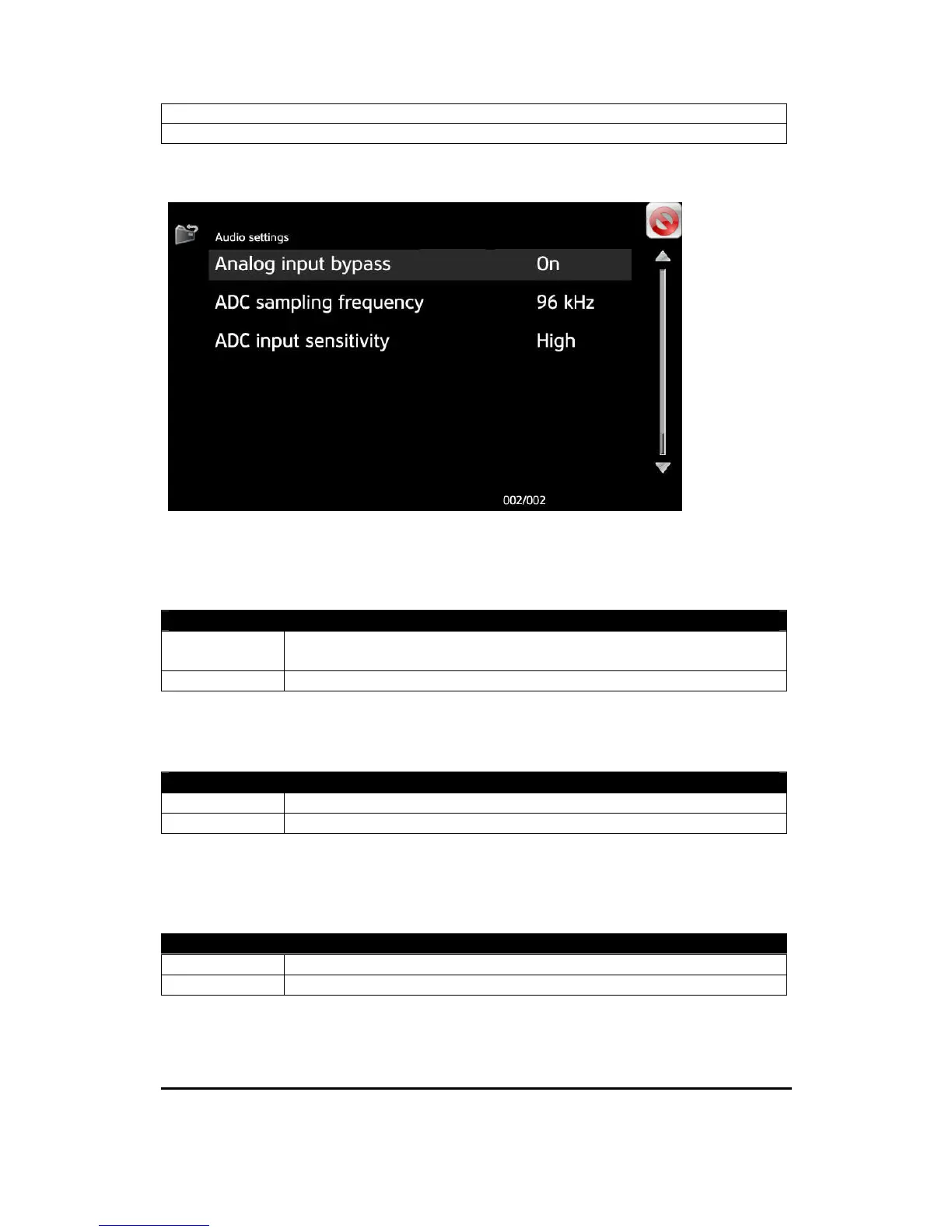
Analog input bypass
Use this setting to select the path for the analog input. It should normally be set
to On. The setting Off is for future use to enable digital processing.
Options
Off Analog inputs are connected via ADC, digital processor and
DAC to the preamplifier.
On *) Analog inputs are directly connected to the preamplifier.
ADC sampling frequency
Use this setting to select the sampling frequency for the analog input signal.
Options
96 kHz *) Analog signal is sampled at 96kHz.
192 kHz Analog signal is sampled at 192kHz.
ADC input sensitivity
Use this setting to adjust the input level to the analog to digital converter (ADC). It
should normally be set to Low.
Options
High Use this setting if the analog output level seems to low.
Low *) This setting should normally be used.


 To Next Page