8
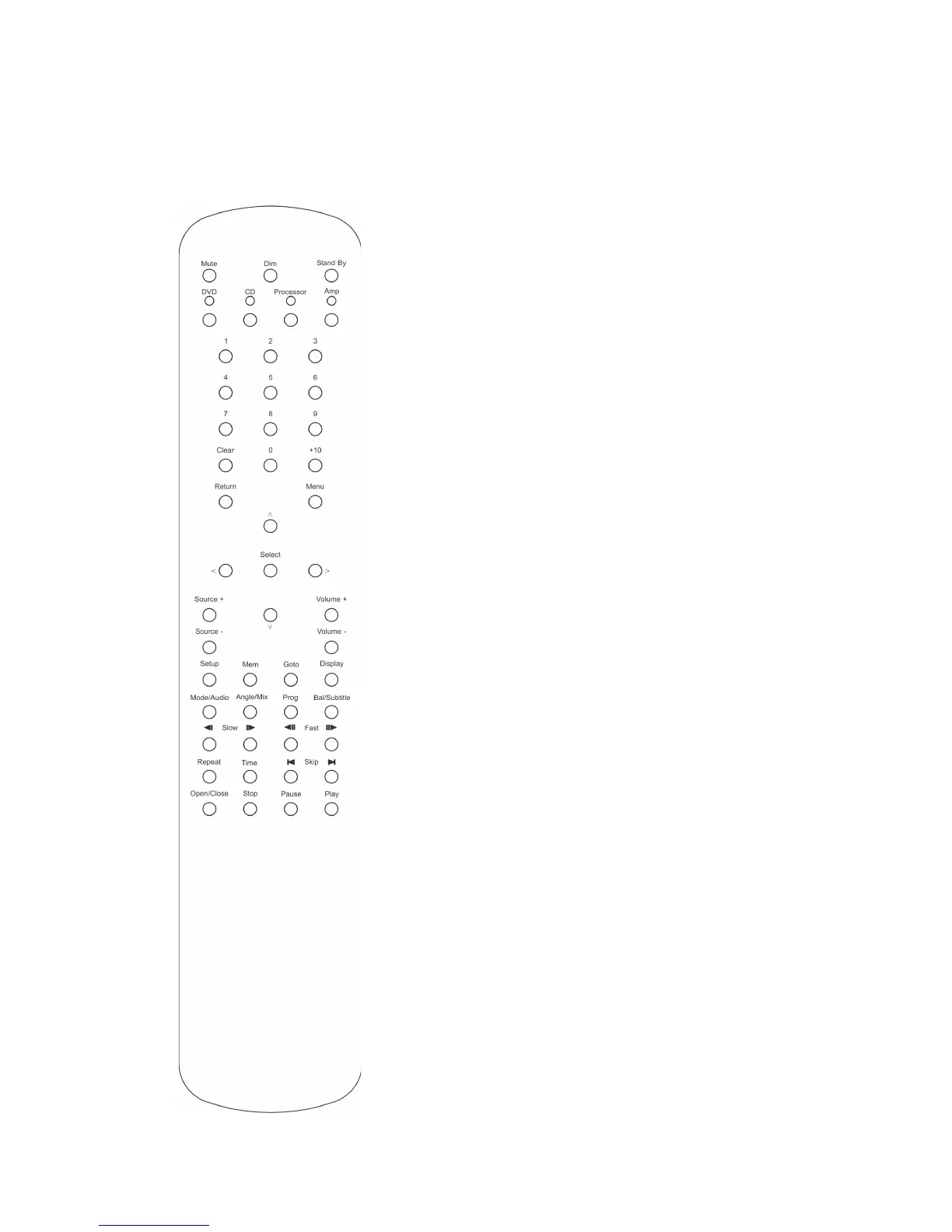
System Remote control
Please note that this is a system remote control which
means that it can also control other BLADELIUS products.
Several functions do not apply to this amplifier.
Amp
Activates Amp specific control buttons
Stand By
Switches the amplifier on and off
Mute
Mutes the sound
Dim
Dims the front panel. Four steps- three dif-
ferent levels and off.
Display
Activates and steps through the menu
Source +/-
Changes the source input
Volume +/-
Controls the master volume
Mode/Audio
Toggles the surround mode by holding for
more than two seconds.
1 – 7
Selects the source input



 To Next Page