www.blaubergventilatoren.de
S21
11
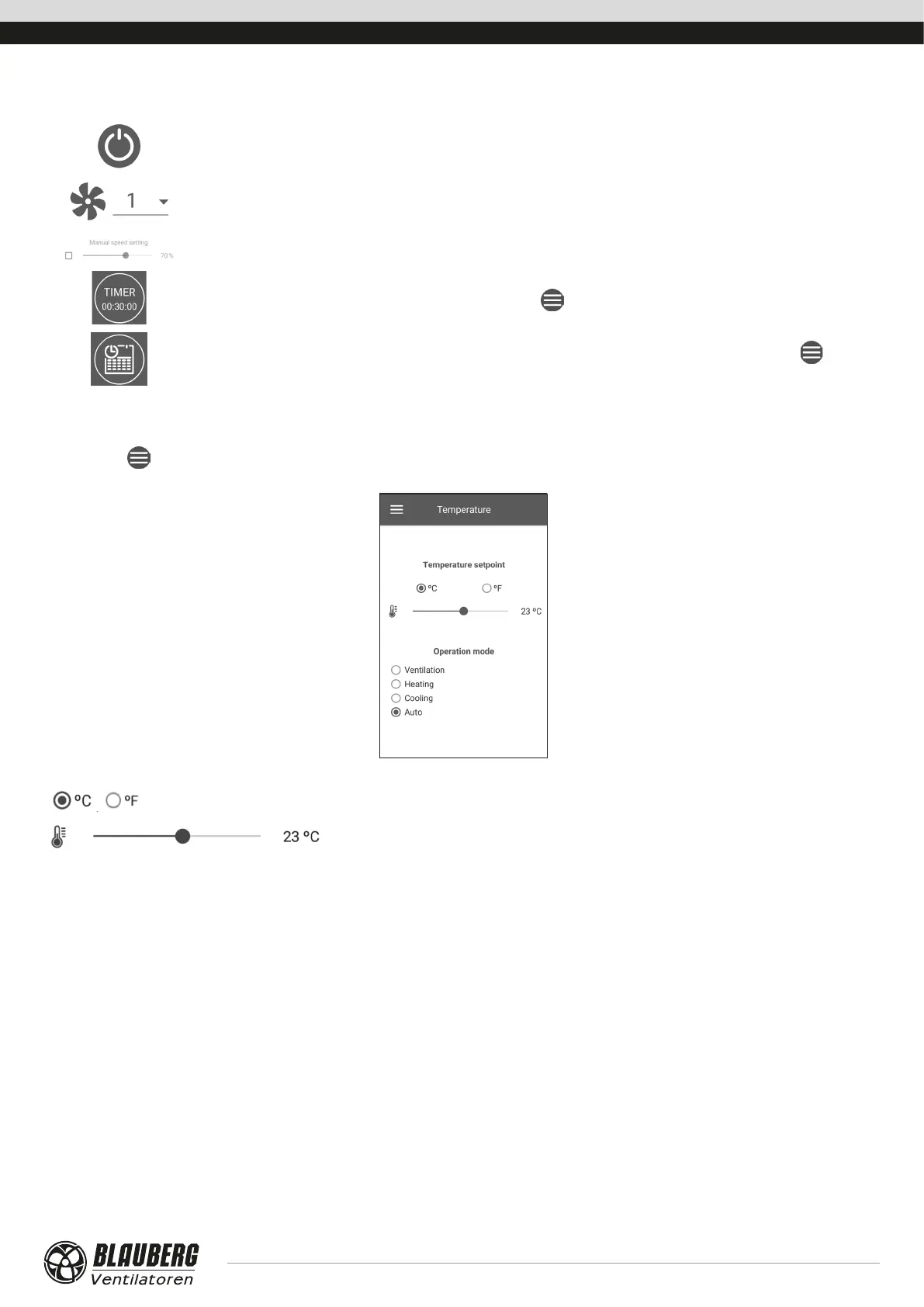
CONTROL BUTTONS
Unit on/Standby.
Selection of pre-set speed.
Manual speed setup. To activate the scroll bar, check it.
Timer activation. Timer settings are made in the Menu ( ) - Basic Settings - Timers.
Week-scheduled operation mode activation. The settings of this mode are made in the Menu ( ) - Basic
settings - Schedule.
BASIC SETTINGS
Temperature
Go to Menu (
) - Basic settings - Temperature.
Temperature setpoint
Select the temperature units for display.
Temperature setting for the normal mode (when the timer and weekly schedule mode
are disabled).
Operating mode: select the operating mode to affect the normal mode, timer and the weekly schedule.
• Ventilation: no temperature control, heat recovery only.
• Heating: only air heating with the electric heater or the outdoor air heat.
• Cooling: only air cooling by means of the cooler or with the outdoor air cold.
• Auto: the control system automatically determines if air heating or cooling is necessary.
The temperature control function is not available in units not equipped with a heater, cooler, bypass or rotary heat exchanger.



 To Next Page