www.blaubergventilatoren.de
S21
14
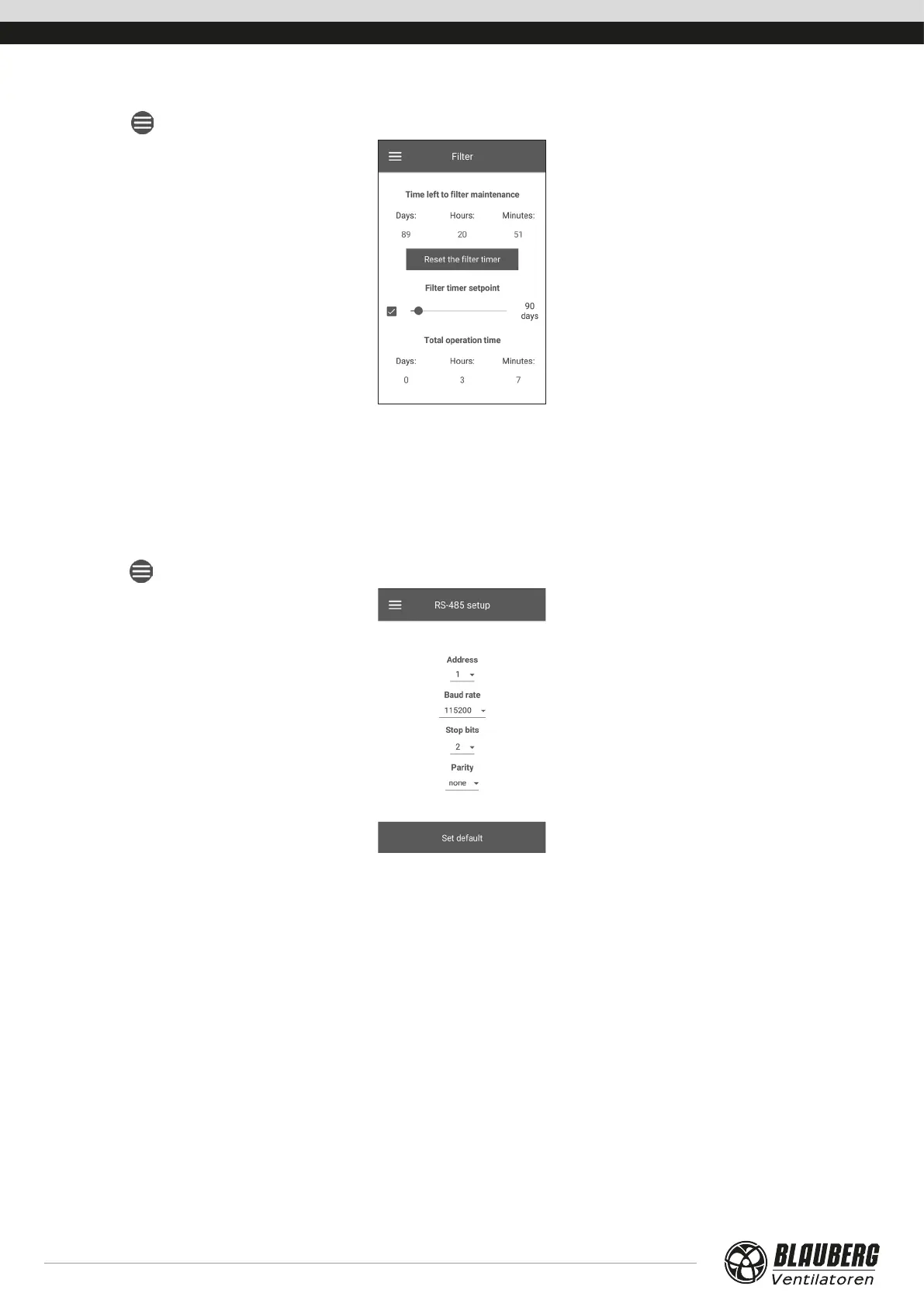
Filter
Go to Menu ( ) - Basic settings - Filter.
Filter timer setpoint: When the set time (70-365 days) has elapsed, the filter change indicator appears and filter replacement information
is displayed in the Alarms menu. To disable the timer, remove the selection next to the slider of filter timer setpoint. If the unit is
equipped with filter contamination control pressure switches, once the timer is disabled the filter contamination is signalled by the
pressure switches only.
Total operating time of the unit: displays the unit total operating time (non-resettable).
CONNECTION
RS-485 setup
Go to Menu ( ) - Connection - RS-485 setup.
Default settings:
• Controller address: 1.
• RS-485 baud rate: 115200 baud.
• RS-485 stop bits: 2.
• RS-485 parity: none.
Note: you can use the RS-485 bus to connect up to 16 units (slave devices) and up to 16 control panels (master devices). The slave and
master devices have separate IDs. Some control panels only accept the RS-485 default values (see the control panel data sheet). If you
set the RS-485 parameters at the unit to enable external control (e.g. with a smart home controller or a BMS system), some control panels
may malfunction.



 To Next Page