www.blaubergventilatoren.de
S21
20
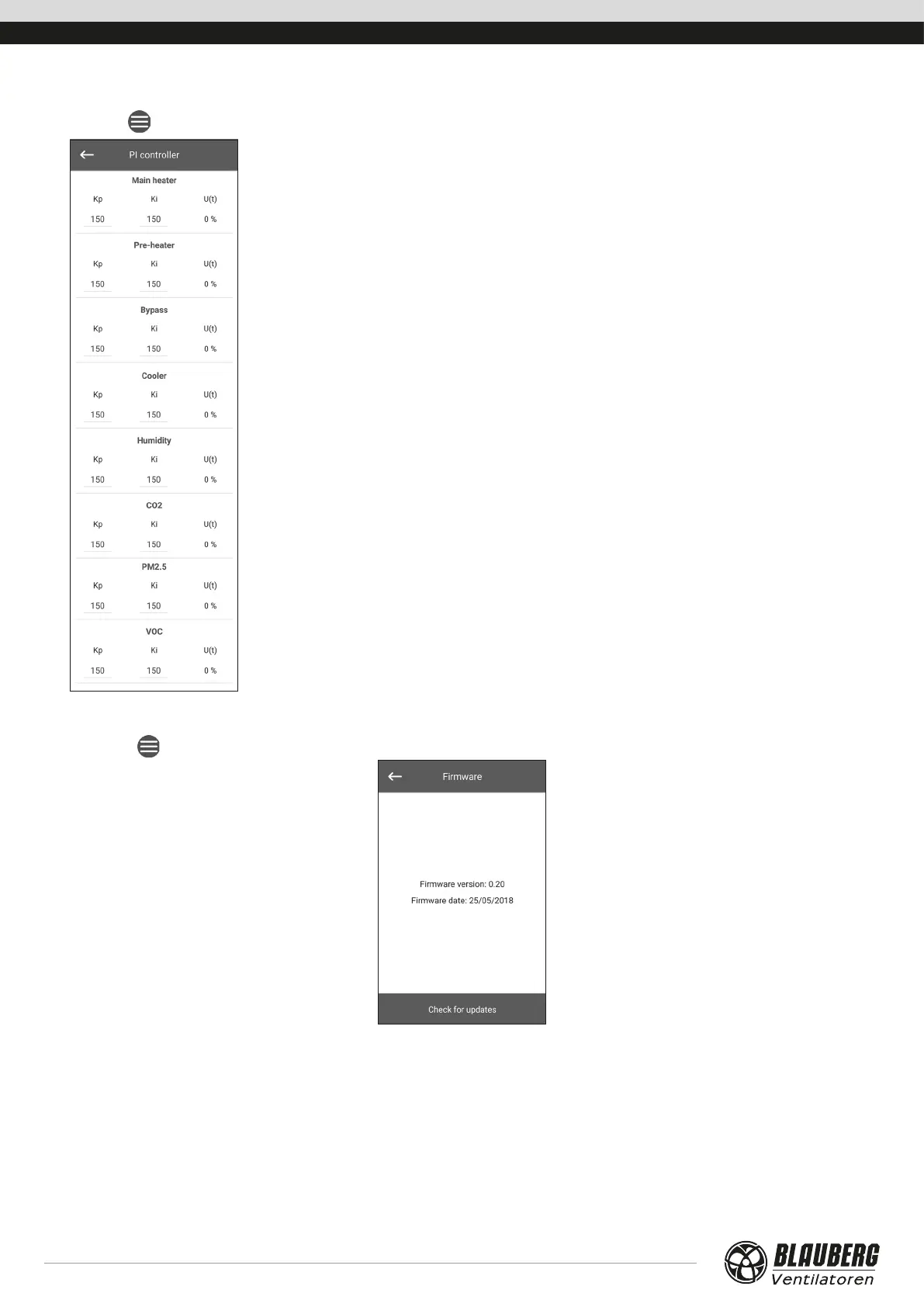
PI controller
Go to Menu (
) - Engineering menu - PI controller.
This menu contains PI controller settings. The and Ki factors affect the control signal change
rate in response to external factors. Increasing the factor values causes the control signal change
faster while decreasing the factor values results in slower control signal changes.
U(t): PI controller output, 0-100 %.
Firmware
GO TO Menu (
) - Engineering menu - Firmware.
This menu displays the current firmware version and date.
To check for the latest firmware update, connect the unit to a router with Internet access. Then press the Check for updates button.
If your unit is running the latest firmware version, the corresponding message is displayed. If a newer version is available, the screen will
show the new firmware version and a complete history of changes, and the Upgrade rmware button becomes active. Once you press
the Upgrade rmware button the firmware upgrade process begins. During the firmware upgrade do not power down the unit, do
not close the mobile application and do not select a new connection. When the firmware upgrade is complete, the screen will show a
confirmation and the connection to the device will be temporarily lost.



 To Next Page