www.blaubergventilatoren.de
S21
21
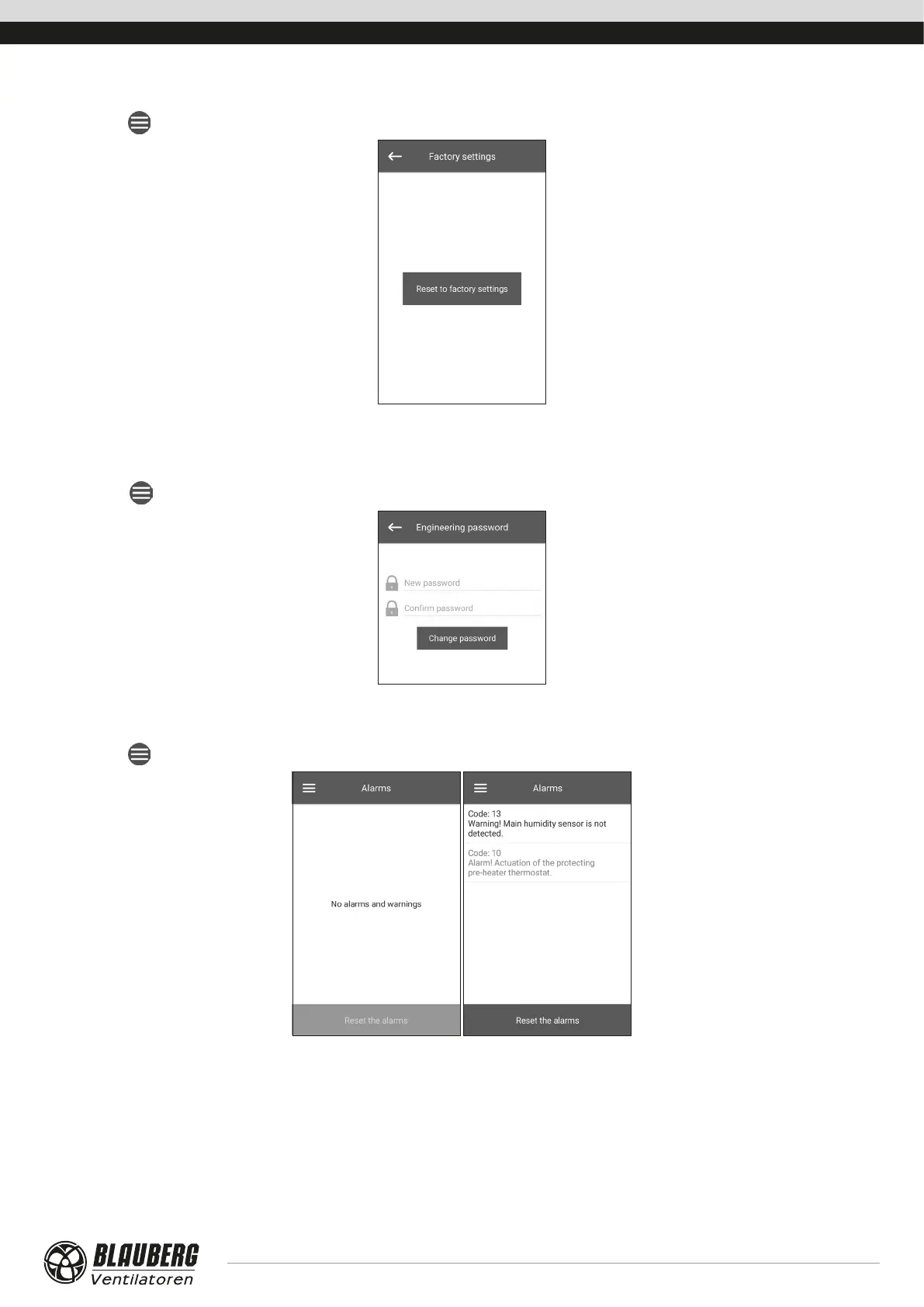
Factory settings
Go to Menu ( ) - Engineering menu - Factory settings.
Use this menu to revert all the settings to their factory values. The reset may cause a temporary loss of connection to the device as it
affects the Wi-Fi, RS-485 and Ethernet settings. If necessary, enter the new settings for your Wi-Fi, RS-485, and Ethernet connections.
Engineering password
Go to Menu ( ) - Engineering menu - Engineering password.
Use this menu to change the engineering password.
Alarms
Go to Menu ( ) - Engineering menu - Alarms.
This menu displays alarms and warnings.
Alarms are highlighted in red, warnings are highlighted in black.
Alarm – indicates a serious error in operation. The unit is forcibly turned off. The alarm is reset manually using the Reset the alarms
button.
Warning - the unit is not forcibly turned off. Warnings are reset automatically after the cause is eliminated.



 To Next Page