12
USB
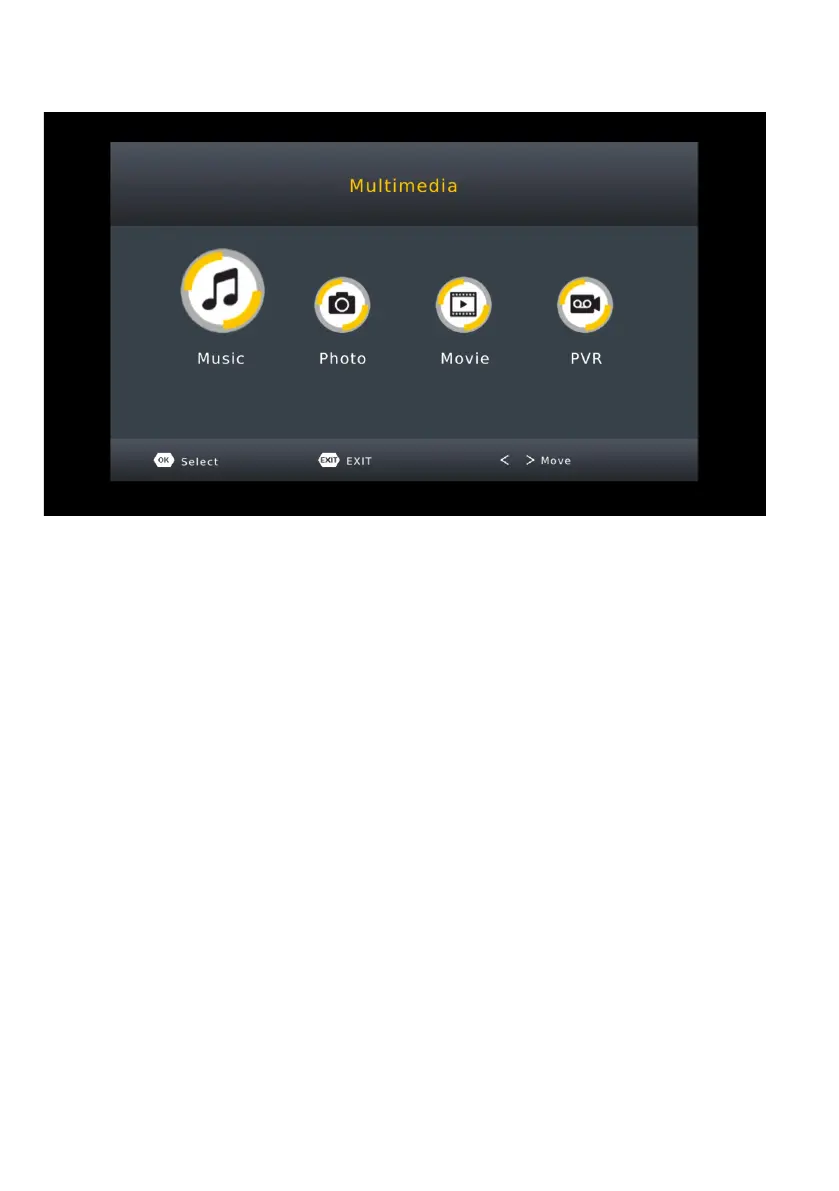
To access the Media files on the inserted USB device. Press the USB
button located on the remote control.
MUSIC - Select MUSIC option to view and access all AUDIO/MUSIC files
on your USB device.
PHOTO - Select Photo option to view and access all PHOTO/IMAGE files
on your USB device.
MOVIE - Select MOVIE option to view and access all MOVIE/VIDEO files
on your USB device.
PVR- Select PVR option to play personal record content.


 To Next Page