16
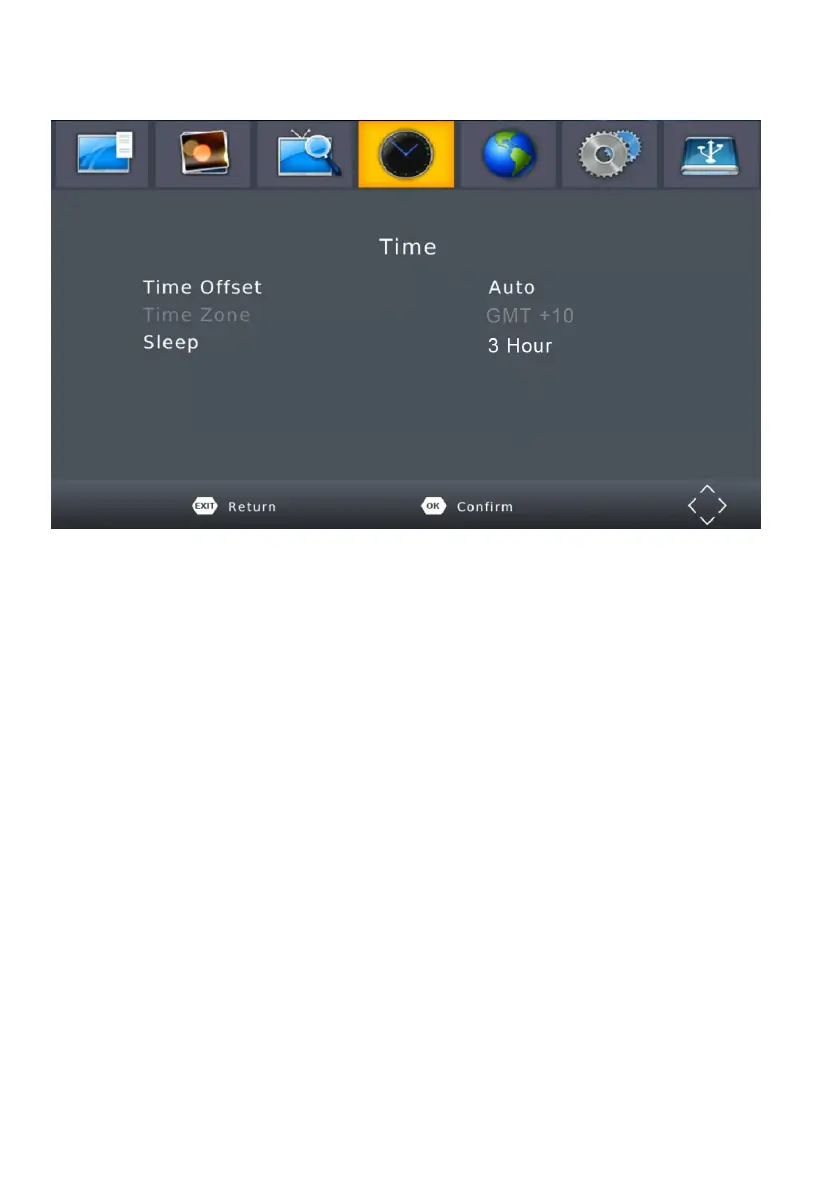
MENU - TIME
To access the Menu, press MENU then select [Time].
The Menu provides options to adjust the time settings.
Press UP/DOWN to select an option and press RIGHT/LEFT to adjust the
setting. Press EXIT to exit the menu.
(1). TIME OFFSET
Select auto or manual for GMT oset adjustments.
(2). COUNTRY REGION
Select the Country Region when [Time Oset] is set to Auto.
(3). TIME ZONE
Select the Time Zone Oset when [Time Oset] is set to Manual.
(4). SLEEP
If this setting is o, this function does not work. If this setting is not
o, a message will pop up after your preferred time to inform you,
that the device will go in to sleep mode.
This message will appear under no any operation. Auto-o function
can be set in a timeperiod at 0-12 hours. Standard setting is 3 hours.
Press STANDBY button to exit sleep / auto-o mode.



 To Next Page