19
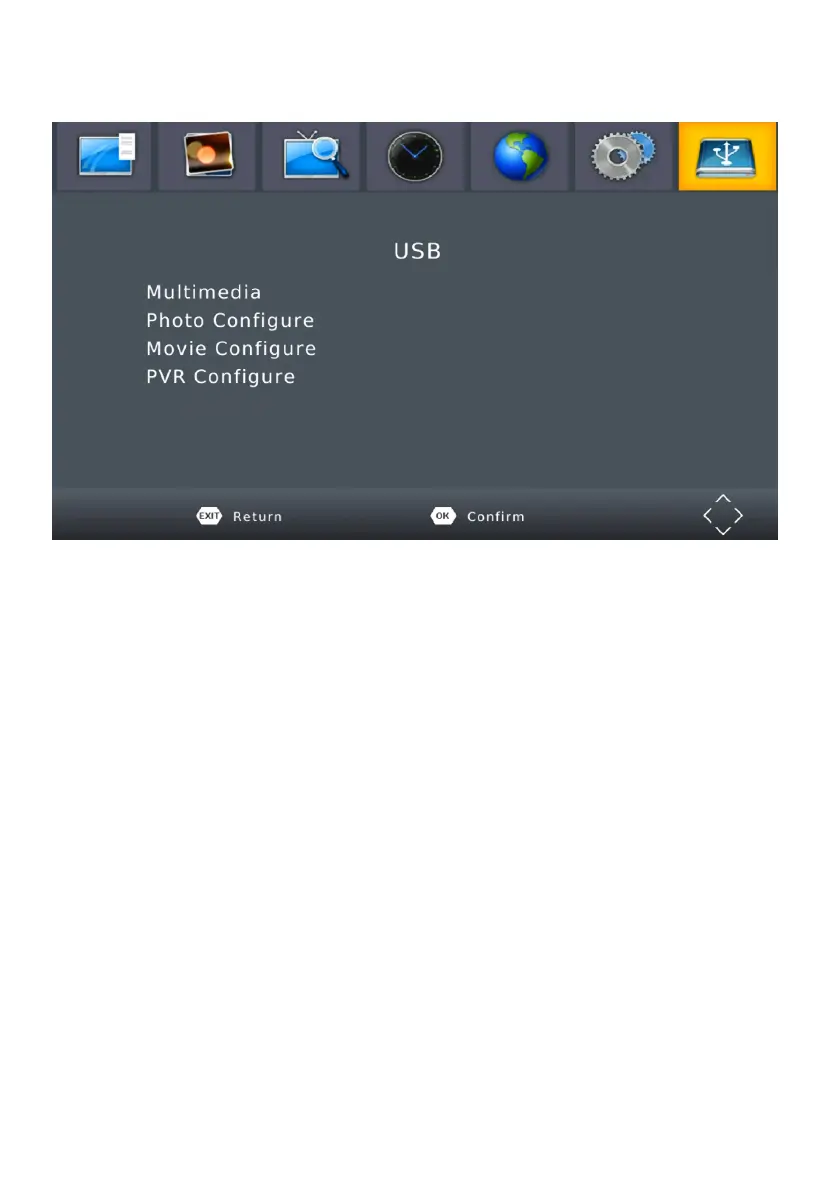
MENU - USB
To access the Menu, press the MENU button and select [USB]. The menu
provides options to playback Music and Photo files, it can support MP3,
WMA,JPEG,BMP files, The unit will only support USB device with FAT
and FAT3w2 file system. It will not support NTFS file system.
(1) Multimedia: if no USB device plug in,a warning message “No USB
Device is Found” displays, otherwise you can select the Music or Photo
type in this menu and press OK to enter the file browser and select the
file to playback.
(2) Photo configure:
- Slide Time: adjust slide show interval to 1~8 seconds.
- Slide Mode: adjust slide show eect as mode 0~59 or random.
- Aspect Ratio: Keep displays the picture as its original aspect,
Discard displays the picture in full screen mode.
(3) PVR configure:
- Record Device: Select the disk for the record.
- Format: Format the selected disk.


 To Next Page