14
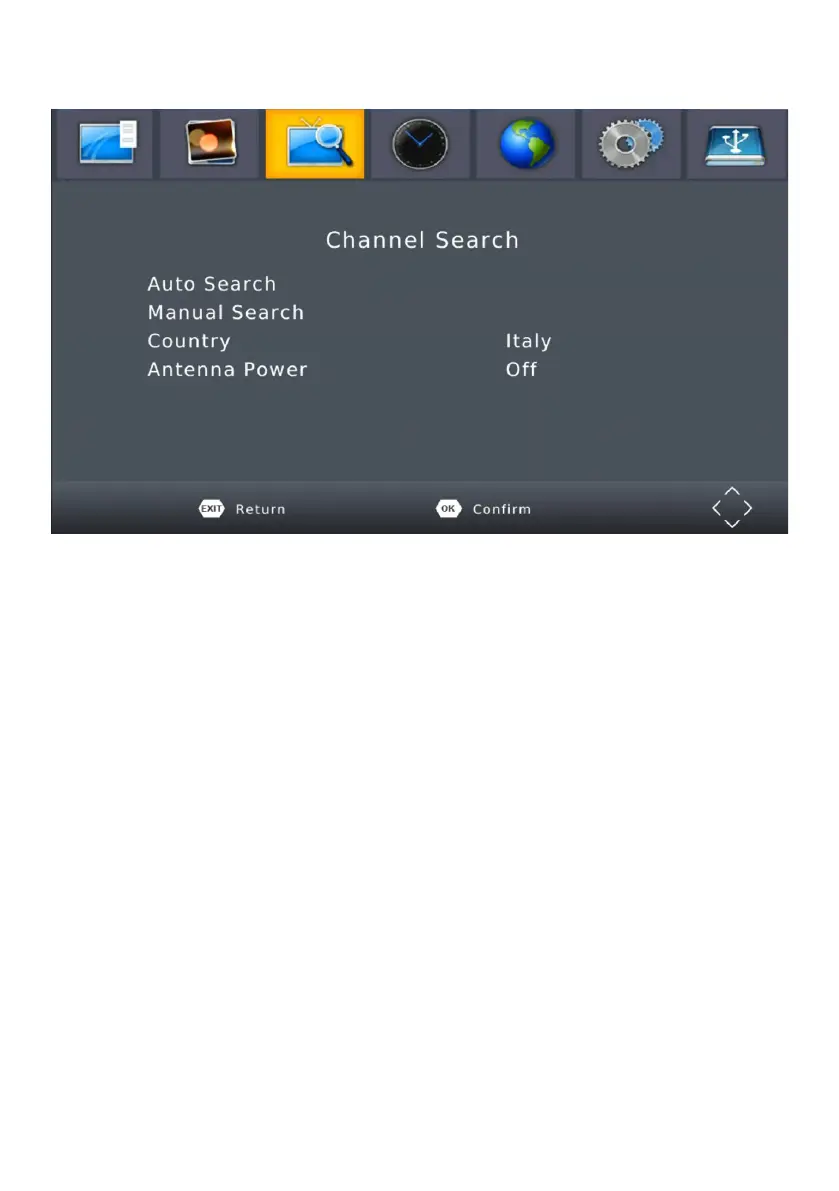
MENU CHANNEL
CHANNEL SEARCH
To access the menu,press MENU and select [Search Channel].
The Menu provides options to adjust the Search Channel settings.
Select an option and press RIGHT/LEFT to adjust the settings.
Press EXIT to exit the menu.
AUTO SEARCH
Search and install all channels automatically. This option overwrites all
preset channels.
(1). Select [Auto Search] and press OK or RIGHT to start channel search.
(2). To cancel channel search, press EXIT.


 To Next Page