13
FRANÇAISENGLISH ESPAÑOL
Display
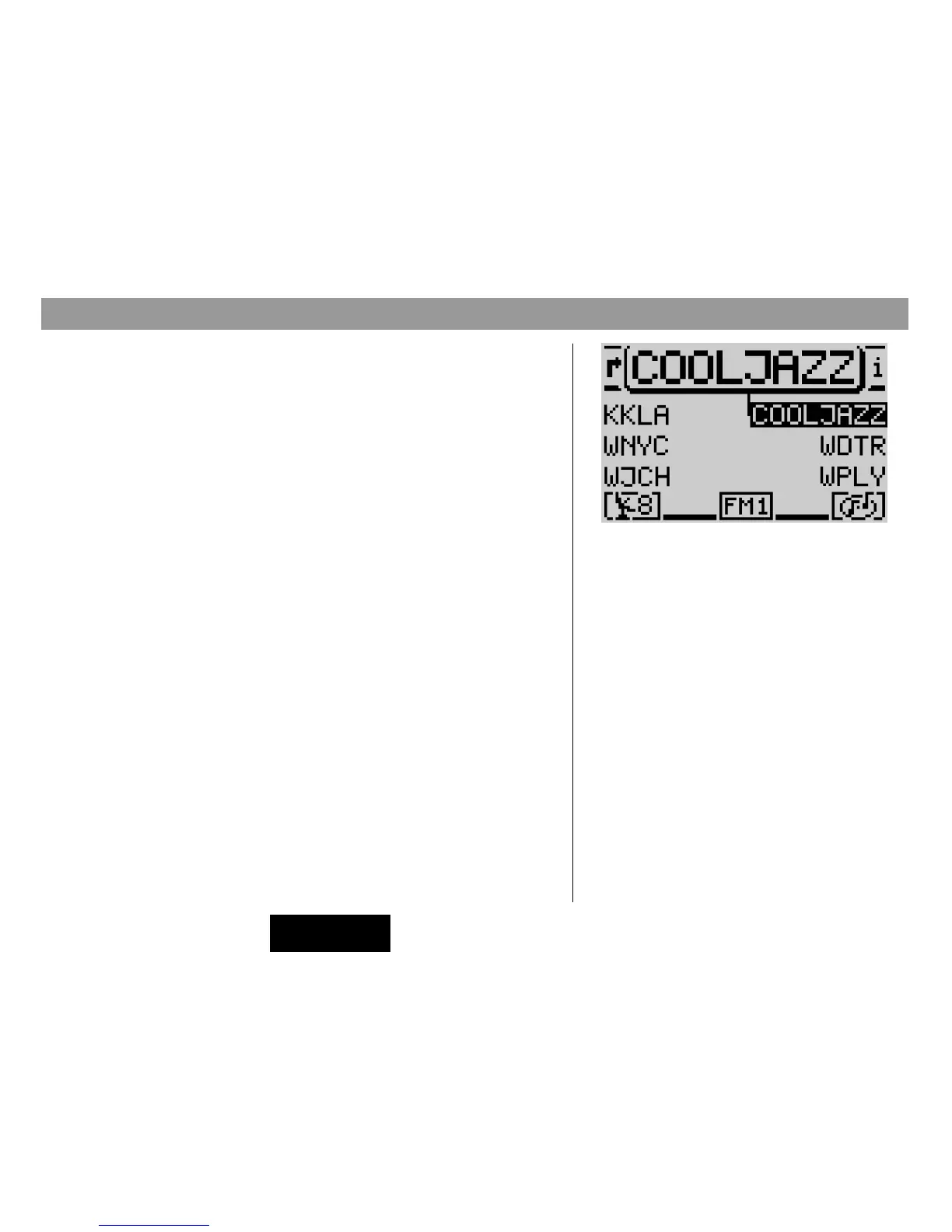
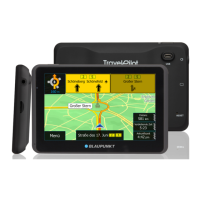
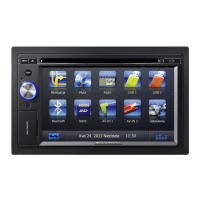
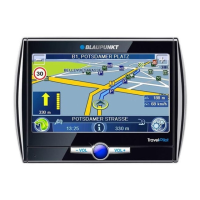
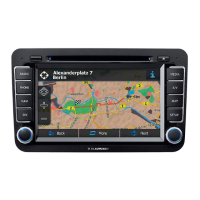
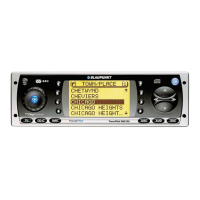
The TravelPilot display provides you with all of the information required for nav-
igation, such as the visual driving recommendations and the menus and lists for
the radio, CD-player and CD-changer audio sources.
If the system has been installed accordingly, it will automatically switch to night
display when the vehicle headlights are switched on. This means that all of the
dots are displayed in the opposite color as for the day display. If you drive with the
headlights on during the day, you can deactivate this automatic switch. Refer to the
information in the chapter on Set-up - Display.
It is possible to adjust the viewing angle of the display in your vehicle to obtain
optimum legibility. Refer to the information in the chapter on Set-up - Display.
Note: Always handle the screen with care. Never allow the display
to come into contact with pointed objects as this will result in scratch-
es and damage the screen. To clean the screen, use only a soft, lint-
free cloth, moistened with a little rubbing alcohol if necessary. Do
not use any solvents such as turpentine or petrolium products as
they are very aggressive and will damage the screen.
General operating instructions
Main tuner menu



 To Next Page