59
Navigation
FRANÇAISENGLISH ESPAÑOL
Simulating route guidance
The TravelPilot also allows you to simulate route guidance. The system demon-
strates route guidance with visual driving recommendations and voice output in
real time.
If you want to start a navigation simulation,
Enter a destination,
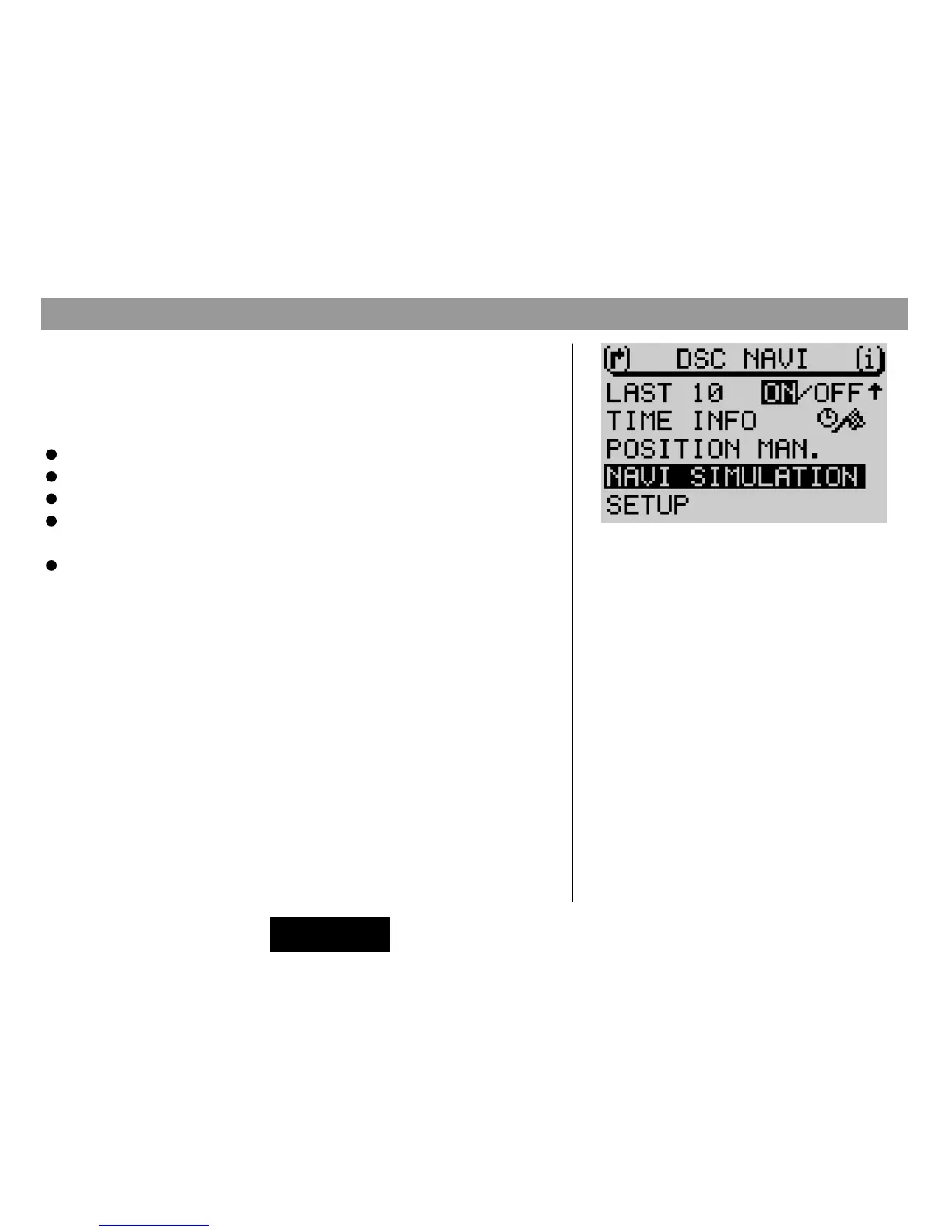
Switch to the DSC menu for navigation, and
Select the menu item
NAVI SIMULATION
.
Press OK 8.
The navigation system will be activated.
Start route guidance.
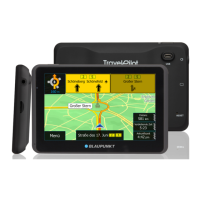
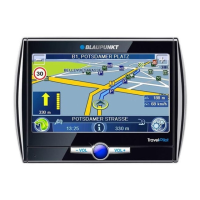
The route guidance menu will appear. DEMO will appear in the left-hand part of
the display below the visual driving instructions.
The demonstration mode will end automatically after route guidance has ended.
DSC menu for navigation



 To Next Page