06
Security
1. Blocks zero should always be used with the power supply supplied with the printer.
2. Never use damaged power cords.
3. This machine have moving components that can cause injury if handled while the printer
is operating.
4. The nozzle in Blocks zero operates at high temperatures, so it should never be touched in
the heating and cooling processes or while the machine is printing.
5. Never access the electronics area while the machine is connected to the power supply.
6. Do not use the printer in explosive environments or near chemicals that may react to
high temperatures or electrical surges.
7. Do not leave liquids near the printer.
8. The printing process should always be supervised.
9. The printer should be installed in a well-ventilated area, as vapors that are harmful to
health may be released during the printing process. The recommendations of the material
manufacturer must always be followed.
10. Do not install the printer in direct contact with solar radiation or in an environment that
may exceed the recommended operation temperature, It may occur deformation of
some printed parts that can cause damage to the equipment.
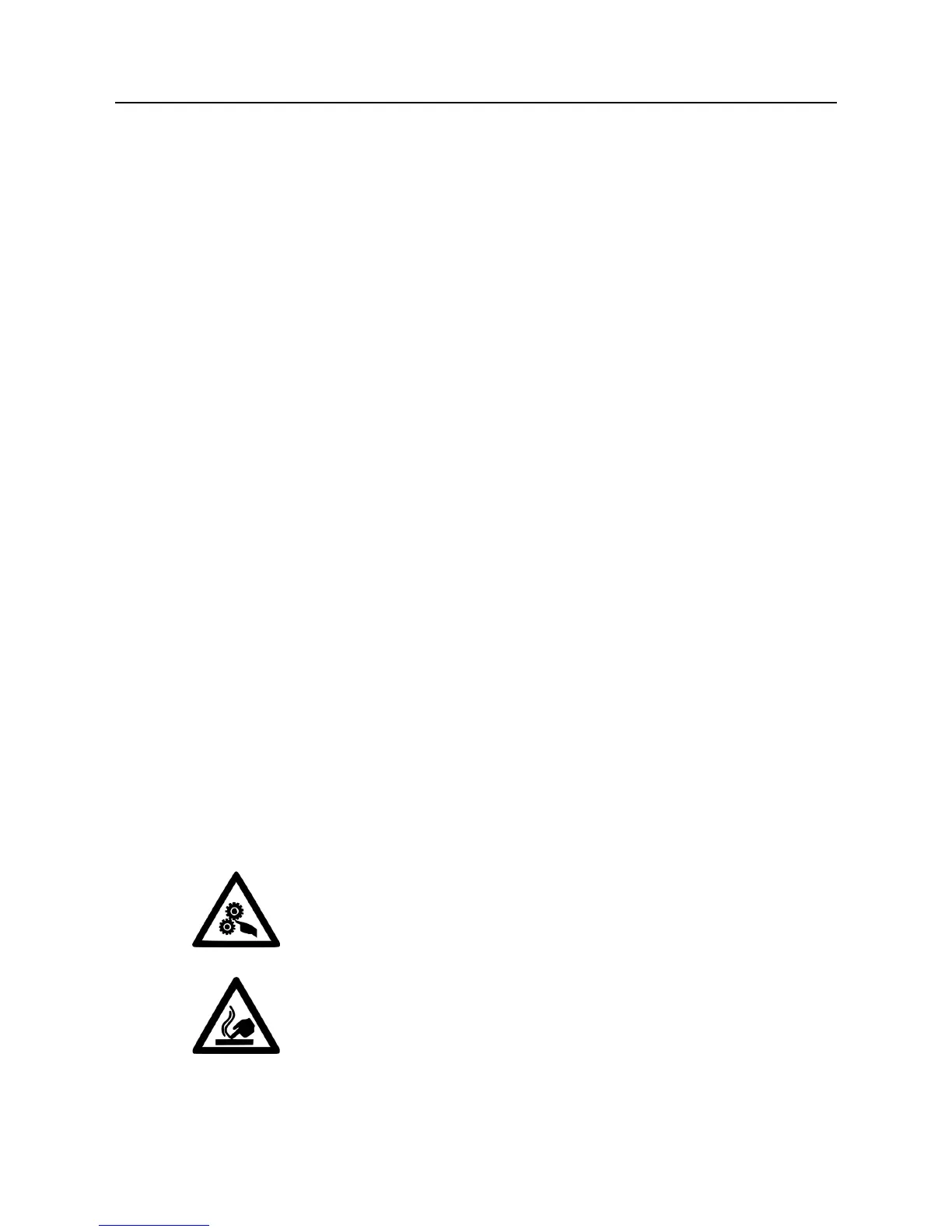
11. Note the following symbols:
This symbol indicates the presence of moving parts inside
the machine.
This symbol indicates the presence of parts
with high temperatures.
Security01



 To Next Page