2 Barnes & Noble Cafe January 2013
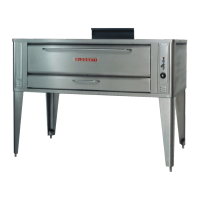
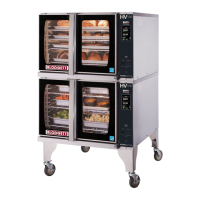
Blodgett Oven IQ2 Programming Guide
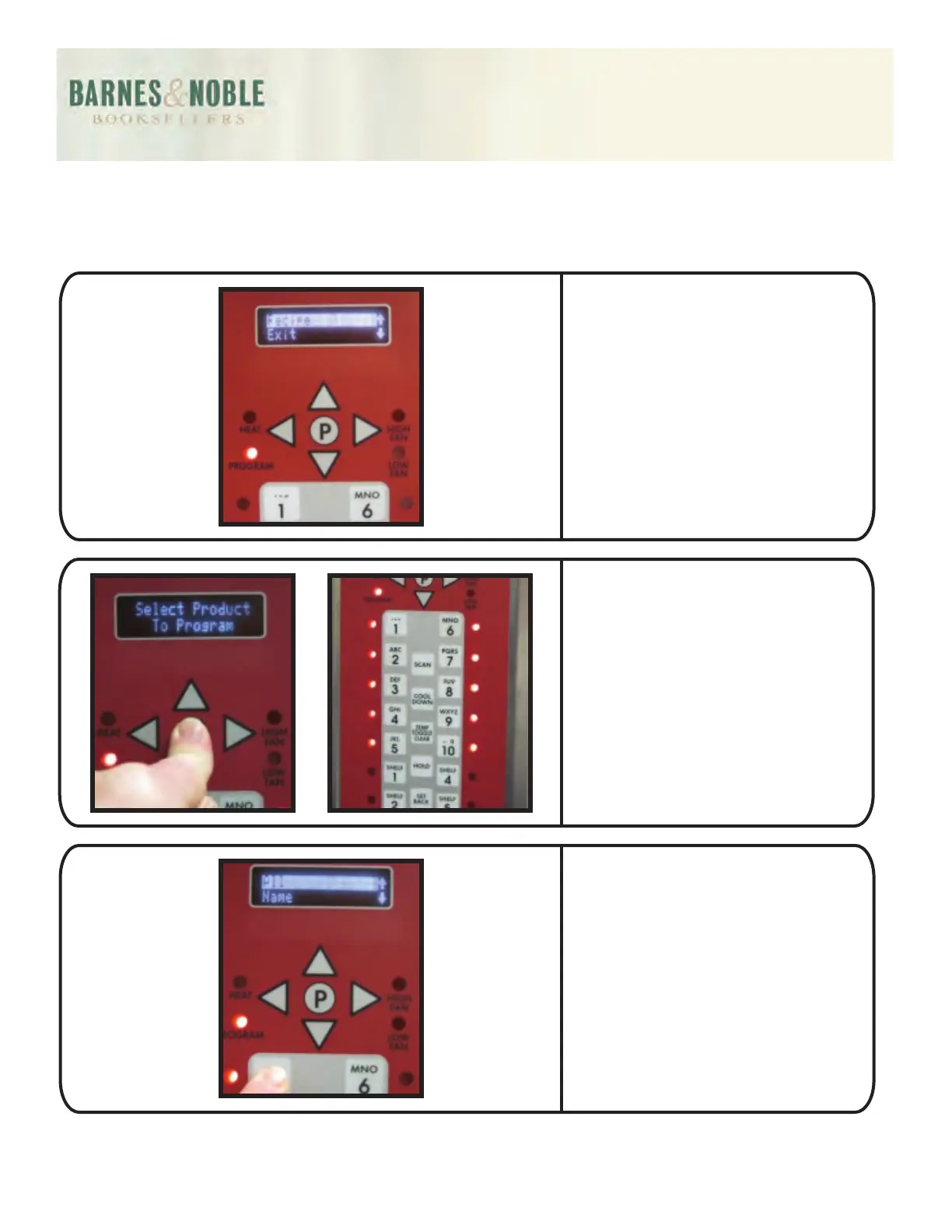
Press the P button, the display
will read RECIPE - EXIT.
Press the P button. The 1
through 10 button lights will
turn on and the display will
read: Select Product to
Program.
Press the desired product
button (i.e. 1). The only light to
remain on will be the button
you are programming. In the
display it will read: ALL – NAME.



 To Next Page