4 Barnes & Noble Cafe January 2013
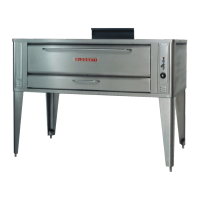
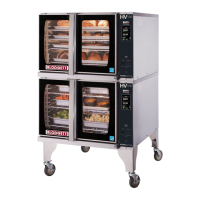
Blodgett Oven IQ2 Programming Guide
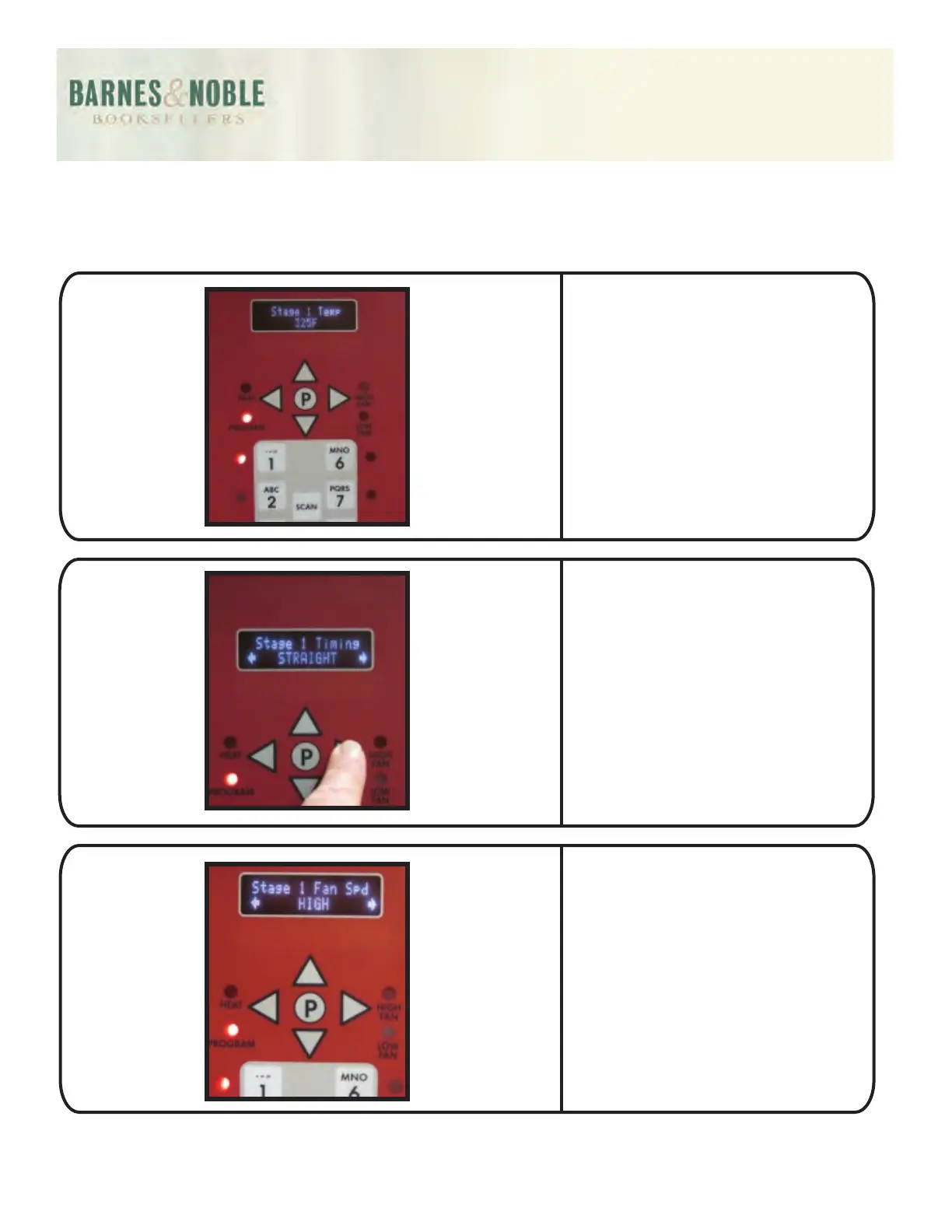
Press the P button. The display
will read Stage 1 Temp. Using
the numeric buttons enter 325.
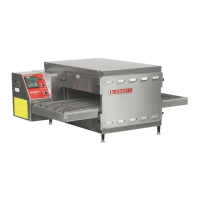
Press the P button. The display
will read Stage 1 Timing.
Using the left/right arrows
scroll to the option labeled
Straight.
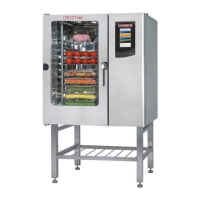
Press the P button. The display
will read Stage 1 Fan. Using the
left/right arrows go to at High.



 To Next Page