3 Barnes & Noble Cafe January 2013
Blodgett Oven IQ2 Programming Guide
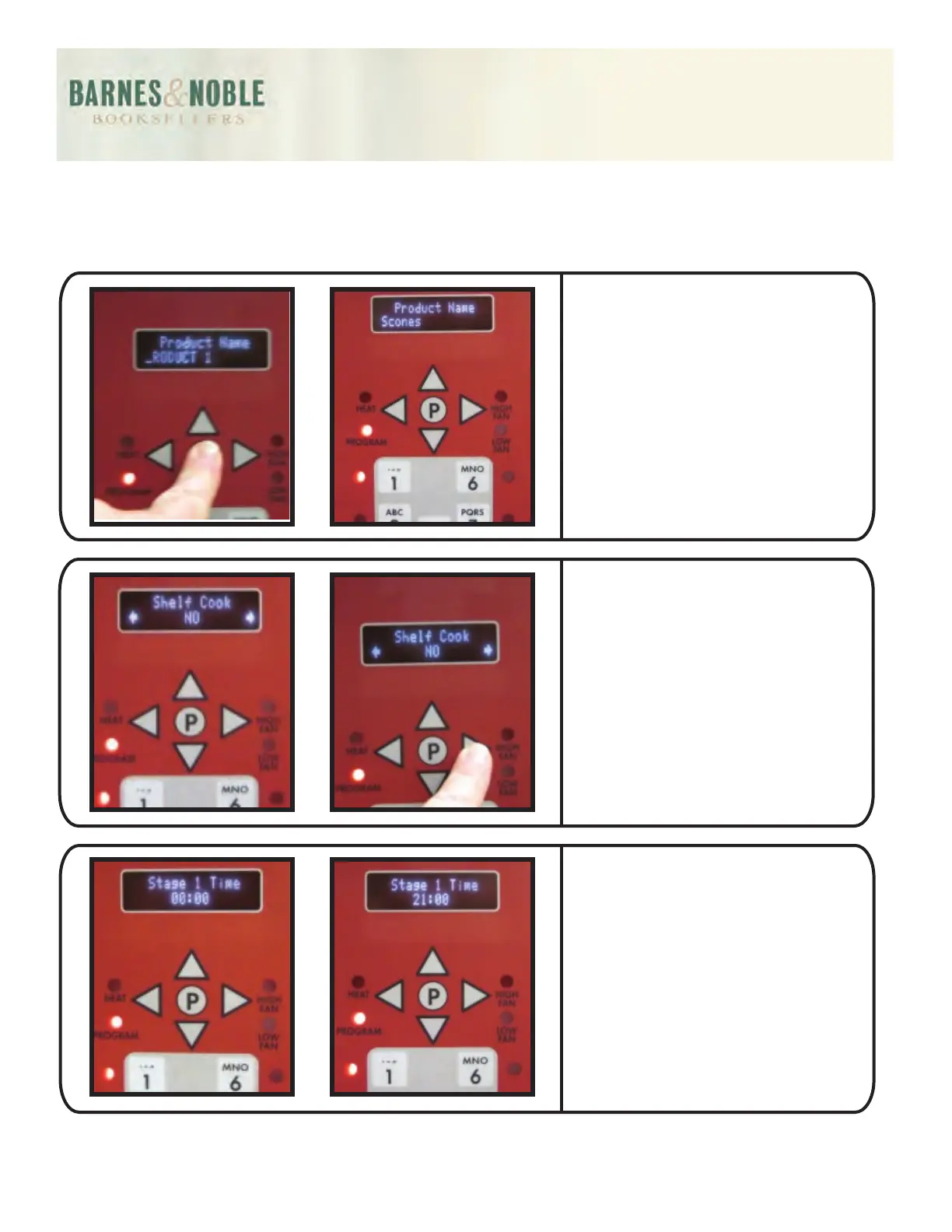
The option "ALL" should be
highlighted. Press the P button.
Using the up/down arrow
buttons, locate the product
name that most represents the
product being programmed
(i.e. scones). Then press the P
button.
The display will then read:
SHELF COOK. Using the left
or right arrow buttons to NO.
Press the P button. The display
will read Stage 1 Time. Using
the numeric buttons (1 through
10) to key in the cook time
(i.e. 21:00 minutes: press the 2
button, 1 button and 10.
(10 represents 0).



 To Next Page