3-7
INSTRUMENTATIONINSTRUMENTATION
Area 6 (Clock). The time is displayed in the bottom right corner of the
Drivers Display. It can be set to show a 24 hour or a 12 hour clock and
the actual time can be adjusted using the Settings and Diagnostic
menus. The 12 hour clock will display AM / PM next to the hours and
minutes, but the 24 hour clock will not.
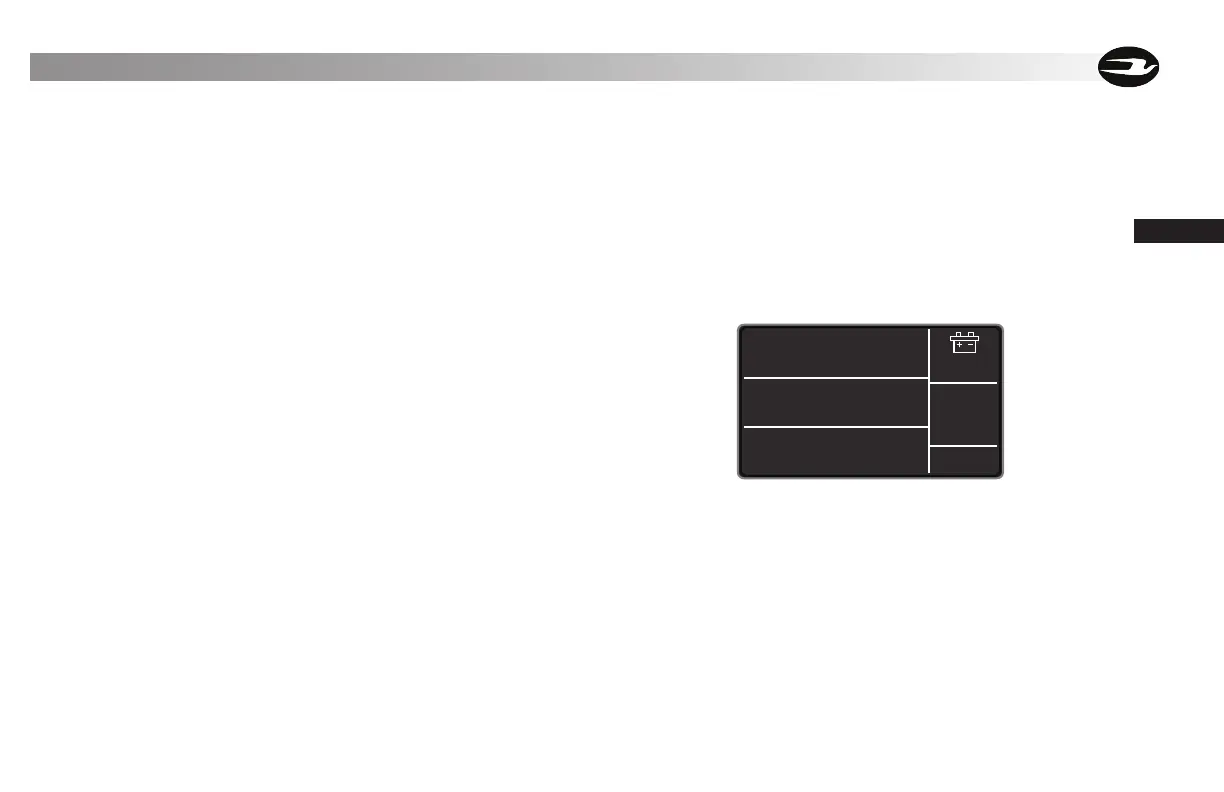
Charging Mode
When the battery charge cord is plugged into the bus, Area 5 can dis-
play the charging mode. When the ignition is in the OFF position press
any of the three navigation buttons to display the charging status. The
display will remain on for 10 seconds before timing out. If the ignition
is ON the charging status will display automatically. Note that when
charging, Area 3 will display the time needed to complete a full charge.
Area 5 vehicle status will be over ridden and display the optional front
and rear applied air pressure when triggered. To trigger this display the
service brake must be depressed and the applied air pressure function
“ENABLED” in the Configuration Menu.
3011.9 Mi
13.3 V
Charger
Connected
12:25 AM
45 Mi to Empty
Time to Full
Charge:
4.7 hrs
Typical Charge Mode Screen Display



 To Next Page