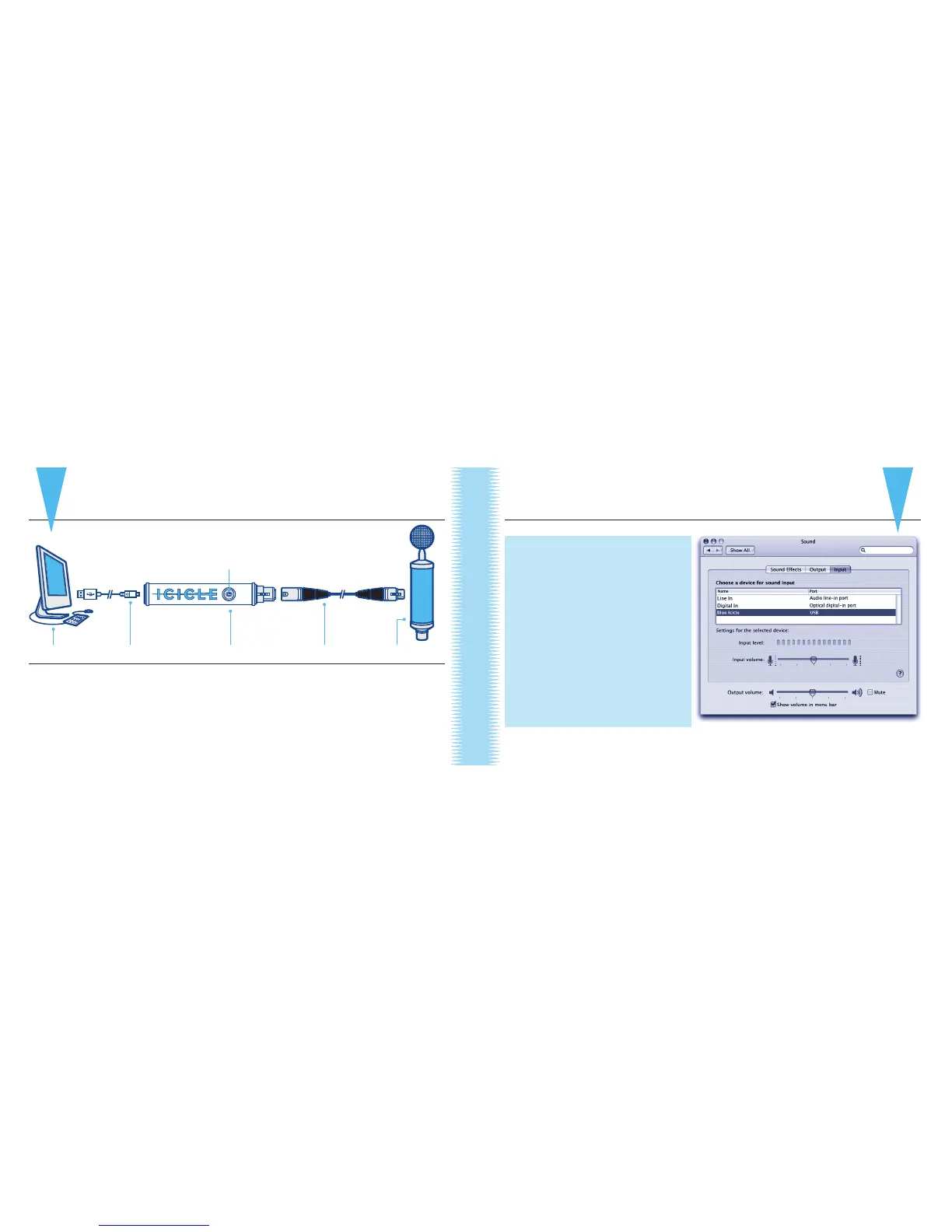
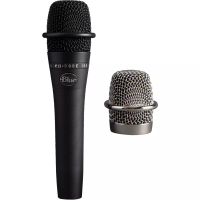
computer usb cable icicle xlr cable microphone
QuickStart Guide
Be sure to read How to use the Icicle, on page 6, to get the most out of your Icicle.
For Macintosh (OSX):
a. In the Apple menu, open System
Preferences
b. Double-click on Sound
Preference le
c. Click on the Input tab
d. Double click on Blue Icicle in the
Choose a Device for Sound Input
dialog box
e. Set input volume to an appropriate
level (start at the midway point of
the slider and adjust from there)
f. Exit System Preferences
QuickStart Guide
3
2
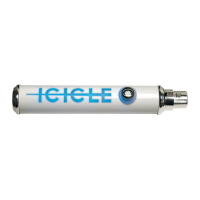
1. Connect microphone (sold separately) with an XLR cable (also sold separately)
to the XLR connector on Icicle
2 . Insert USB cable (included) into the USB connector on Icicle
3. Plug USB cable into your computer
4. Select the Icicle as the audio input device on your computer:
Macintosh Sound Preference box
gain control knob


 To Next Page