4ENGLISH
WHAT’S IN THE BOX?
CHARGING THE DEVICE
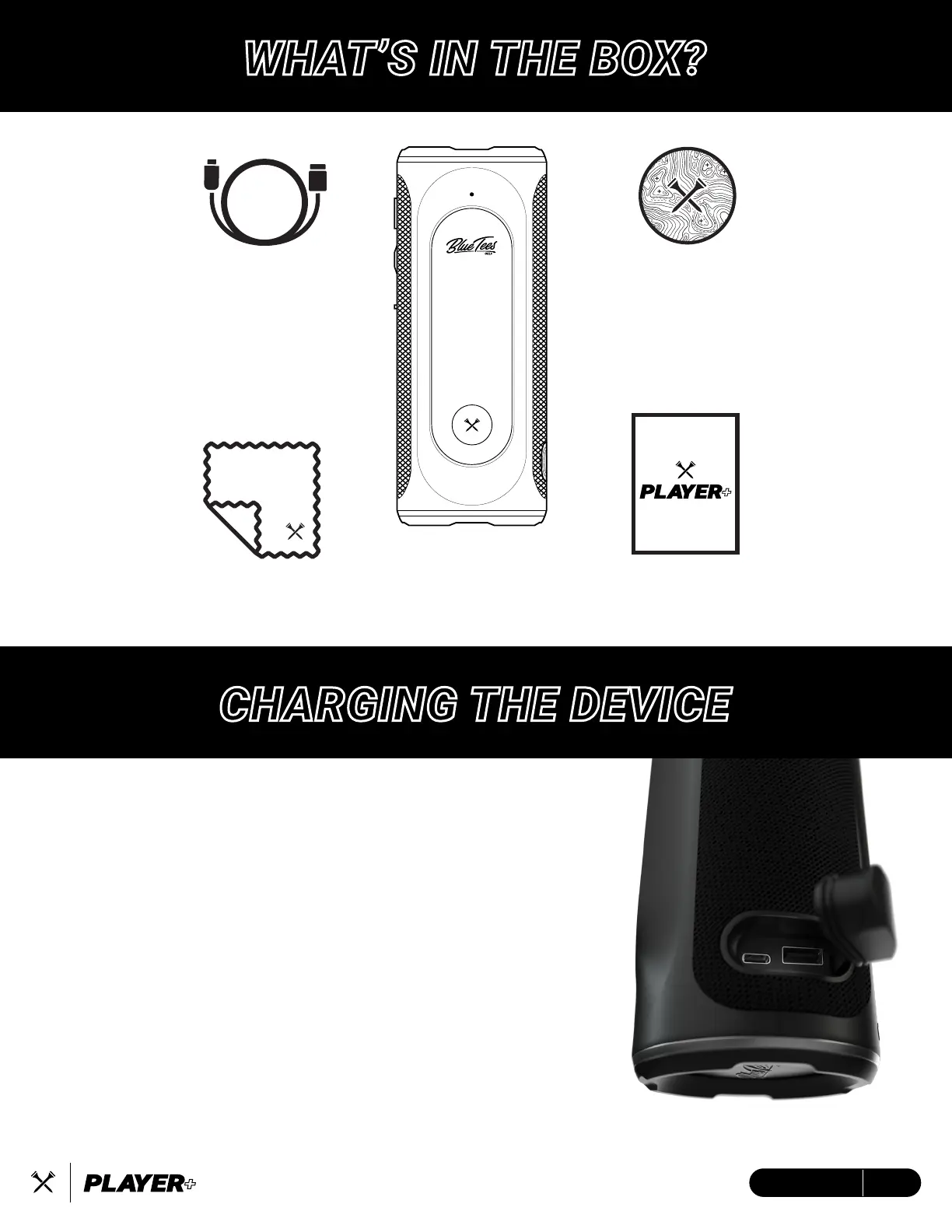
Blue Tees
Cleaning Cloth
USB-C to USB-A
Charging/Data Cable
Blue Tees Golf
Crossed Tees Sticker
Quick Step
Guide
Player+
Magnetic Touch
Smart Speaker
This device is powered by built-in lithium-ion batteries that can be
charged using any standard USB port on your laptop/computer or
an AC adapter.
Note: This device will not charge/operate outside of the approved
temperature range (page 19)
1. Locate and remove the rubber boot covering the USB-C
charging port on the device.
2. Insert the small end (USB-C) of the provided charging cable
into the USB-C input port.
3. Insert the large end (USB-A) of the provided charging cable
into an external power source, such as a USB port on your
laptop/computer or an AC adapter (min. 5V/2A).
4. Remain inserted for 3-4 hours or until device is fully charged
before use.


 To Next Page