7. Discharging
8.1 Setting Mode
When the screen is on and the AC output is off, press and hold the AC and DC power
buttons for about 2 seconds till the frequency indicator flashes to enter Setting Mode.
Press and hold the AC and DC power buttons at the same time to exit Setting Mode.
Note: If you do not perform any operation in 1 minute, the AC70 will automatically exit
Setting Mode and no changes will be saved.
The AC70 offers the convenience of adjusting its settings either via physical buttons or
BLUETTI App. With the buttons located on the device itself, you have direct control over
various settings such as ECO Mode, output frequency, charging modes, and other
functionalities. Additionally, by using the BLUETTI App, you can access a user-friendly
interface on your phone to conveniently monitor and control the AC70.
8. Settings
7.1 AC Discharging
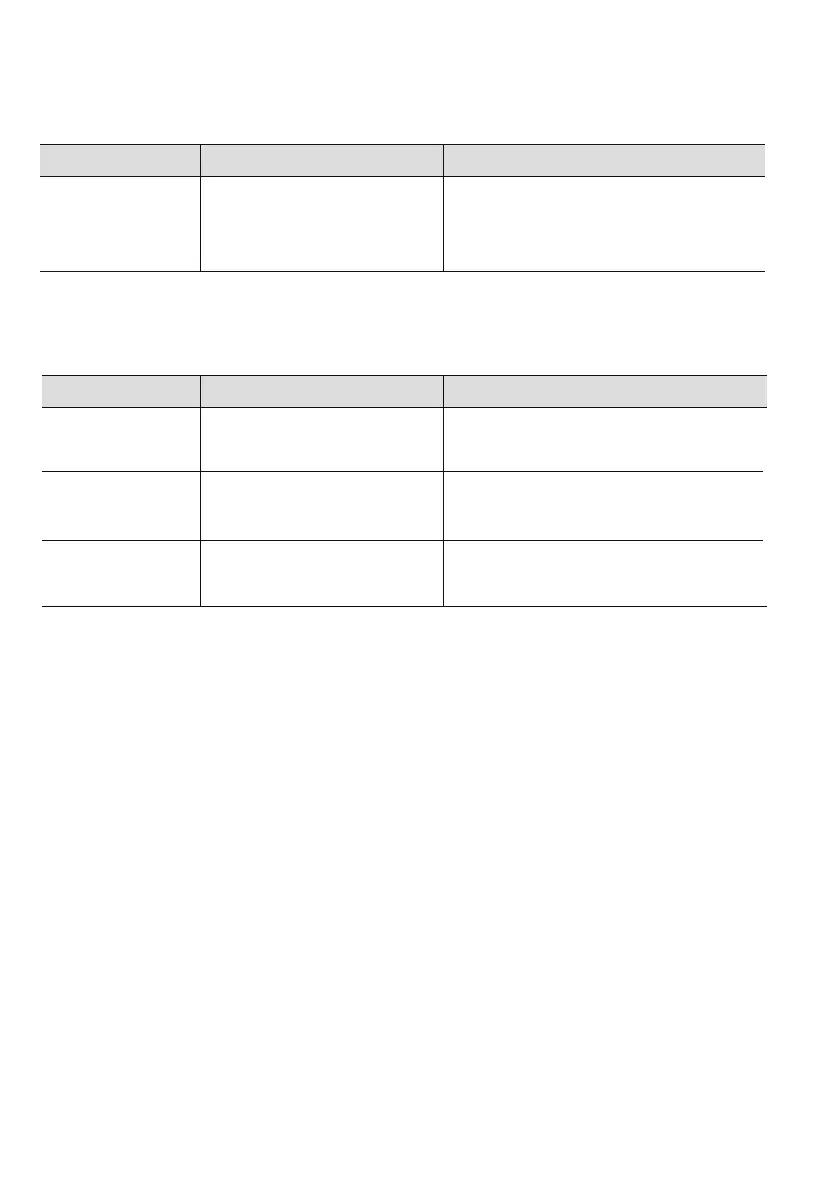
Item Specifications Compatible Loads
7.2 DC Discharging
Cigarette
Lighter Port
2 × USB-C Port
12V / 10A
5 / 9 / 12 / 15 / 20V, 3A; 20V, 5A
Mobile phones, laptops, etc.
120V
50Hz / 60Hz
Appliances up to 1000W power.
e.g., air conditioners, refrigerators
2 × AC Outlet
Item Specifications Compatible Loads
2 × USB-A Port 5V / 2.4A
12V DC appliances up to 120W power.
e.g., car refrigerator, air conditioner
Mobile phones and other small loads.
Note: Do not apply AC70 to loads higher than 1000W, as this may cause damage to AC70 and your devices.
Note: To ensure optimal performance, avoid short-circuiting the ports and keep them dry during
use or storage. Additionally, do not block or cover the ports while ensuring proper ventilation.
JUST POWER ON16



 To Next Page