12
BLUETTI
06. Start up & Power o
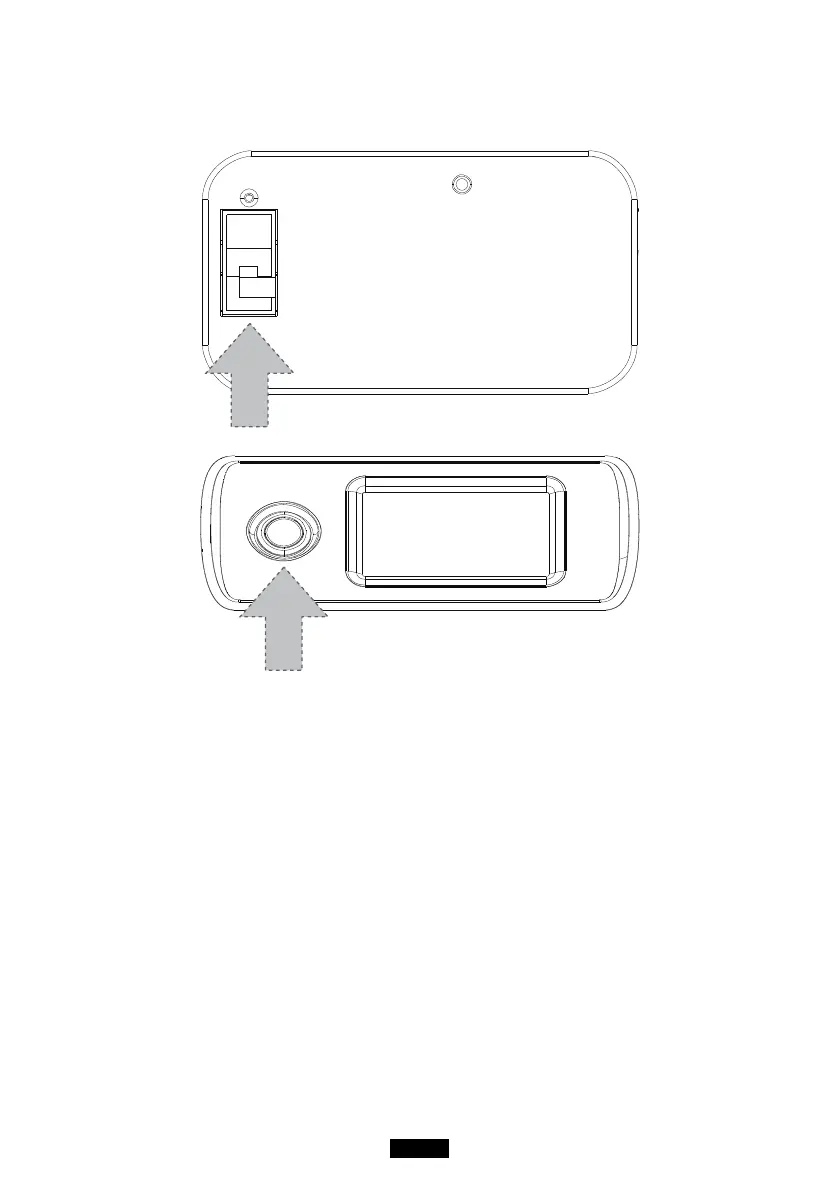
( Back )
( Front )
● Turn on the main power switch on the back of EP500.
● Power On: Short press the power button. The power button indicator will
illuminate.
● Power O: Long press the power button for 2 seconds. The power button
indicator light will turn o.
● DC power switch and AC power switch are accessible via the Touchscreen
LCD. Press the “DC ON/OFF” button and/or “AC ON/OFF” button on the
screen to turn ON/OFF the DC/AC output.
● EP500 will turn on automatically from Power O status when either grid
charging and/or PV charging is applied to the unit.



 To Next Page