07
Just Power On
04. APP User Guide
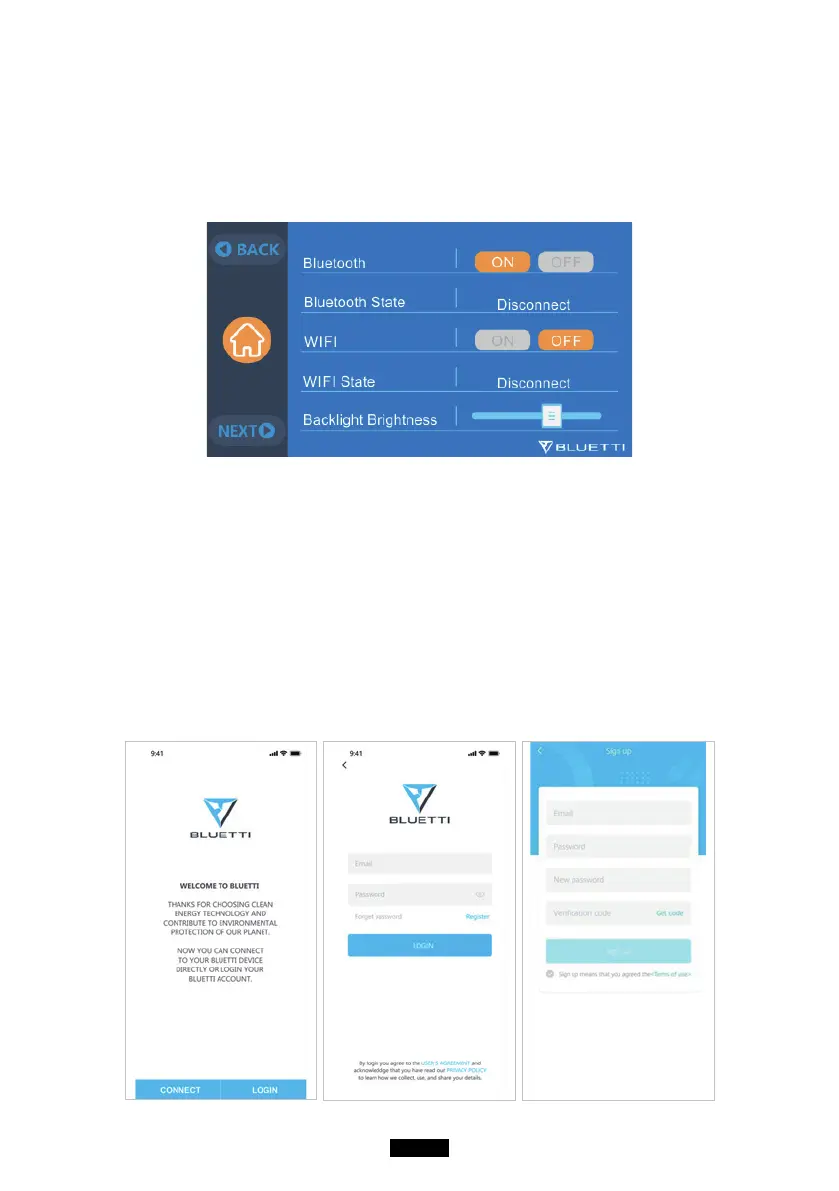
Please make sure the Bluetooth & Wi-Fi State is “ON” before connecting EP500
with BLUETTI App.
( Main Interface - Settings - Next - Next - Next )
Step 1:
● Please search “BLUETTI” on the App Store (for IOS devices) or Google Play (for
Android devices) to download the BLUETTI App to remotely control your EP500.
EP500 can be controlled via Bluetooth or Wi-Fi. To activate the remote
control, please launch the BLUETTI App, and tap the “LOGIN” icon to register
your BLUETTI account.
Fill with your related information to continue.



 To Next Page