15
Just Power On
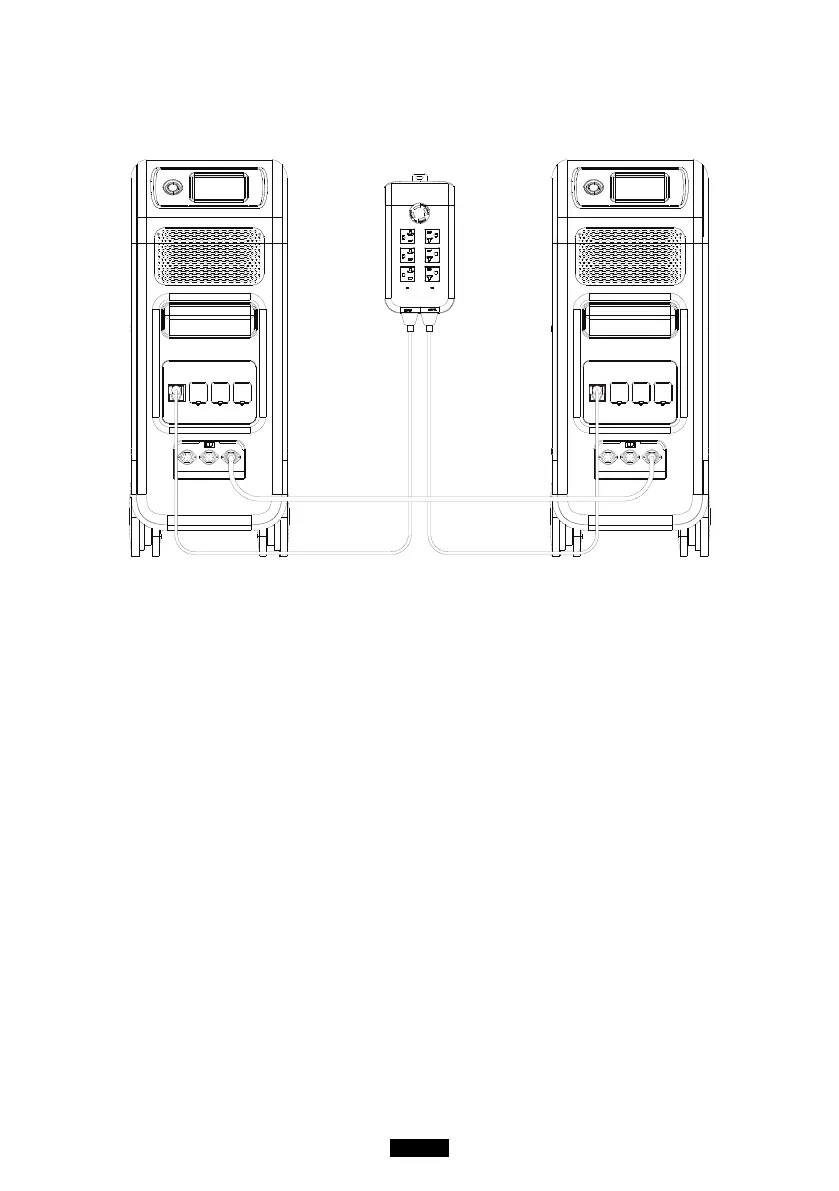
7.2.3. Machine Type (for split phase setting, exclusive for 100-120V
Version)
“Single Phase” is set as the default machine type if you are operating a single
EP500. This is the only and correct setting if a single EP500 is being used.
Machine type is just used to set for Split Phase, “Split Phase” is only used for
connecting both *2 EP500 (exclusive for 100-120V Version) bonded 2 pairs
of EP500 to one power system to double the output power, voltage, so as to
capacity.
Please refer to Split Phase setting for detailed information.
7.2.4. Working Mode
Tips: EP500 will be set as the Standard UPS Mode.
There are altogether four working modes you can select in settings:
Standard UPS Mode: Default working mode(including Online and Oine mode).
PV Priority Mode: Recommended for areas in stable power supply.
Time Control Mode: Suitable for areas with peak and o-peak time-of-use rates
for money saving.
Customized Mode: Customized the parameters for a better user experience.
Detailed UPS Mode setting please check the chapter
10. UPS.



 To Next Page