G12�Driver�Assistance�Systems
15.�Cameras
73
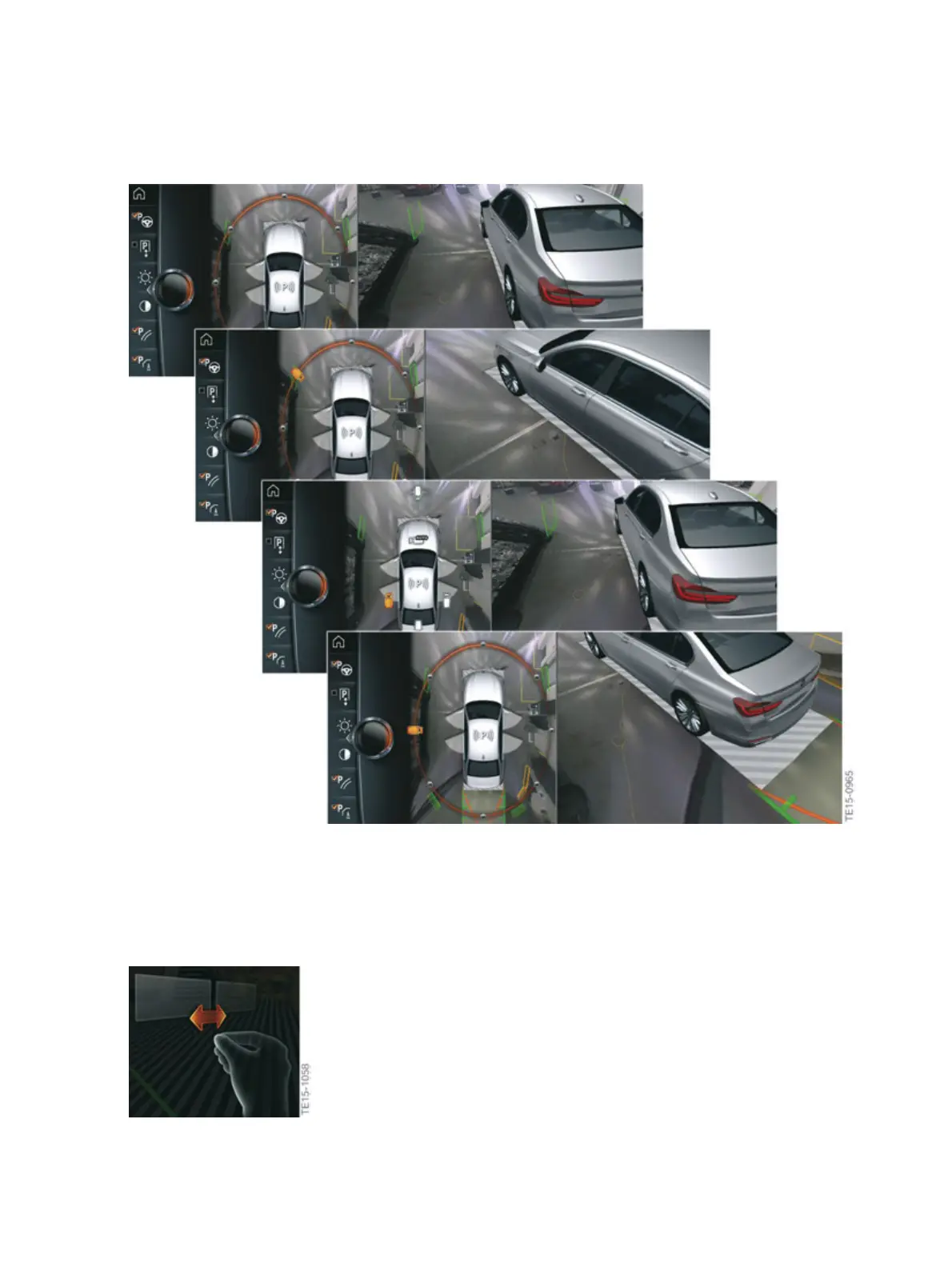
G12�exterior�camera�view�(moving�camera�angle)�on�the�CID
To�leave�this�view,�tilt�the�controller�to�the�side,�press�it�or�touch�the�highlighted�camera�symbol�via�the
touch�screen.
If�gesture�control�is�being�used,�the�gesture�symbol�is�shown�on�the�right�half�of�the�central�information
display�screen.
G12�rotating�the�camera�view�using�gesture�control



 To Next Page