11
5 The Activator
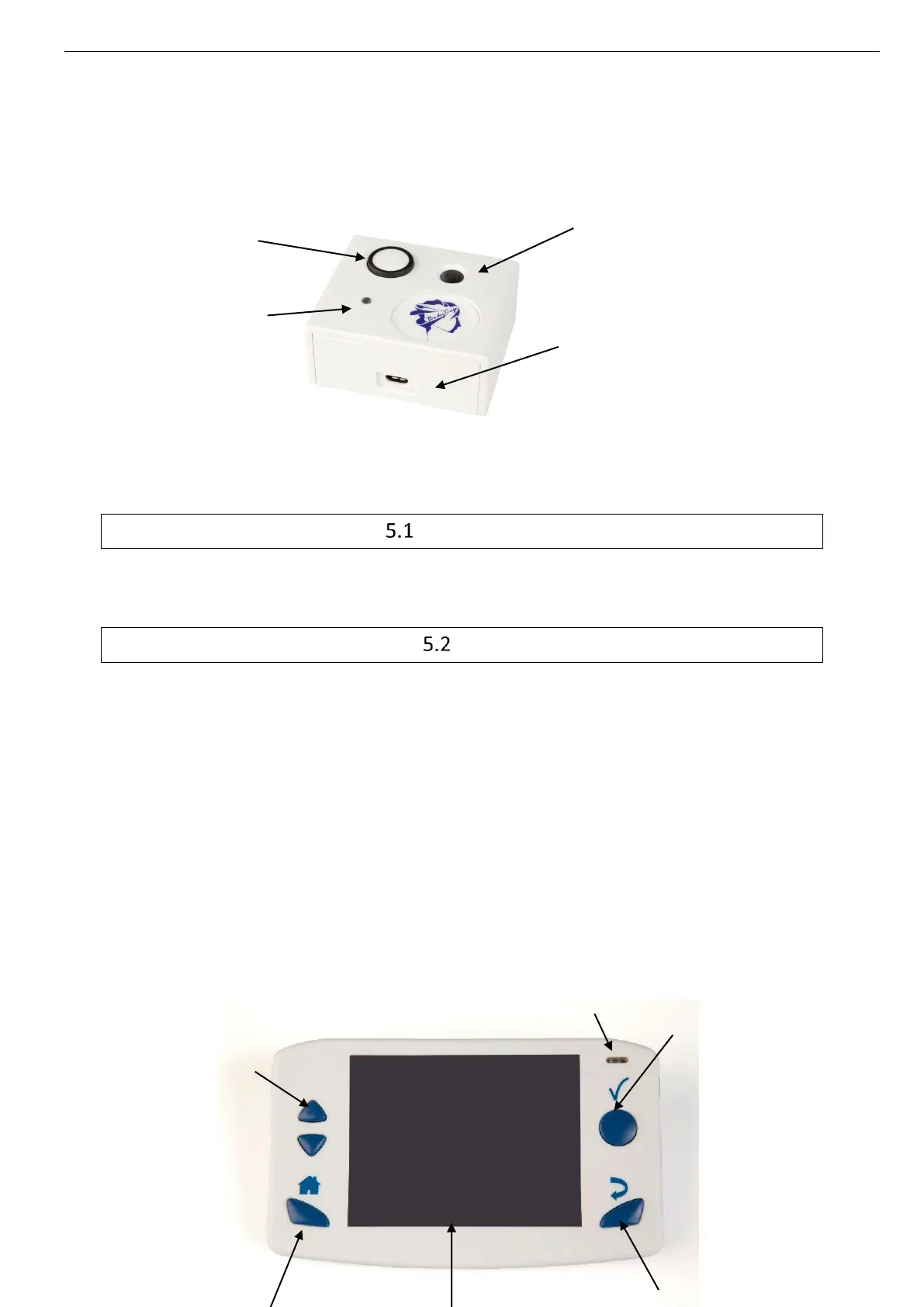
The Activator is intended to activate the capsule e-Celsius
®
before a recording session.
Picture 8: Description of the Activator
The buttons
The button OK is used to launch the activation process.
The activation process is detailed in §6.7.3.
LED
A green LED is positioned on the upper side of the Activator. This LED is continuously switched
on when the Activator is powered and flashes throughout the activation process.
When the LED is flashing, the activation process is running. During this period, it is important
to not remove/move the capsule placed in the hole. In order to optimize the activation process,
you can turn round the pill into the home during the process.
6 e-Viewer
®
performance monitor
The monitor is intended to communicate in RF with the e-Celsius
®
performance capsule to
recover and store temperature data.



 To Next Page