14
Please do not forget to charge e-Viewer
®
performance monitor at the end of
those 36h under penalty. If the battery reaches a critical level, the system will
turn into an energy saving mode. After charging, press simultaneously the
buttons “Home” and “Sleep-Wake” and the monitor will automatically
recover the associated capsules as soon as the date & time are set correctly
on the monitor.
In order to leverage the risk to lose the connection between the capsules and the monitor, the
device automatically goes into a power-saving configuration (extinction of the screen and of
the RF communication with the capsules) before the total discharge of the battery. Use of
LEDS is described in following table:
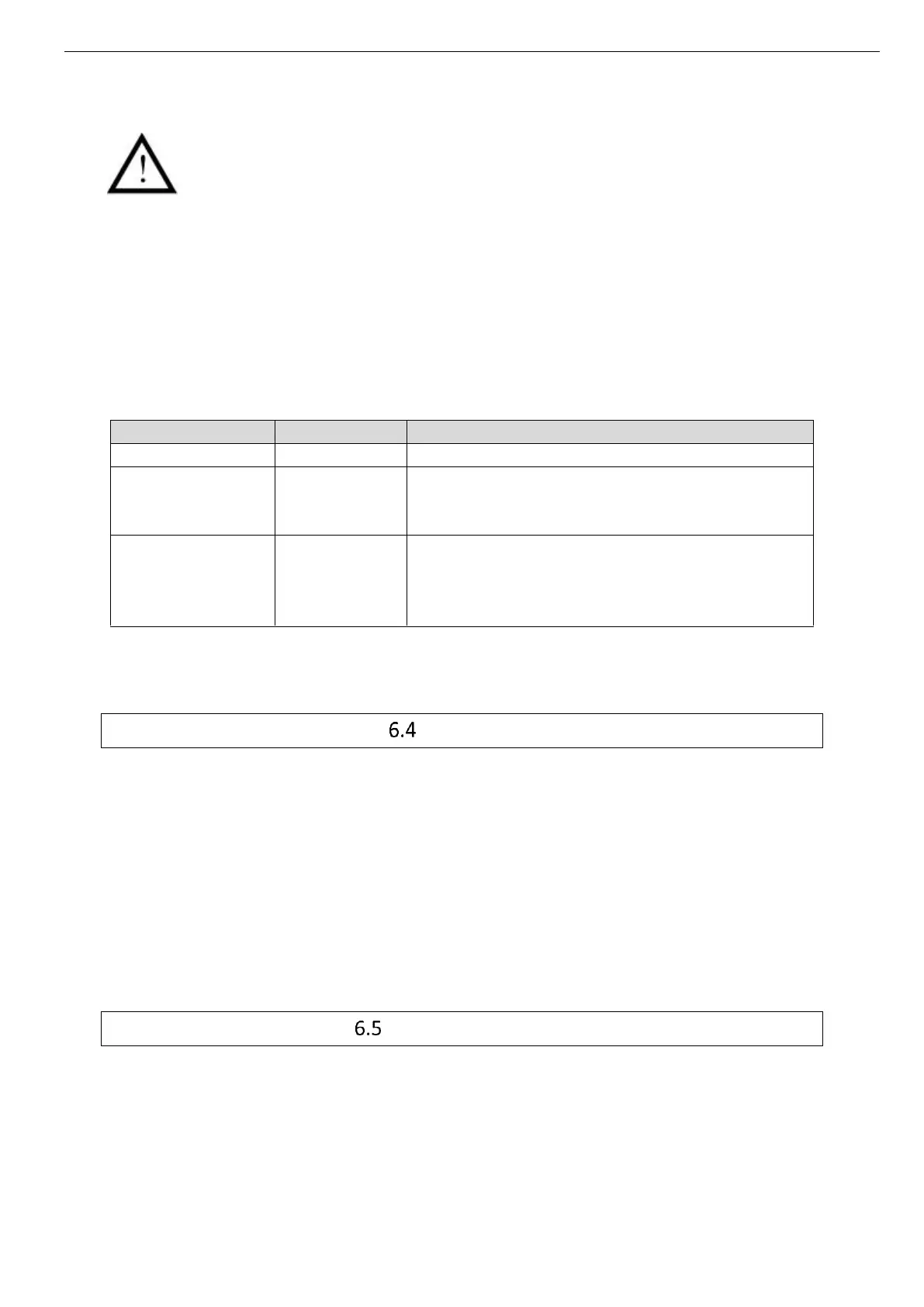
Table 1 : Batteries status
The screen is switched off
The RF communication is still enabled but
synchronization is disabled
The screen is switched off
The RF communication is stopped.
After charging, press simultaneously the buttons
“Home” and “Sleep-Wake.
It is highly recommended, especially in the context of extended use of the material, to
regularly connect the monitor to a power source during operation.
Connection
Female Micro USB port
This connector is located on the left side of the monitor. It is possible to use the micro-USB
port to connect the monitor to the mains supply via the cable and adapter provided by the
manufacturer or directly to a computer. Use of connector are:
(i) to set up the monitor (date, time, channel, number of data to synchronize, patient data)
(ii) to download data from the monitor to e-Performance Manager Software
(iii) to visualize the results of measurements,
(iv) to export them to PDF or spreadsheet format
(v) to recharge the battery monitor.
RF Communication
In operation, it is strongly recommended to avoid putting the device on a metal table or other
metal surface that could reduce the RF emissions.
It is also recommended to be vigilant in environments with high metal stress (reinforced
concrete wall ...) and to regularly check on the monitor screen that the communication with the
capsule is not interrupted. In the Data View menu, a star (*) associated with a capsule number



 To Next Page