31
To exit the replace mode, you have to disassociate the capsules of the monitor (§ 6.7.9) and
download the data via the e-Performance Manager software.
Note: To exit the recovery mode, connect the monitor to a PC with the cables provided by the
manufacturer and go again to the tab Backup mode on the e-Celsius
®
performance Manager
software. Click then on "Disable the Backup mode." Banners on the monitor switch then again
in black, indicating that the replace mode is stopped.
8 Cables and power supply
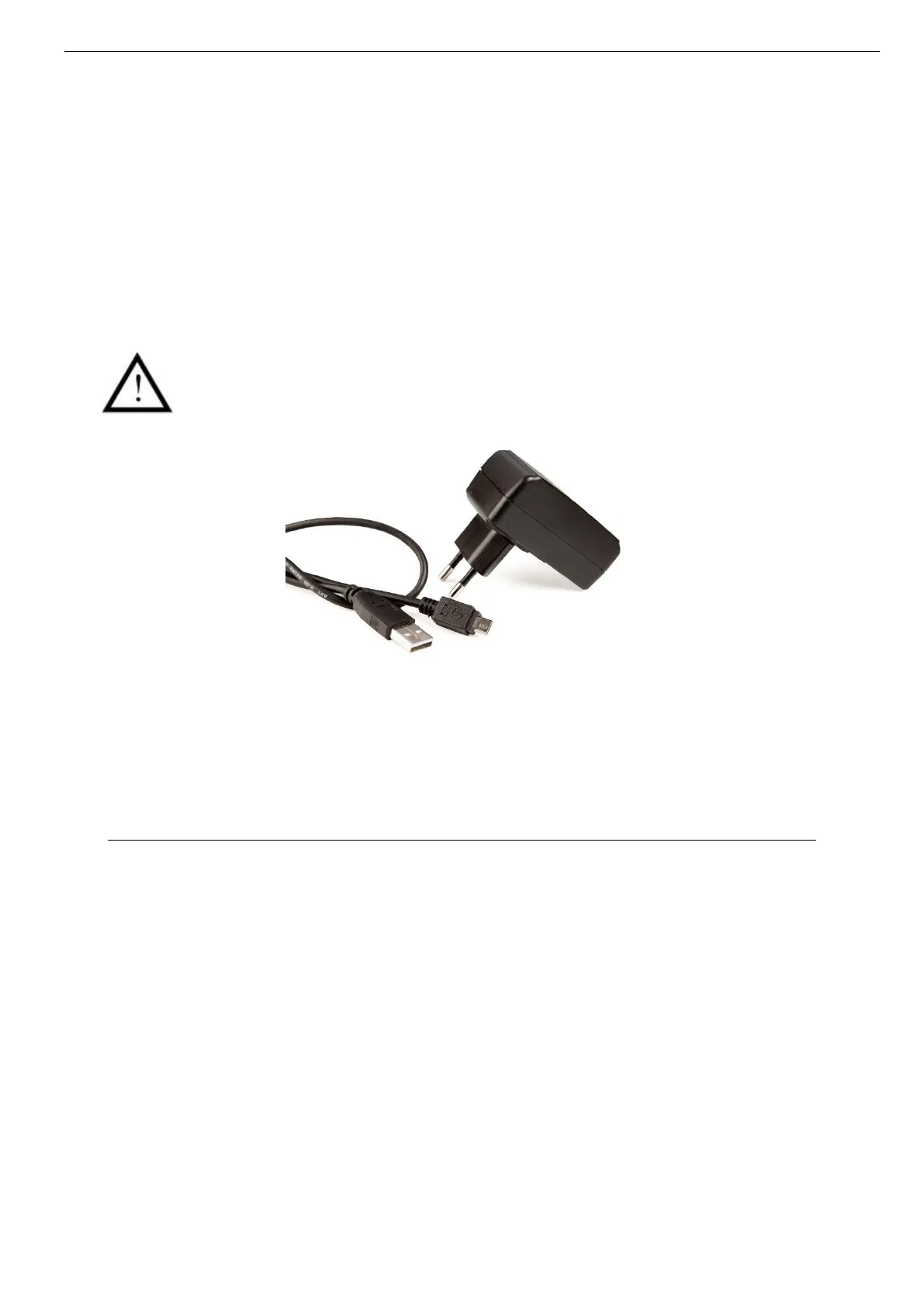
Two cables are supplied with the system: two USB - micro-USB cables which allow
to connect the monitor to a computer to download data or power the monitor and/or
the activator by connecting them to a computer on or sector through the adapter.
Picture 31: Cable and mains supply adaptor
Only cables and power supply provided by the manufacturer should be used to ensure proper
operation and to not deteriorate the system.



 To Next Page