12
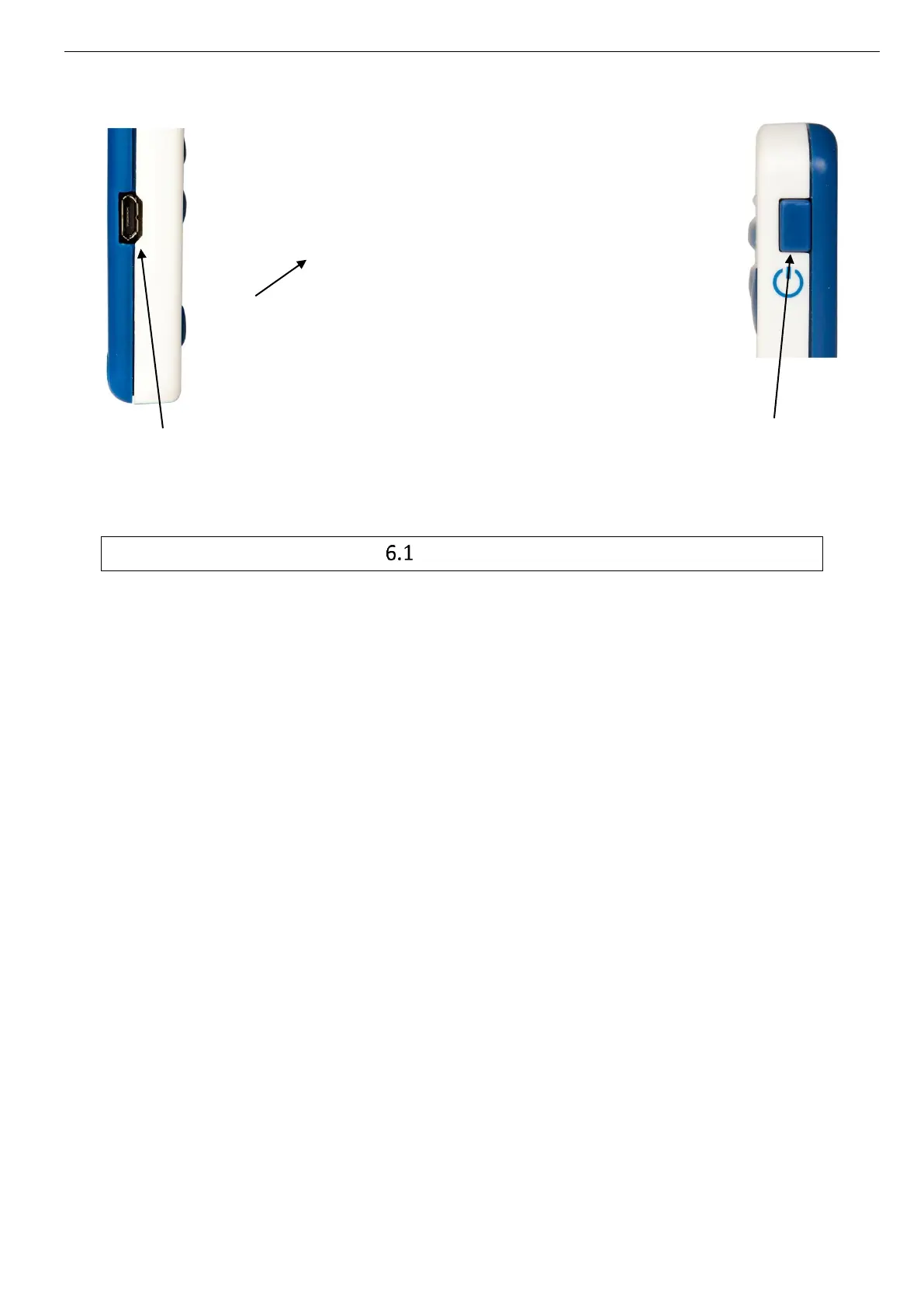
Picture 9: Description of the e-Viewer® performance monitor
The buttons
The monitor has got 6 buttons; the features are described below. 5 are placed around the
screen and 1 on the right side:
Validate (ref. 1 Picture 9: Description of the e-Viewer® performance monitor)
The button Validate is used to confirm the information and to go to the menu.
Home (ref. 2 Picture 9: Description of the e-Viewer® performance monitor)
The button Home allows to come back to the main screen of temperature data.
Back (ref. 3 Picture 9: Description of the e-Viewer® performance monitor)
The button Back allows to come back to the previous submenu or cancel a procedure.
Arrow up (ref. 4 Picture 9: Description of the e-Viewer® performance monitor
Picture 9: Description of the e-Viewer® performance monitor)



 To Next Page