15
indicates that the monitor must be synchronized with the capsule. If this star turns orange, it
means that the last data has been collected more than 5 minutes ago. The storage capacity of
each capsule is limited to 2000 data, the communication between the capsule and the
associated monitor must be restored within a maximum period of 15 hours under penalty to
definitively lose some data (the automatic synchronization capsule / monitor can take time,
from several minutes to several hours depending on the number of data to be recovered).
Monitor interface menu
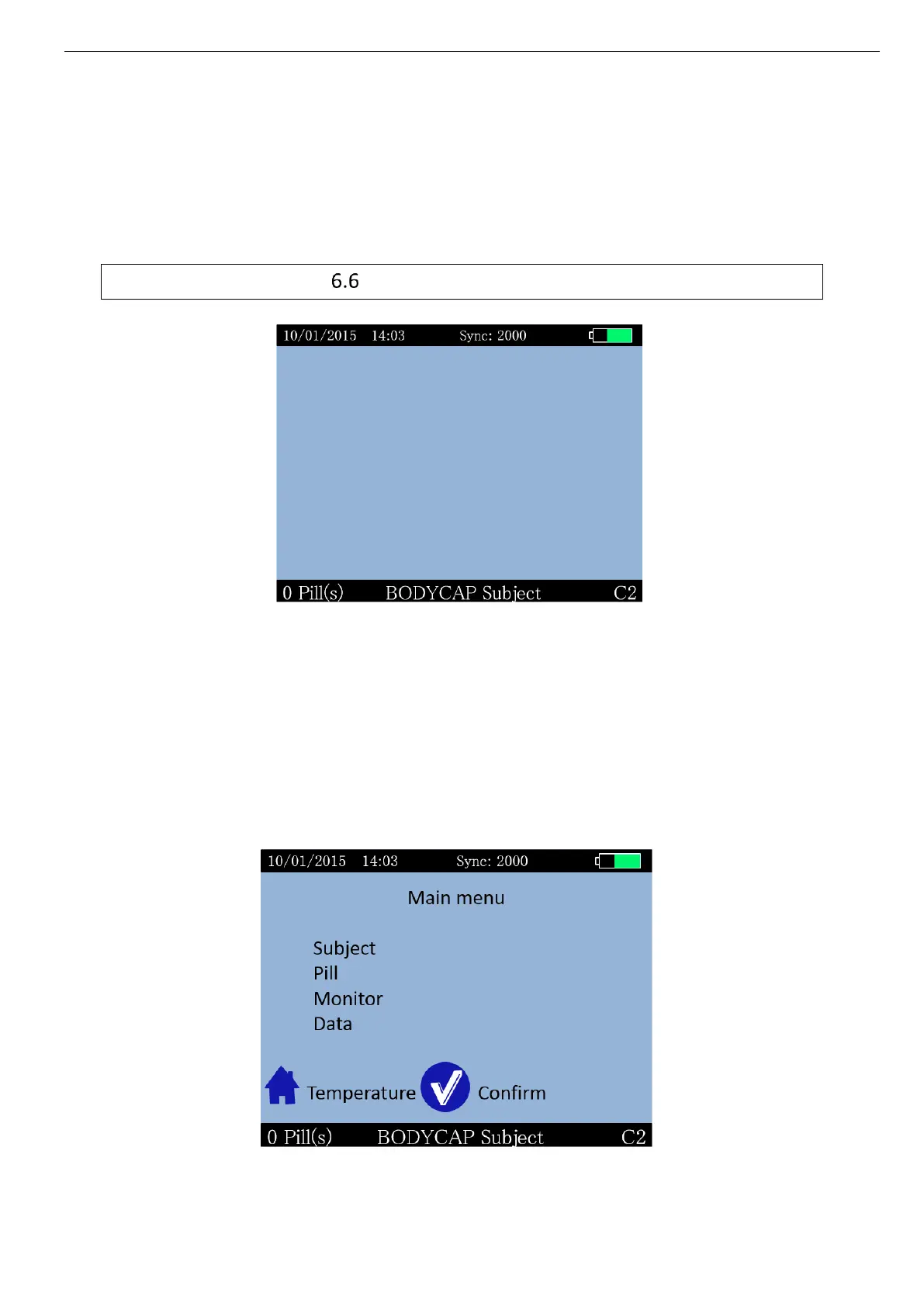
Picture 10: Screen of the e-Viewer
®
performance monitor including general information
Regarding the level of the menu in which the user is, the monitor screen indicates some
general information including:
Date (e.g. 10/01/2015 => DD/MM/YYYY)
Time (e.g. 14:03 HH: MM)
The number of data to synchronize (e.g. Sync: 2000)
The battery level of the monitor (e.g. the top right of the screen)
The operating channel of the monitor (e.g. C2)
A field corresponding to a patient identification (e.g. BODYCAP Subject)
The number of capsules associated (e.g. Caps 0)
Picture 11: Main menu of e-Viewer
®
performance monitor



 To Next Page