30
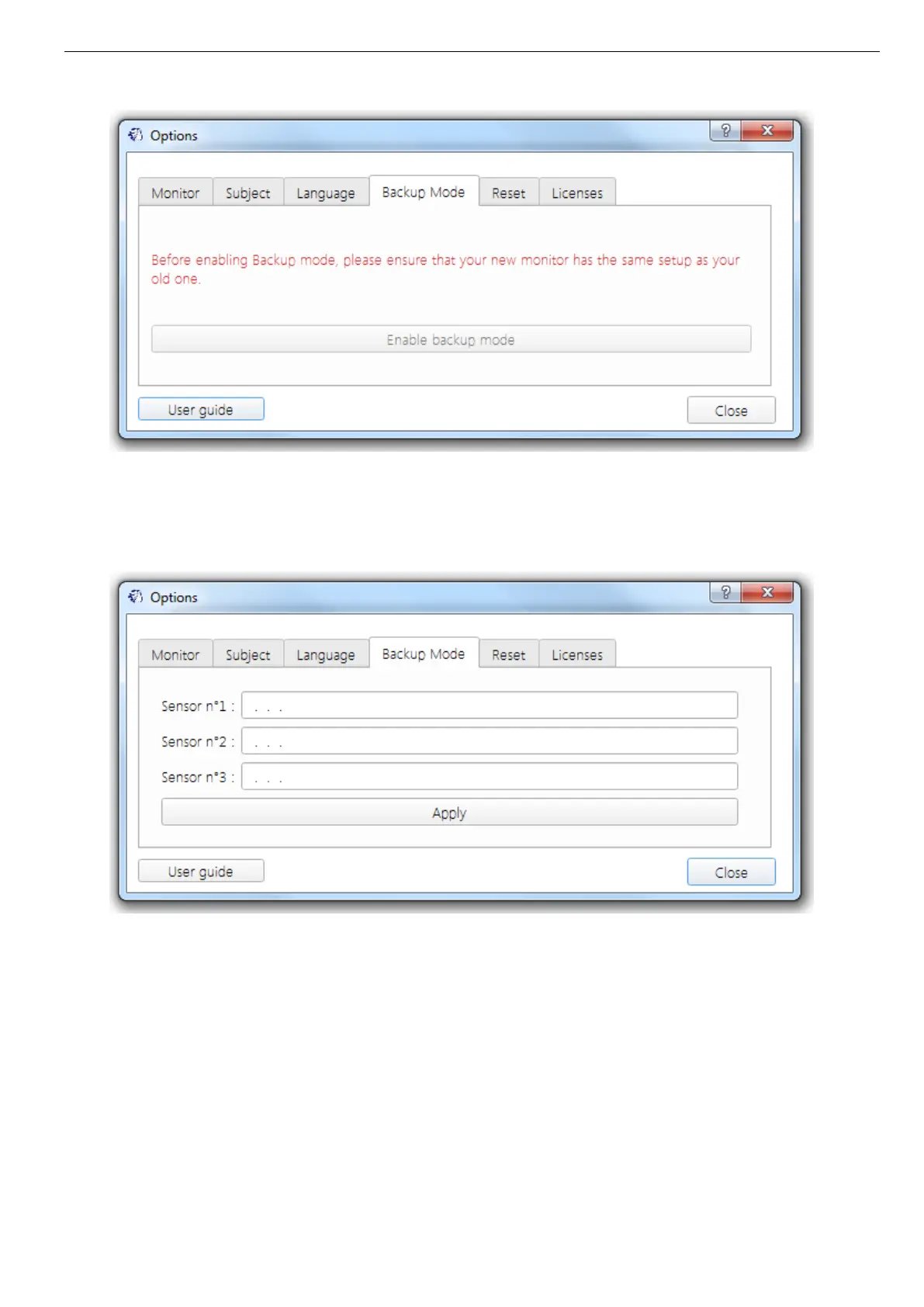
Picture 29: Tab "backup mode"
Validate the start of the mode by clicking "Enable backup mode".
The following window appears:
Picture 30: Research activated capsules
Enter the ID number of the capsules you want to recover. (§ 6.7.3)
The order of capsules does not matter.
Warning: all the capsules must have been first activated with the same original monitor.
Select “Apply”. You will see the banners of the monitor switch from black to white, indicating
the use of the replace mode.
Place the monitor close to the environment of the capsules to recover. The monitor will
automatically resynchronize with the capsules that are still close and will match the entered ID
number in the e-Performance Manager software.



 To Next Page