Additional Information
& Features
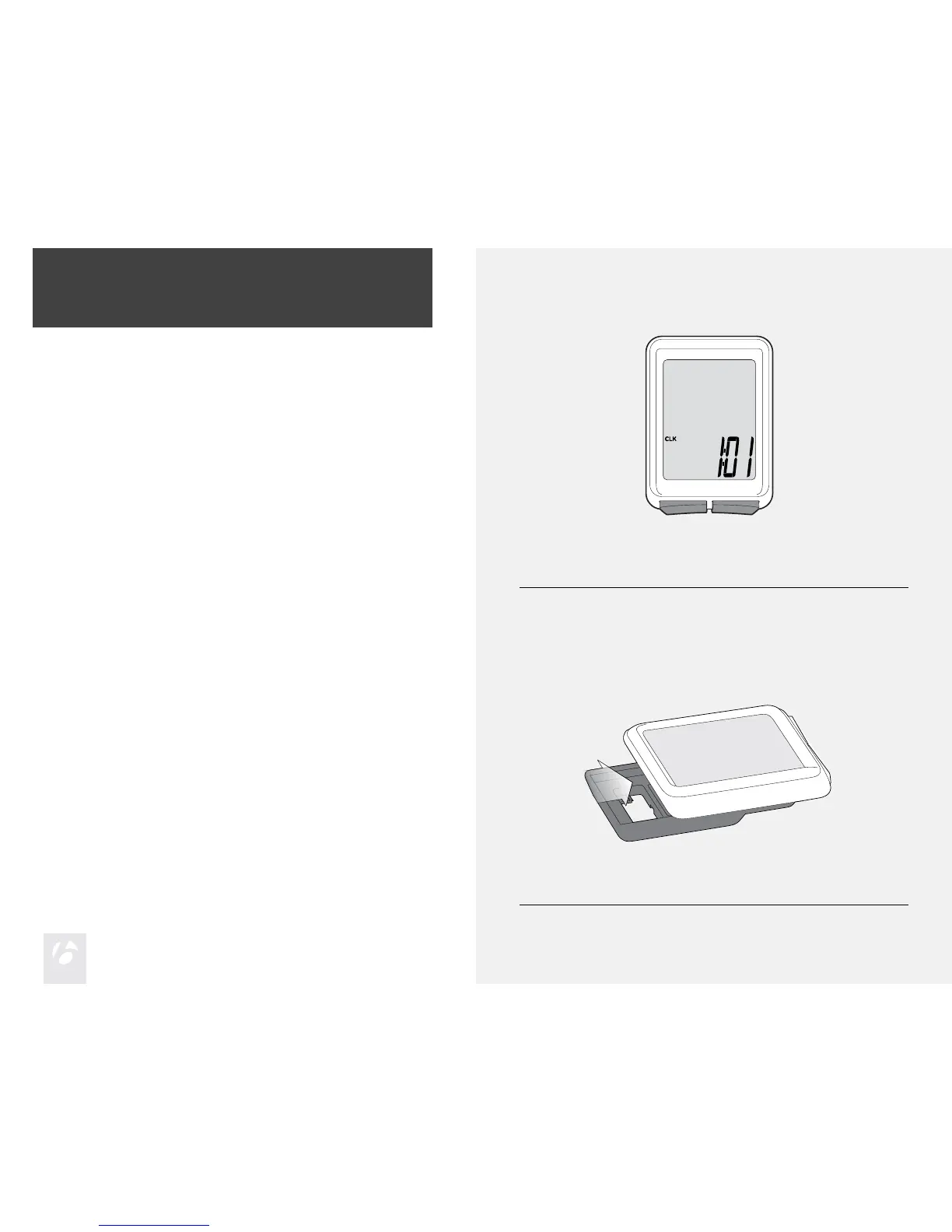
Automatic Sleep Mode
If the Trip’s sensors do not send a signal to the computer head for 10 minutes,
the Trip switches to Sleep Mode to prolong battery life (Figure 3).
To Remove the Computer from the
Computer Base
Press rmly on the computer (not on the base) in a rearward direction (Figure 4).
Figure 3. Display in Sleep Mode.
Figure 4. Removing the Computer from the Base.











 To Next Page