(and)
Trip Restart resets the following Trip data to zero:
• Trip Distance (TRP)
• Speed AVG and MAX
• Ride Time (TME)
Trip Restart (Set the Trip Data to Zero)
To Restart
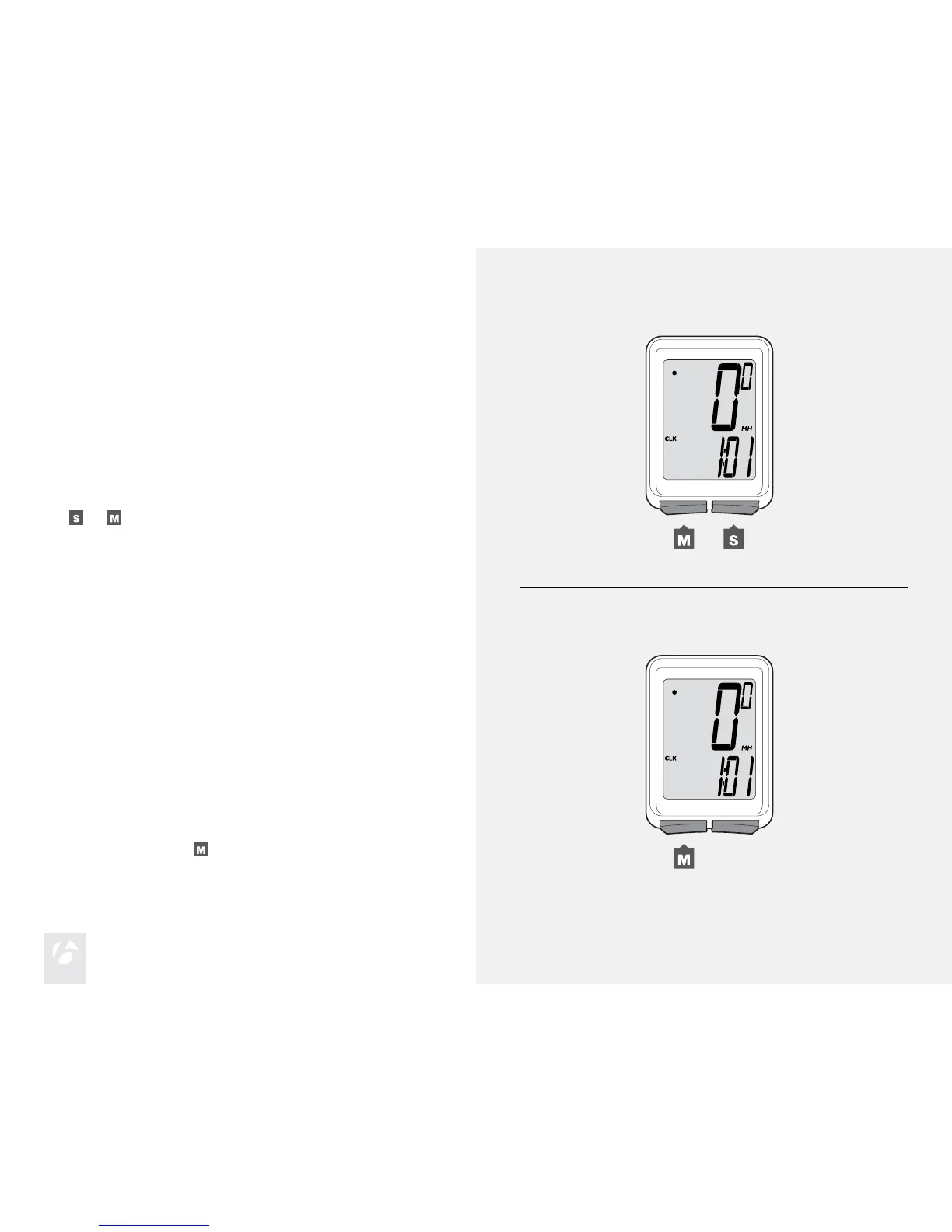
Hold
and
at the same time for two seconds (Figure 5).
The trip data restarts at ‘0’.
Figure 5. Restart the Trip Data.
(for 2 seconds)
Backlight (Trip 5W only)
The Trip 5W has a backlit display. The backlight provides a light source
behind the display so that the numbers are more visible. To save battery
life, the backlight automatically switches to Off after ve seconds.
To Switch the Backlight to On
While viewing any display hold for two seconds (Figure 6).
Figure 6. Switch the Backlight On.
(for 2 seconds)











 To Next Page