Installation, Operation & Application Manual Bosch 3H/2C Touch-TechnologyThermostat | 15
Bosch Thermotechnology Corp. | 08.2016
Data subject to change
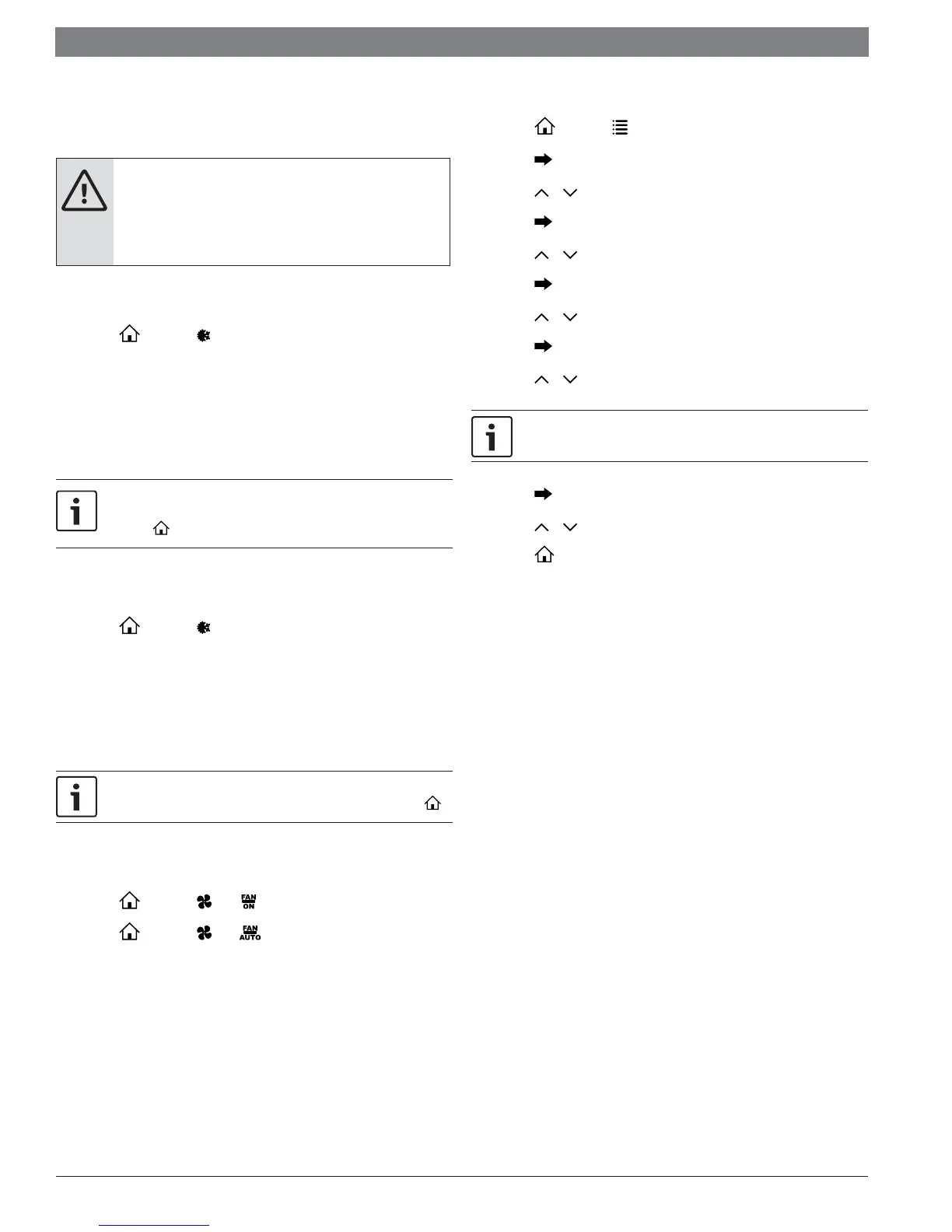
6.3 Testing the Thermostat
Once the thermostat is confi gured, it should be thoroughly tested.
CAUTION:
Do not energize the air conditioning system when the outdoor
temperature is below 50 degrees. It can result in equipment
damage or personal injury.
Heat Test
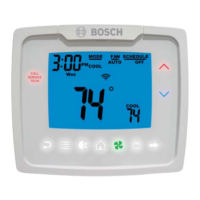
1. Press , then press until heat mode is displayed.
2. Adjust the set temperature so it is 5 degrees above the room temperature.
3. Heating should come on within a few seconds.
4. Adjust the set temperature 2 degrees below the room temperature and the
heat should turn off . There may be a fan delay on your system.
For heat pumps, there is a four-minute delay to protect your compressor
after it turns off . To bypass the compressor time delay, go to OFF mode
and press .
Cool Test
1. Press , then press until cool mode is displayed.
2. Adjust set temperature so it is 5 degrees below room temperature.
3. Cooling should come on within a few seconds.
4. Adjust the set temperature 2 degrees above the room temperature and the
cooling should turn off . There may be a fan delay on your system.
There is a four-minute time delay to protect the compressor after it turns
off . To bypass the compressor time delay, go to OFF mode and press ..
Fan Test
1. Press , then press icon. displays. Indoor fan turns ON.
2. Press , then press icon. displays. Indoor fan turns OFF.
6.4 Setting the Time and Date
1. Press , then press until CLOCK is displayed.
2. Press to enter date/time setting. Year blinks.
3. Press or to select the year.
4. Press to save value and move to month.
5. Press or to select the month.
6. Press to save value and move to day.
7. Press or to select the day.
8. Press to save value and move to hour.
9. Press or to select the hour.
As you move past 12:00, the AM/PM symbol will change automatically.
10. Press to save the value and move to minutes.
11. Press or to select the minutes.
12. Press to exit Time/Date setting.


 To Next Page