18
|
Bosch 3H/2C Touch-Technology Thermostat Installation, Operation & Application Manual
08.2016 | Bosch Thermotechnology Corp.
Data subject to change
6.8 Schedule override
The schedule override feature allows the user to override the program schedule for 1
to 5 hours. In addition, if selected, the schedule can be overridden only until the next
transition period.
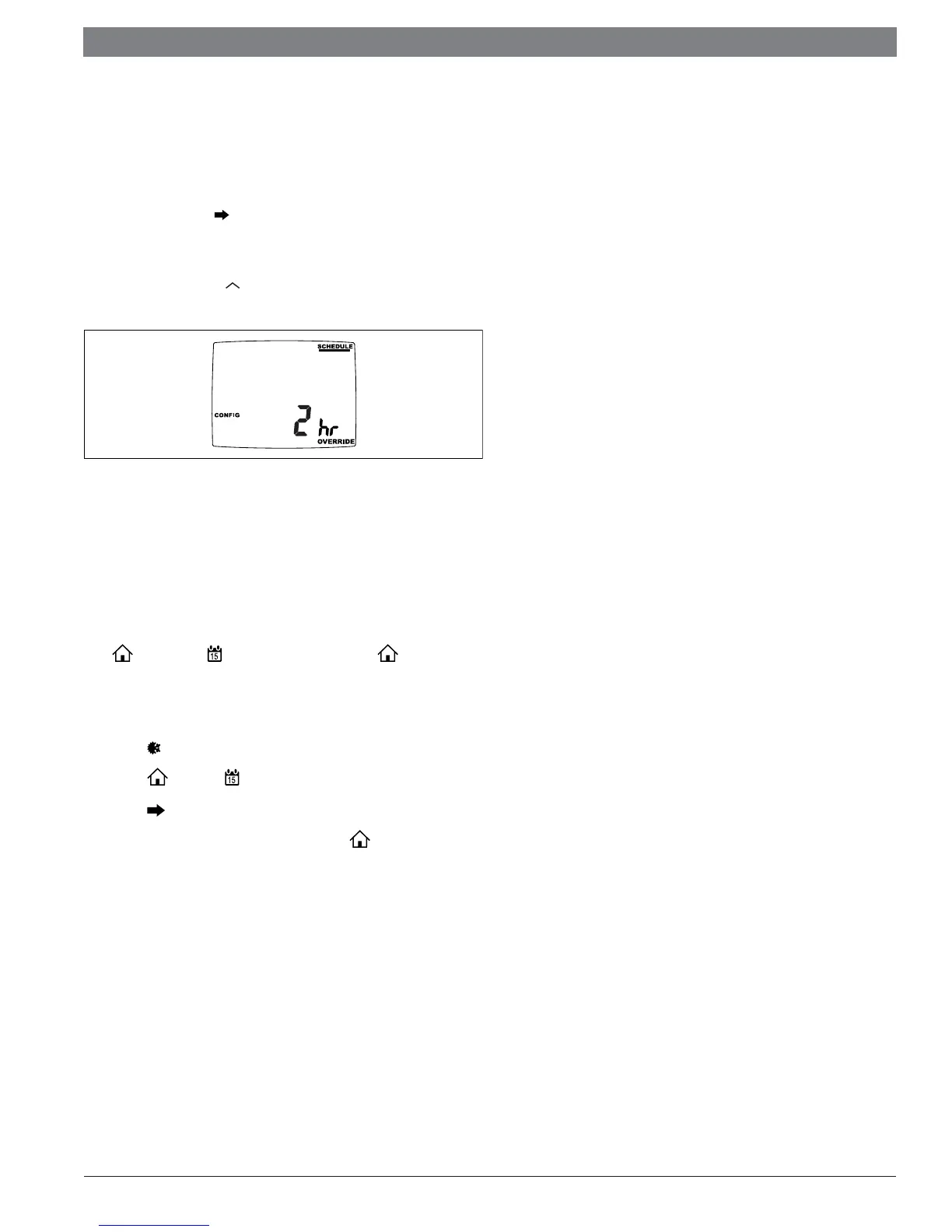
To access the Schedule override feature, enter the CONFIG screen by pressing
the menu button. Then, use to scroll through the menu options until you reach
the SCHEDULE OVERRIDE screen. In the default setting, the Vacation & Schedule
periods will be fl ashing in the upper right corner of the LCD. In this mode, the
Vacation & Schedule will be overridden until the next transition period. To switch to
the 1-5 hour override, use the arrow. This mode allows the user to override the
Schedule set points for 1-5 hours.
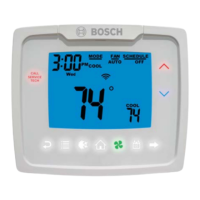
Figure 39
6.9 Setting the vacation timer
The vacation timer lets you set the date and time of your RETURN from vacation. Until
that date/time, the system will remain at the VACATION heating and cooling setpoints
specifi ed in the confi guration menu.
To use the EASY VACATION feature:
Press , then press the to scroll to “Vacation” then press again. The
thermostat will automatically go into Vacation mode with the default return date 1
month later .
To set the vacation timer (and begin vacation setpoint mode):
1. Press to select operating mode.
2. Press , then press until VACATION appears.
3. Press to enter the date and time you plan to RETURN from vacation.
4. When your fi nished entering the date/time, press .


 To Next Page