20
|
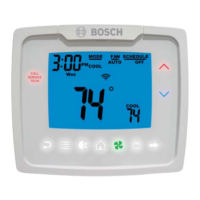
Bosch 3H/2C Touch-Technology Thermostat Installation, Operation & Application Manual
08.2016 | Bosch Thermotechnology Corp.
Data subject to change
8 Troubleshooting
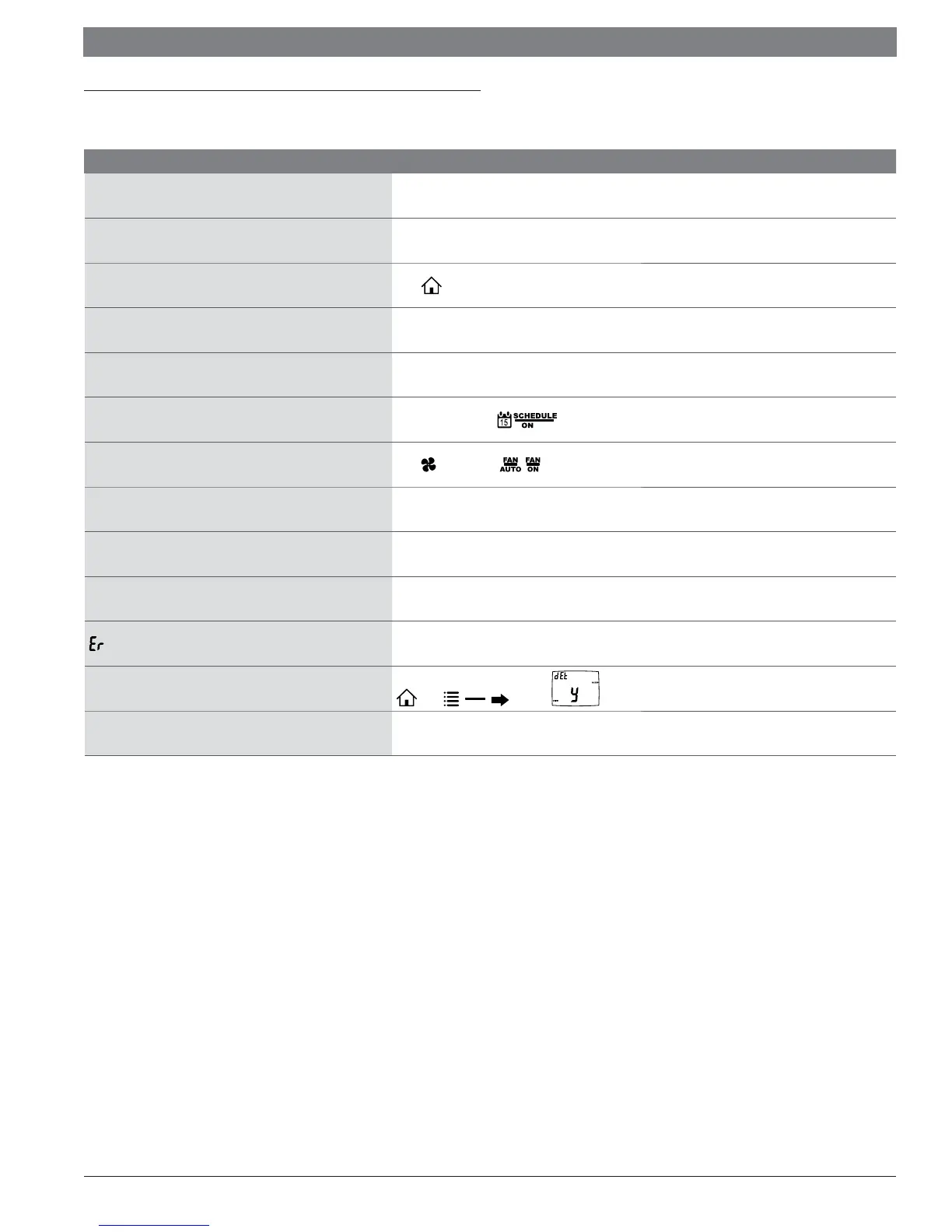
Symptom Solution
No display
Check for 24 VAC at thermostat; display is blank when 24 VAC is not present. Time and day of week must be reset after
power loss with no batteries installed.
System fan does not come on properly Verify wiring is correct, check heat source (Gas/Electric) in Confi guration (see Section 5).
No response with fi rst button press
Press
to activate touch icons.
Program schedule activates at wrong time Check time (AM/PM) set on thermostat (see Setting the Time and Date).
Thermostat turns on/off too frequently Adjust temperature diff erential (see Confi guration Mode Setting, Section 5.8).
Thermostat does not follow program
Verify the schedule is on
: check time (AM/PM); check if in program override.
Fan runs continuously
Press
and set to auto . is continuous run.
Room temperature is not correct Calibrate thermostat (see Confi guration Mode Setting).
LOCK
displays when any button is pressed
Thermostat has the button lockout function activated (see Lockout & Unlock Feature) and (see Confi guration Mode
Setting, Section 5.8).
Heat or Cool not coming on Verify wiring is correct, gently pull on each wire to verify there is a good connection at terminal block.
displays
Check for low battery condition or faulty outdoor/remote temperature sensor.
Setpoints do not display all of the time
Press ,
MENU
VIEW
, six times,
OVERRIDE
displays
Program schedule is in temporary override, it will return to schedule at the next transition time.
Table 4


 To Next Page