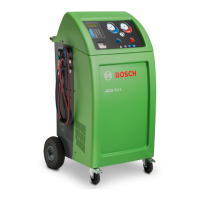
| 58 | ACS 810 | ACS 810 settingsen
1 689 989 601 2020-12-01| Robert Bosch GmbH
11. ACS 810 settings
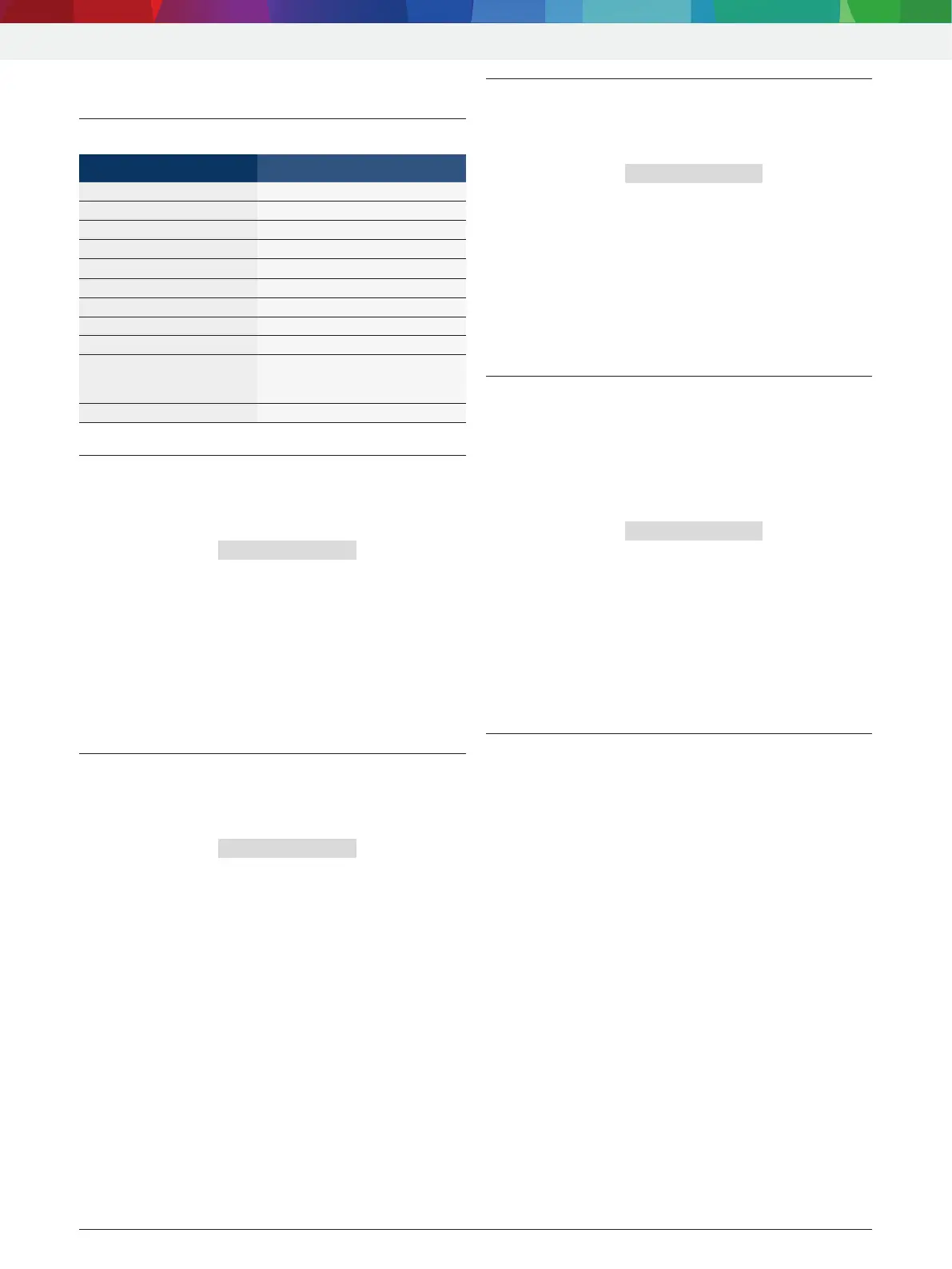
11.1 Factory setting
Menu Factory setting
LANGUAGE English
DATE/TIME CET
UNIT OF MEASURE kg/m
HOSES LENGTH 5 m
CONTRAST medium contrast
GARAGE ADDRESS empty, no data entered
FLUSHING deactivated
OIL SCALE deactivated
UV DYE deactivated
SERIAL NUMBER Serial number has already been
entered (compare with name
plate)
EXPERT MODE deactivated
11.2 Set unit
1. Call up start screen.
2. Press <3> and <Flush> simultaneously and release.
The message ENTER CODE 0000 is displayed.
3. Enter code 2222 and confirm with E.
4. Select "UNIT OF MEASURE" with o u and confirm
withE.
kg/lb are displayed.
5. Select unit with o u and confirm with E.
" Unit is set.
i Return with <Stop>.
11.3 Set length of service hoses
1. Call up start screen.
2. Press <3> and <Flush> simultaneously and release.
The message ENTER CODE 0000 is displayed.
3. Enter code 2222 and confirm with E.
4. Select "HOSES LENGTH" with o u and confirm with
E.
Available lengths (2.5 m, 5 m, 7.5 m and 10 m)
are displayed.
5. Select hose length with o u and confirm with E.
" Hose length is set.
i Return with <Stop>.
11.4 Contrast
1. Call up start screen.
2. Press <3> and <Flush> simultaneously and release.
The message ENTER CODE 0000 is displayed.
3. Enter code 2222 and confirm with E.
4. Select "CONTRAST" with o u and confirm with E.
A numeric index is displayed on the screen indi-
cating the contrast level.
5. Adjust contrast with o u and confirm with E.
" Contrast is set.
i Return with <Stop>.
11.5 Enter serial number
i The serial number is located on the rating plate on
the back of the housing of ACS 810.
1. Call up start screen.
2. Press <3> and <Flush> simultaneously and release.
The message ENTER CODE 0000 is displayed.
3. Enter code 2222 and confirm with E.
4. Select "SERIAL NUMBER"" with o u and confirm
with E.
5. Enter serial number with <A – Z>,<0 – 9> and
confirm with E.
" Serial number is set.
i Return with <Stop>.
11.6 Flush (optional)
i Optionally, special accessories for the cleaning
of vehicle A/C components can be connected for
ACS 810. If these special accessories are used, this
function must be activated in the selection menu.



 To Next Page