582819 | REV. A | 07.2018
Bosch Automotive Service Solutions Inc
ADS 325
|
User Manual
|
5
|
en
Handset
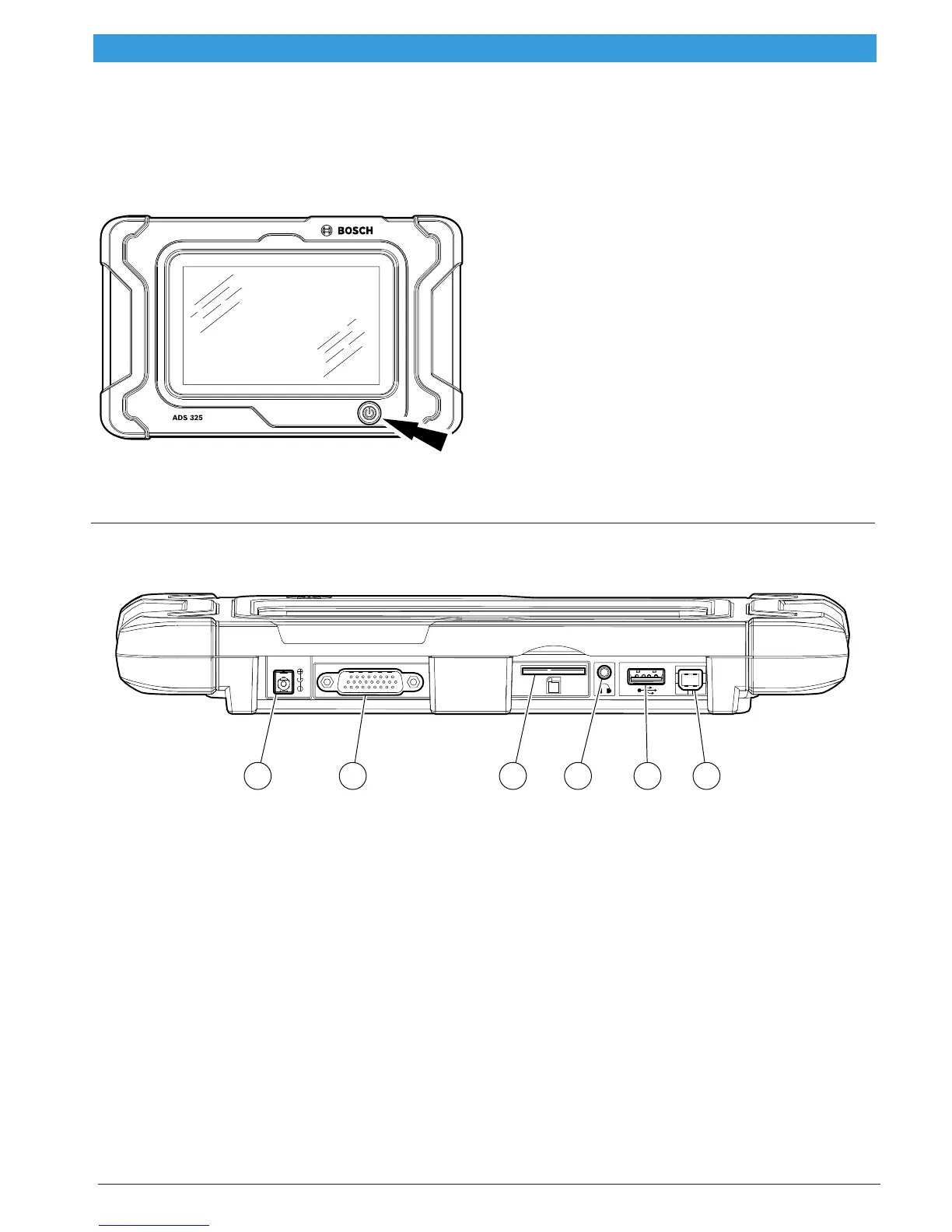
The handset is a ruggedized touchscreen tablet
equipped with the Android operating system. The power
button is located on the lower center front of the Hand-
set.
ss02868
Handset Power Button
Power Button Functions
The power button has two functions
a. ON: Press the power button to turn the handset
on.
b. OFF: Press and release the power button. A pop
up window will appear to shut down the handset.
c. ON: If the screen times out or is in standby mode,
press and release the power button to wake up
the handset. Turn ON: With tool off, press to turn
ON
d. OFF: Press the power button and hold for 5 sec-
onds to turn the handset off completely (not
recommended).
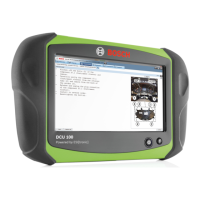
Handset Ports
1
10
1926
18
9
1
ss02866
1 2 3 4 5 6
Handset Ports
1. Power Port
2. DLC Cable Port
3. SD Card Slot
4. Audio port
5. USB Type “A” port
6. USB Type “B” port



 To Next Page