16 en | System overview DIVAR IP all-in-one 4000
2022-10 | V02 | F.01U.407.904
Installation manual
Bosch Security Systems B.V.
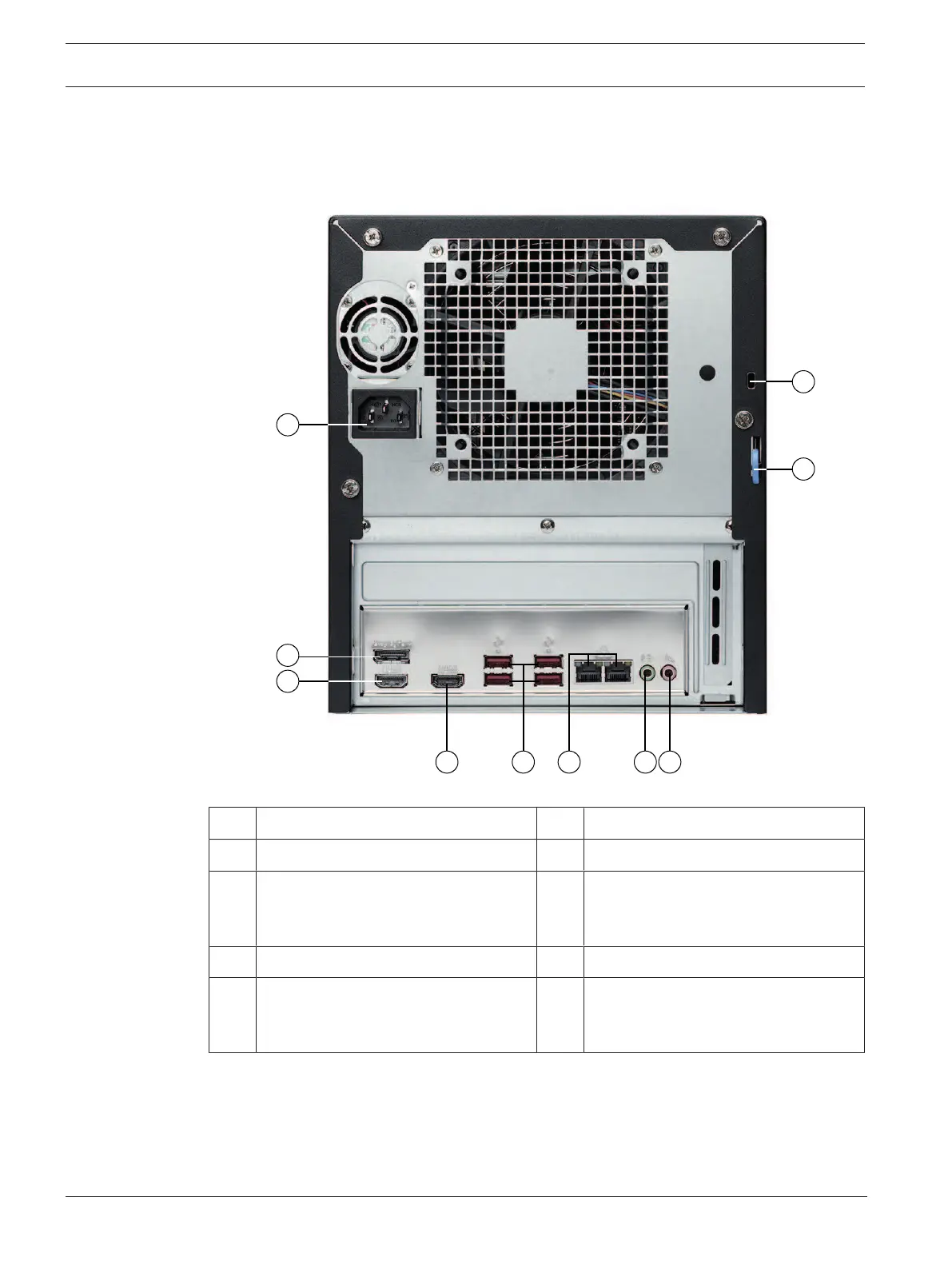
Rear view
1 Mains connection 2 DisplayPort port
3 HDMI 2.0 port 4 HDMI 1.4 port
5 4 USB 3.2 ports (Type A) 6 2 LAN ports (RJ45), teamed
Note: Do not change the teaming
mode!
7 Audio output: Line-out 8 Audio input: Mic-level input
9 Rear chassis hasp (compatible with a
variety of commonly available locks).
Note: Locks are not included.
10 Kensington security slot (for a
standard Kensington lock).
Note: Kensington lock is not included.
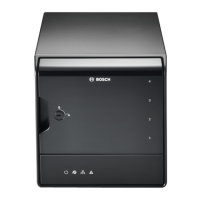
3.2 Control panel elements
The control panel located on the front of the device has power buttons and status monitoring
LEDs.



 To Next Page