Bosch Security Systems
Divar | Installation Manual | Operating instructions EN | 3-5
Alternate functions
(light below ALT key is lit)
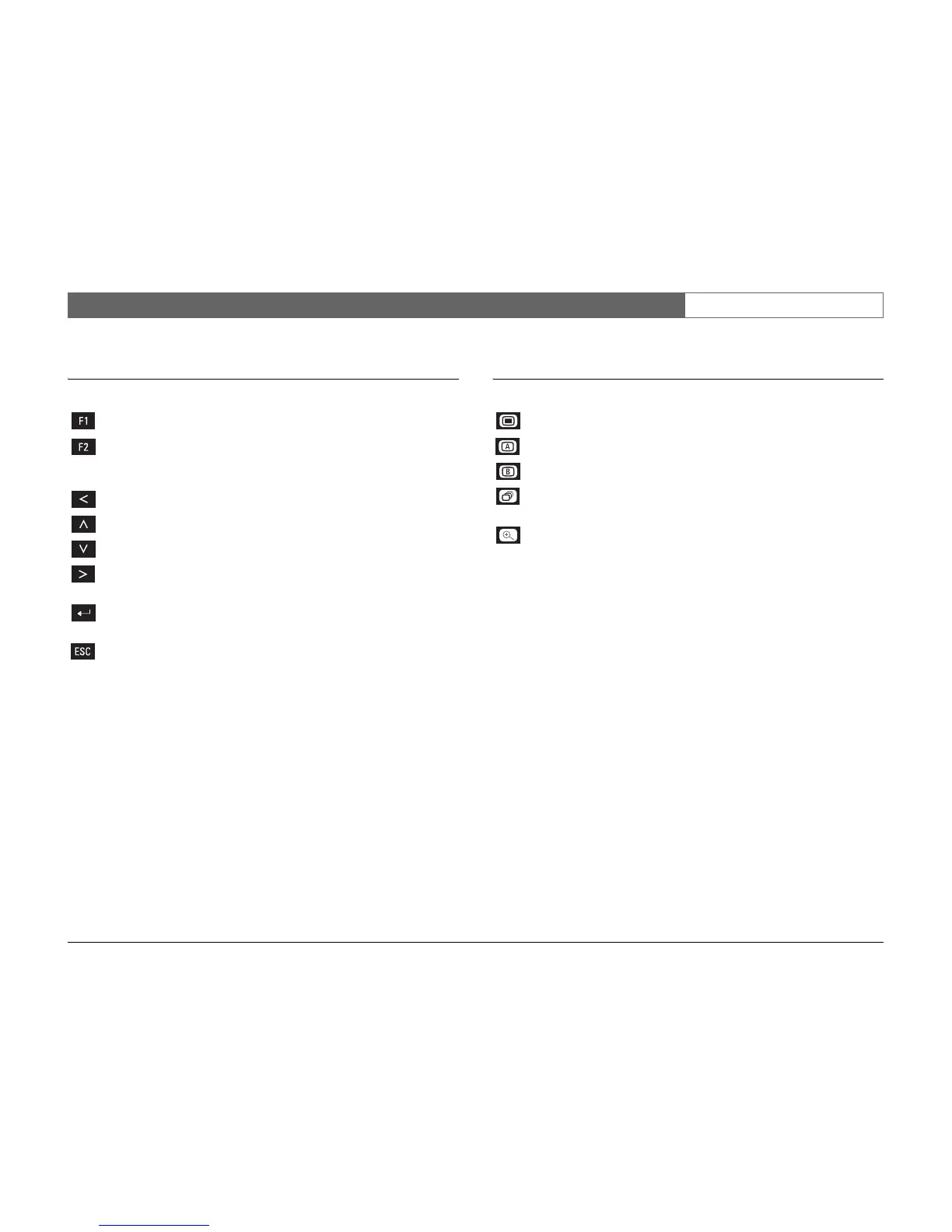
F1 key - restores defaults in active menu.
F2 key - is assigned a specific function in some submenus.
Arrow keys: - move around through menu items or values.
-Left
-Up
-Down
-Right
Select key - selects a submenu or menu item, or saves selections
made in menus.
ESC key - press to return to previous level or to exit menu
system without saving.
- press to leave help system.
Menu key - opens the menu system.
Mon A key - assigns front panel keys to monitor A.
Mon B key - assigns front panel keys to monitor B.
Sequence key - view cameras in sequence on full-screen or quad
displays.
Zoom key - zooms in on the active camera display (full-screen or
active cameo).












 To Next Page