EasyManua.ls Logo

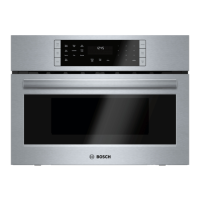
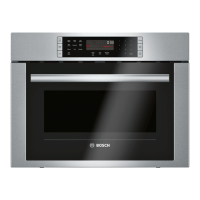
Bosch HMC80251UC - User Manual

Bosch HMC80251UC
98 pages
Print Icon
To Next Page IconTo Next Page
Loading...
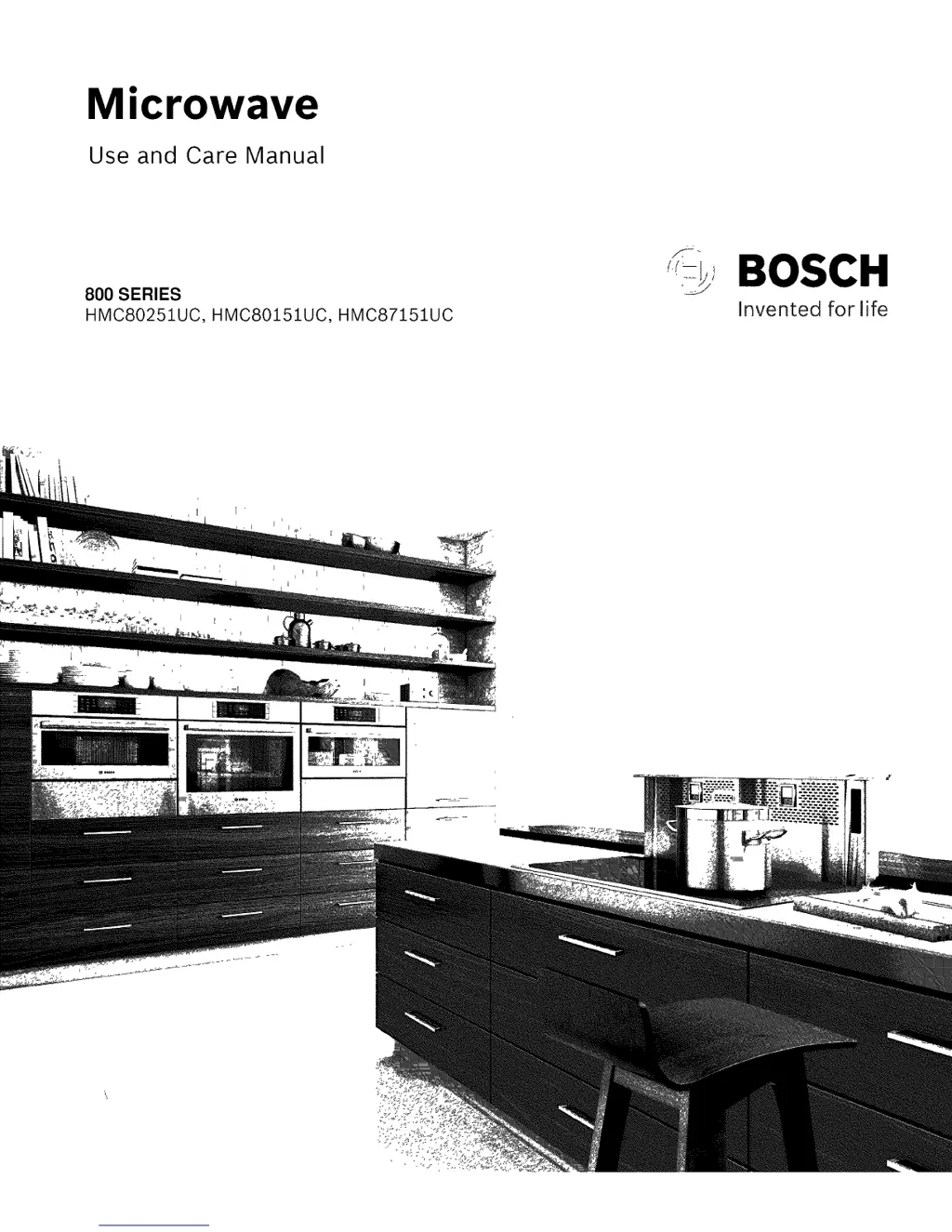
Microwave
Use and Care Manual
800 SERIES
HMC80251UC, HMC80151UC, HMC87151UC
_:_l_BOSCH
Invented for life
[

Table of Contents

Other manuals for Bosch HMC80251UC

Questions and Answers

  • A
    Alexis SchaeferJul 26, 2025
    What to do if the Bosch Microwave Oven display doesn't work?
    • J
      jacob35Jul 26, 2025
      If neither the display nor the oven of your Bosch microwave is working, ensure the plug is properly inserted into a grounded power outlet. Additionally, check your household circuit breaker and reset it if necessary, or replace any blown fuses.
  • C
    Christian CastilloJul 30, 2025
    What are Bosch Microwave Oven error codes?
    • M
      Marcus TerrellJul 31, 2025
      Note any error codes that may appear on the display. They may be helpful for the service technician. The error codes can be: E-01 Thermistor error (open), E-04 Thermistor error (short), E-08 Humidity sensor error, E-11 Key pressed for more than 10 seconds or condensation on keypad, E-17 Pre-heat too long.
  • J
    Jonathan BernardAug 4, 2025
    What to do if Bosch HMC80251UC sparks?
    • D
      Douglas BowenAug 4, 2025
      If you notice sparks or arcing inside your Bosch microwave oven, immediately remove any metallic utensils, cookware, or metal ties from the oven cavity. If you're using aluminum foil, make sure to use only narrow strips and leave at least one inch of space between the foil and the interior walls of the oven.
  • D
    Daniel MurphyAug 8, 2025
    Why Bosch HMC80251UC Microwave Oven display works but the oven won't operate?
    • R
      Robert GarciaAug 8, 2025
      If the display of your Bosch microwave oven is working but the oven isn't operating, ensure that the oven door is securely and completely closed. Also, check for any packing material or other obstructions stuck to the door seal, and inspect the oven door for any signs of damage. If everything looks fine, try pressing the Clear/Off key twice and then re-enter your cooking instructions.
  • S
    Samantha CollinsAug 12, 2025
    How to fix TV or radio interference when using Bosch HMC80251UC?
    • S
      Sean Brooks PhDAug 12, 2025
      If your Bosch microwave is causing interference with your TV or radio, try moving the microwave further away from those appliances.
  • J
    Joshua BarajasAug 16, 2025
    What to do if Bosch HMC80251UC Microwave Oven power goes off before cook time?
    • A
      Angela ParkerAug 16, 2025
      If the power to your Bosch microwave oven goes off before the cooking time has elapsed, reset the clock and re-enter your cooking instructions. You should also check your household circuit breaker or replace any blown fuses. Press the Clear/Off key twice and attempt to re–enter cooking instructions.
  • K
    Kimberly SmithAug 20, 2025
    How to fix a Bosch HMC80251UC Microwave Oven turntable that makes noise?
    • F
      fhaleAug 20, 2025
      If the turntable in your Bosch microwave oven is making noises or sticking, begin by cleaning the underside of the metal tray turntable and the oven cavity bottom. Make sure the metal tray turntable is positioned correctly.

Summary

Important Safety Instructions

Microwave Exposure Precautions

Guidelines to avoid exposure to excessive microwave energy.

Grounding Instructions

Essential instructions for safe grounding of the appliance.

General Safety Warnings

Crucial warnings about fire, shock, injury, and personal damage.

Appliance Usage & Safety

Covers permanent connection, TV/radio interference, intended use, child safety, and cleaning safety.

Food & Cooking Safety

Safety precautions for liquids, eggs, popcorn, and other specific food types.

Utensils, Operation & Health Safety

Covers cooking utensils, turntables, exhaust, thermometers, pacemakers, Prop 65, and fan operation.

Control Panel Overview

Initial Setup and First Use

Setting the Clock

Step-by-step guide to setting the appliance's internal clock.

Microwave Operation Guide

Convection Cooking

Setting Convection Mode

Step-by-step guide to setting the convection cooking mode and temperature.

Broil Cooking

Automatic Programs

Auto Chef Program

Overview of the Auto Chef feature for automated cooking based on food type and weight.

Auto Defrost and Frozen Foods

Pizza Cooking

Sensor Cooking

Sensor Reheat Function

Explains the Sensor Reheat feature for reheating dinner plates or casseroles.

Setting Sensor Reheat

Step-by-step guide to activate and use the Sensor Reheat mode.

Sensor Cook Functionality

Describes the Sensor Cook feature for automatic cooking without manual settings.

More Modes

Cooking Charts and Guides

Cleaning and Maintenance

Cleaning Guide and Safety

General advice and safety precautions for cleaning the appliance.

Troubleshooting and Support

Common Problems and Solutions

Lists common issues and their suggested solutions for the appliance.

Error Codes and Service Information

Explains error codes and provides information for contacting customer support.

Product Warranty Information

Warranty Coverage and Duration

Details what the limited product warranty covers and its duration.

Repair and Replacement Terms

Outlines the process for product repair or replacement under warranty.

Warranty Exclusions and Limitations

Lists conditions and situations not covered by the product warranty.

Bosch HMC80251UC Specifications

General IconGeneral
Capacity1.6 cu. ft.
Control TypeElectronic
Installation TypeBuilt-In
ColorStainless Steel
Wattage950 Watts
TurntableYes
Ventilation Power300 CFM
Sensor CookingYes
Convection CookingYes
Pre-Programmed SettingsYes
Child LockYes
TypeMicrowave Oven
Power950 Watts

Related product manuals