en Familiarising yourself with your appliance
30
Familiarising yourself with your appliance
5 Familiarising yourself
with your appliance
Familiarising yourself with your appliance
5.1 Appliance
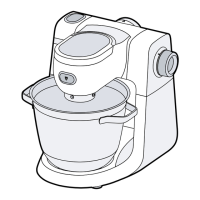
You can find an overview of the parts
of your appliance here.
→Fig. 2
Mixing bowl
Lid with integrated filling shaft
Ejector button for tools
Release button for swivel arm
Swivel arm
Rotary switch
Protective cover for drive 2
Drive 2
Protective cover for drive 3
Drive 3
Main drive
Cord storage
Grips for transporting
Drain hole
Recesses for bowl
5.2 Symbols
You can find an overview of the sym-
bols used on your appliance here.
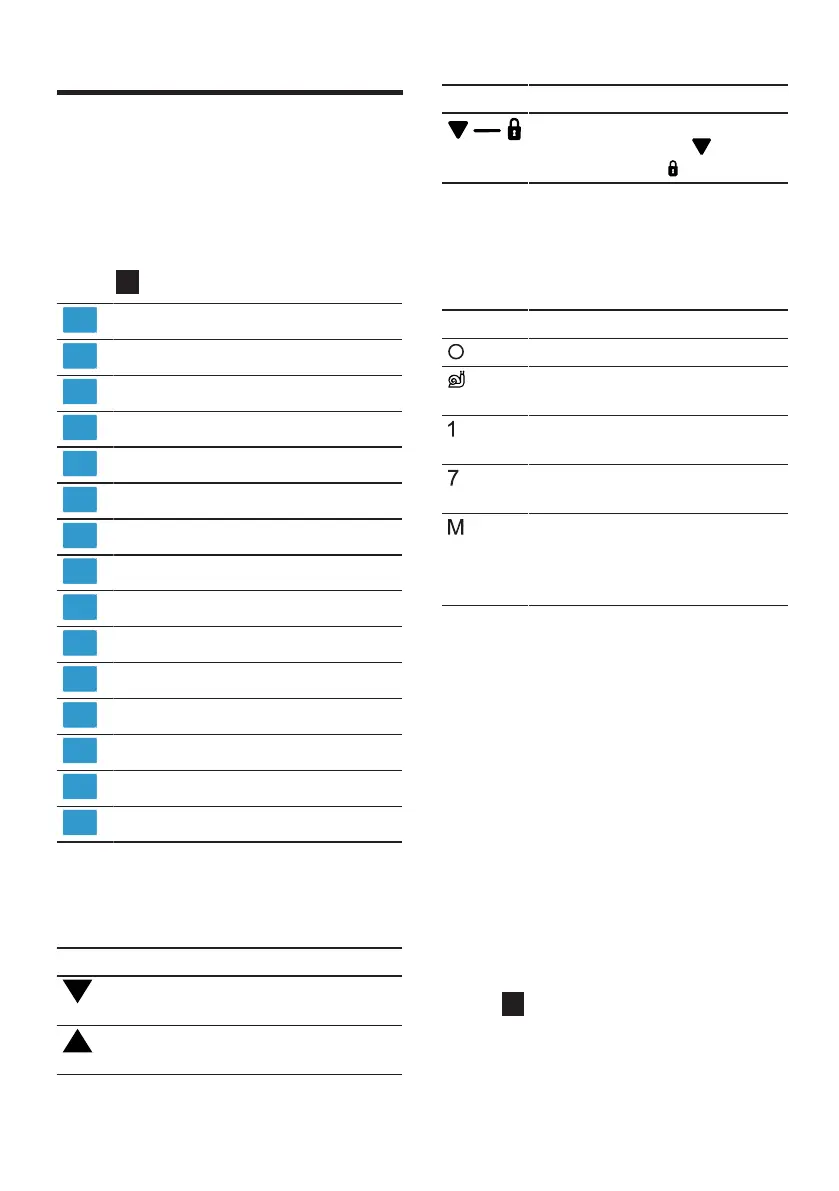
Symbol Description
Position marking on main
drive
Position marking on
drive3
Symbol Description
Fit the protective drive
cover for drive3 and
turn to secure
5.3 Rotary switch
The rotary switch is used to start and
stop processing and select the
speed.
Symbol Function
Stop processing.
Fold in ingredients at the
lowest speed.
Process ingredients at low
speed.
Process ingredients at
maximum speed.
Process ingredients briefly
at maximum speed.
→"Using instantaneous
switching", Page33
5.4 Signal tone
In case of a malfunction or if a safety
system switches off the appliance, a
signal tone is output.
Possible malfunctions included the
pivot arm not being correctly en-
gaged or the appliance overheating.
→"Troubleshooting", Page36
5.5 Swivel arm and drives
Here you can find an overview of
uses depending on the position of
the swivel arm and drive.
If the release button is pressed, the
swivel arm can be moved to the re-
quired position.
→Fig. 3


 To Next Page
 Loading...