Product function | en 15
Bosch Security Systems B.V.
User manual
06.2022 | V01 | F01U397942
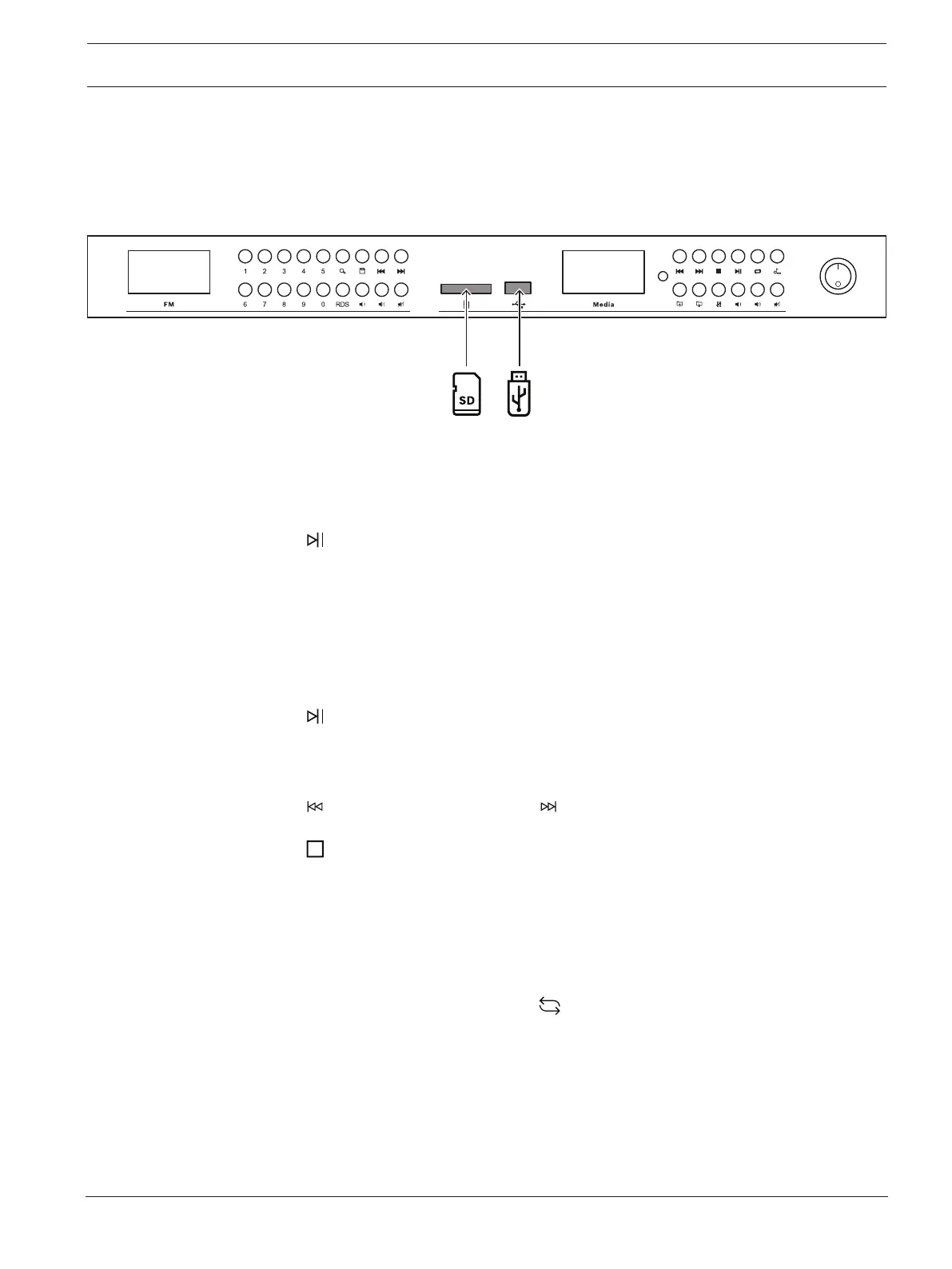
4.2 USB or SD
The USB or SD interface supports MP3 audio files stored on a USB flash memory device or an
SD card up to 32GB of exFAT or FAT32 file system.
The USB interface supports USB 2.0 — USB 3.1 flash drives.
Operation
– Insert an SD card or an USB flash memory device.
– Select the source, USB device or SD, with the key of the device or from the remote.
– Press to play the track.
– The LCD lower line will show, from left to right:
Track number (maximum 8000 tracks), mm:ss (track duration).
– If ID3 tags of the MP3 file are available, the following additional information will be
scrolling on the display. If the ID3 tags are not available, the filename will be
displayed instead:
File - < name >, Track - < name >, Artist - < name >, Album - < name >
– Press to toggle between play or pause.
– In pause mode, the pause symbol (||) and the track playing time elapsed will be
shown.
– Press to select the previous track or to select the next.
– Press to stop.
To play a list of tracks:
– Organize the files in the folder.
– Browse to the folder.
– Press play.
– To repeat a track or list of songs, press . This button toggles as follows:
– 1
st
press: Current track will always be repeated (display shows: ONE).
– 2
nd
press: All tracks will be played once (display shows: ALL).
– 3
rd
press: All tracks will be repeated in loop in random sequence (display shows:
RND).
– 4
th
press: All tracks will be repeated in sequence (display shows: SEQ).
– 5
th
press: All tracks of the present folder will be played (display shows: FLD).
The sequence is repeated with the 6
th
press.


 To Next Page