56 en | Configuration using a Web browser VOT-320
DOC | V4.5 | 2010.09 Installation and Operating Manual Bosch Sicherheitssysteme GmbH
5.25 Advanced Mode: VCA
The VOT-320 contains an integrated video content analysis (VCA), which can detect and
analyze changes in the signal using image processing algorithms. Such changes can be due to
movements in the camera's field of view.
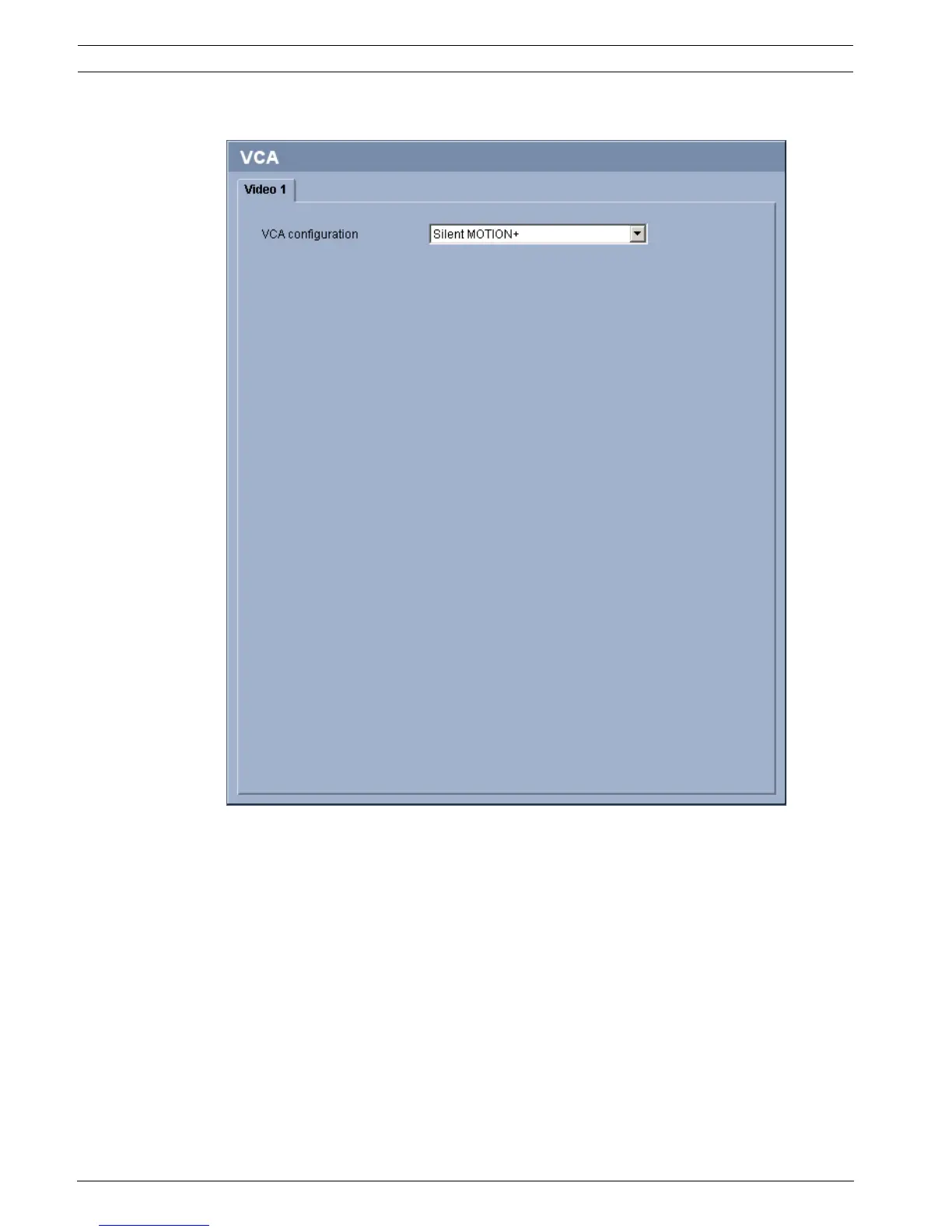
You can select various VCA configurations and adapt these to your application as required.
The Silent MOTION+ configuration is active by default. In this configuration, metadata is
created to facilitate searches of recordings; however, no alarm is triggered.
You can switch off the video content analysis completely if the device's full power is to be
made available for the encoder.
1. Select a VCA configuration and make the required settings.
2. If necessary, click the Default button to return all settings to their default values.





 To Next Page