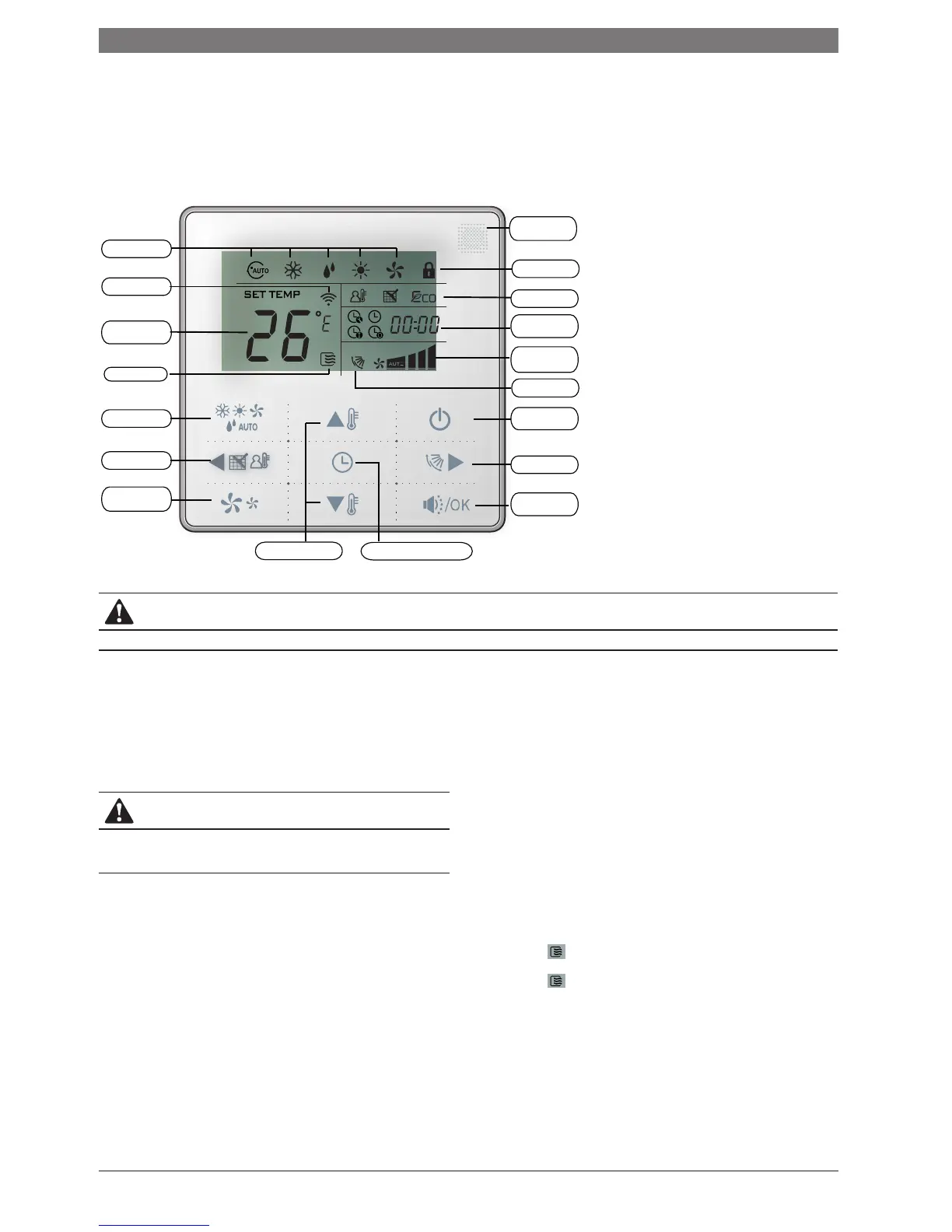
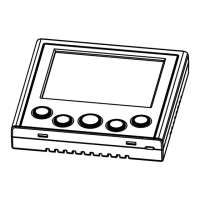
3. Wired remote controller
WRC-HP
Operating Mode
Transmitting Icon
Setting
Temperature
Operating Icon
MODE Button
Left Button
FAN SPEED
Button
Temp. Setting Button Timer/Clock Setting Button
Quiet /OK
Button
Right Button
ON/OFF Button
Swing Icon
Operating
Fan Speed
Timer/Clock
Display Area
Function Icon
Locking Icon
Remote Receiving
Window
CAUTION
This controller has no economy function.
4. Operation instructions
■ Remote signal receiving function
The wired controller can be a remote signal receiving device, you can use the wireless remote controller to control the air-conditioner through the wired remote
controller when the system has been powered on.
CAUTION
The wired controller will not receive a ‘SWING’ function from the infrared
remote controller. This can be overcome by transmitting the signal directly to
the indoor unit, or using the wired controller directly.
■ Switching the air conditioning unit on/off
Press the On/Off button to control the indoor unit on and off status.
When the unit is turned off, press the ON/OFF button, the unit will be turned on and the operating icon lights up.
When the unit is turned on, press the ON/OFF button, the unit will be turned off and the operating icon will go off.
■ Set the operating mode
Press the mode button to set the operating mode, after each press of the mode button the opereation mode will repeat in sequence as follows:
AUTO → COOL → DRY → HEAT → FAN → AUTO
When the controller has been set to cool-only, there will be no HEAT mode.
4 | Wired remote controller





 To Next Page