Need help?
Do you have a question about the Bosch Remote Control and is the answer not in the manual?
Device meets FCC Directives requirements and complies with Part 15 of FCC rules.
Lists the components included in the remote control kit.
Instructions for installing the remote control transceiver PCB.
Procedure to activate the remote control, varying by control board version.
Instructions for installing the transceiver PCB for specific Bosch water heater models.
Steps for activating the remote control for specific Bosch water heater models.
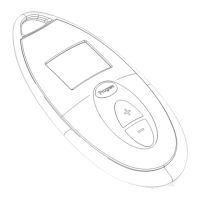
Explains the symbols and indicators on the remote control's LCD display.
How to adjust the hot water temperature using the remote control.
How to use the "Program" button to memorize temperatures.
Explanation of the "Priority" function and how to acquire/clear it.
Instructions for replacing the remote control batteries.
Guidelines for cleaning the remote control.
Steps to resolve the "no display" issue on the remote control.
Resolving issues with remote activation, display errors, and symbol clearing.
Resolving problems with memorizing temperatures and clearing the priority symbol.
 General
| Type | Remote Control |
|---|---|
| Brand | Bosch |
| Power Source | Battery |
| Battery Type | AAA |
| Compatibility | Bosch devices |

 To Next Page