VOICE ASSISTANT
30
|
ENG
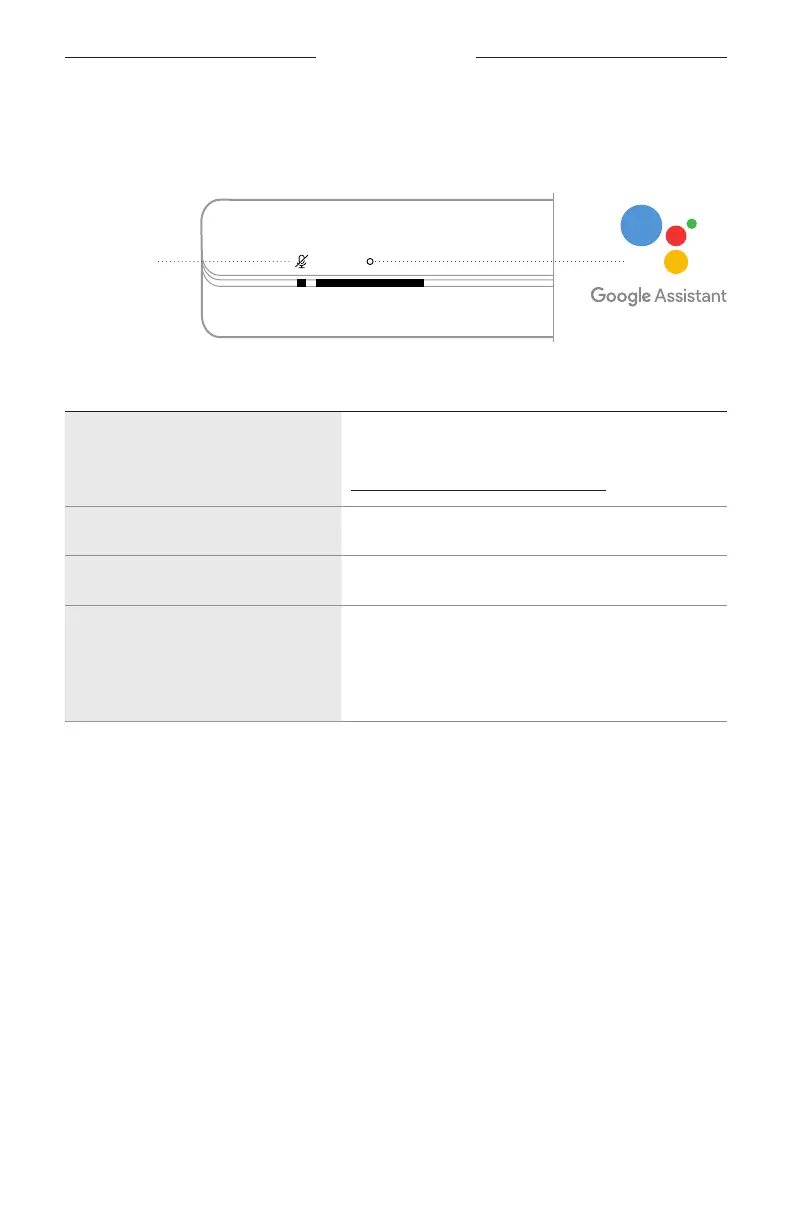
Use the soundbar controls
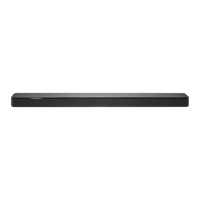
You can use the Action buon b and Microphone o buon n to control your
Google Assistant. They are located on the top of the soundbar.
THINGS TO TRY WHAT TO DO
Talk to your Google Assistant
Tap b then say your request.
For a list of things to try, visit:
hps://support.google.com/assistant
Stop alarms and timers Tap b.
Stop your Google Assistant Tap b.
Turn the microphone on/off
Tap n.
When the microphone is o, the Microphone o
indicator glows solid red, and you can’t access your
Google Assistant.
Microphone o
buon





 To Next Page