Introduction 10
Product Features ..................................................................................................................................................................................... 10
Available Accessories ..............................................................................................................................................................................11
Product Overview 12
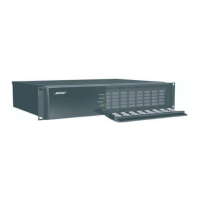
ESP-880A ....................................................................................................................................................................................................12
Front Panel ..........................................................................................................................................................................................12
Rear Panel ............................................................................................................................................................................................12
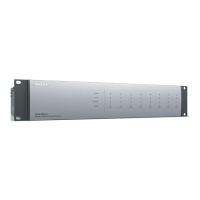
ESP-880AD .................................................................................................................................................................................................13
Front Panel ..........................................................................................................................................................................................13
Rear Panel ............................................................................................................................................................................................13
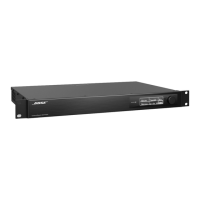
ESP-1240A .................................................................................................................................................................................................. 14
Front Panel ......................................................................................................................................................................................... 14
Rear Panel ........................................................................................................................................................................................... 14
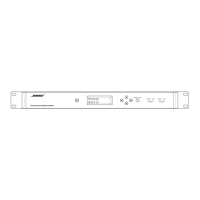
ESP-1240AD ................................................................................................................................................................................................ 15
Front Panel ..........................................................................................................................................................................................15
Rear Panel ............................................................................................................................................................................................15
Hardware Installation 16
1. Downloading & Installing ControlSpace Designer ..................................................................................................................16
2. Unpacking the Carton ........................................................................................................................................................................ 17
3. Rack-mounting the Processor ........................................................................................................................................................18
4. Connecting Analog Audio Devices ..............................................................................................................................................18
5. Connecting ControlCenter, AmpLink & Serial Control Devices ........................................................................................19
6. Connecting Dante-compatible Devices .....................................................................................................................................19
7. Connecting GPIO Devices .............................................................................................................................................................. 20
8. Connecting to a Network .................................................................................................................................................................21
9. Connecting to Power .........................................................................................................................................................................21
10. Configuring the Processor with ControlSpace Designer...................................................................................................21
Maintenance Operations 22
Firmware & Software Upgrades ........................................................................................................................................................22
Battery Replacement .............................................................................................................................................................................22
Troubleshooting .......................................................................................................................................................................................22
Technical Specifications 24
ESP-880A ...................................................................................................................................................................................................24
ESP-880AD ................................................................................................................................................................................................26
ESP-1240A ..................................................................................................................................................................................................28
ESP-1240AD .............................................................................................................................................................................................. 30
Software License Disclosure ................................................................................................................................................................31





 To Next Page