37
Quick guide
➡ Insert batteries, ensure correct position-
ing (P. 42)
➡ Connect cuff to monitor (P. 46)
➡ Attach cuff (P. 47)
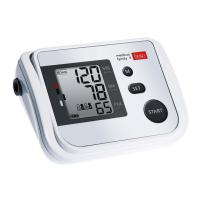
➡ Start (and stop) a measurement by
pressing the start button (P. 50)
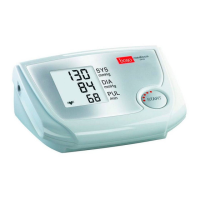
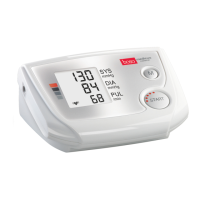
Measured systolic, diastolic and pulse
values are displayed after the measure-
ment is completed (P. 52)
➡ Retrieving values from memory (P. 54):
with the instrument switched off, press
the M button until “M” is displayed.
The first value displayed is the average
value of all stored measurements
together with the WHO classification.
The total number of stored measure-
ments is displayed at the same time,
e.g. “A30”. The individual measure-
ment values are then displayed in
sequence.
This quick guide does not replace the
detailed information on the use and
safety of the blood pressure monitor fea-
tured in the user instructions.
Please be sure therefore to read
the user instructions!


 To Next Page