BOSS Electronics 7” PC TABLET User Guide
14
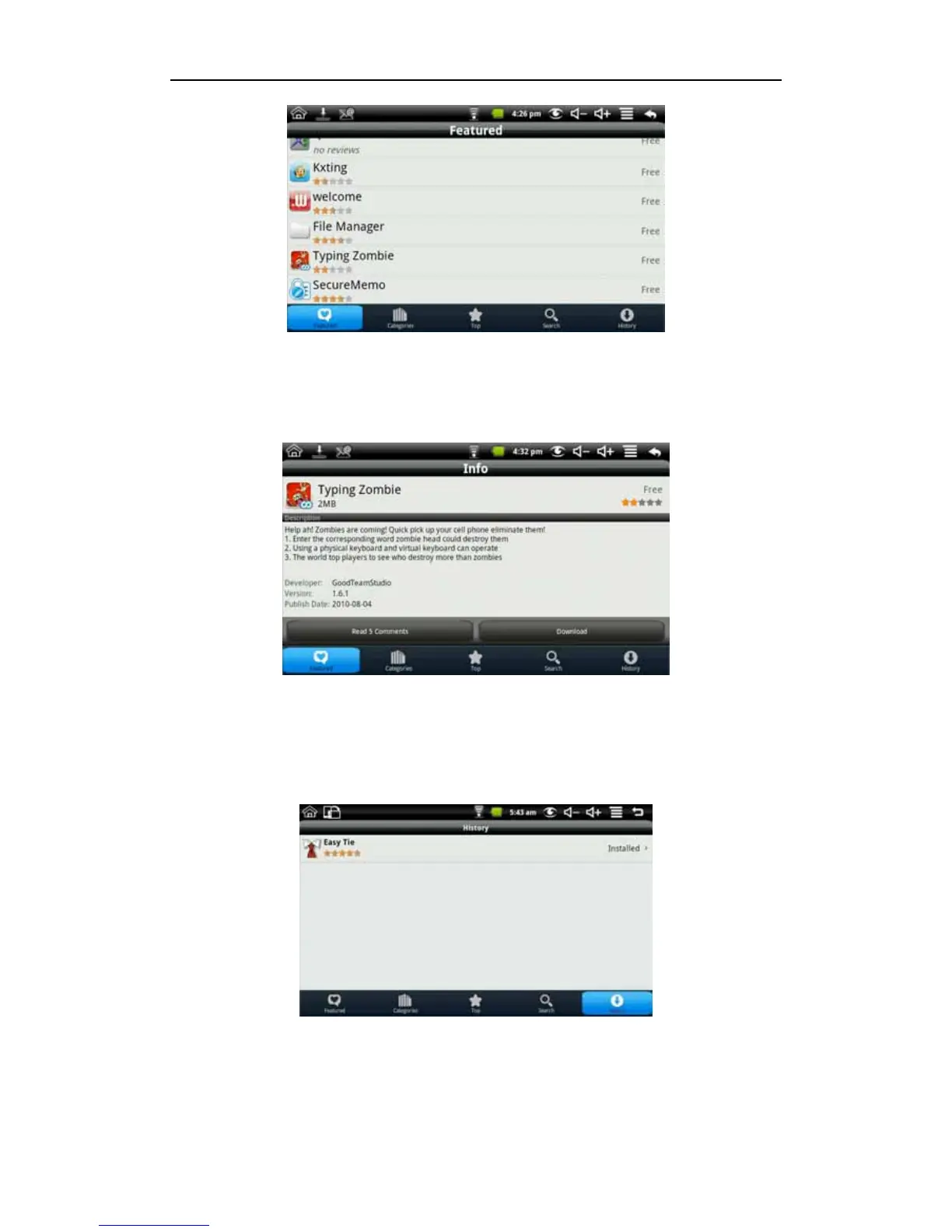
Click the application you want to download to enter the details interface. Click download, it
will pop up enter account password. Enter your account password after the start the
download. The next picture is an example for Chinese Chess:
After the download is complete it will pop up installation tips automatically, click to install
the application on your device.
After installation is complete you can click history to manage the installed applications. As
the following figure on history for the application
The actions you can access are: comment, open and uninstall.


 To Next Page