13
Using the Tempo Delay
Setting the Tempo Using an
External Footswitch
Connecting an optional footswitch (FS-5U) to
the TEMPO/EXP jack lets you set the tempo
delay by inputting the tempo.
* You can input the tempo with the external pedal
regardless of whether the effect is on or off.
1.
Connect the FS-5U to the TEMPO/EXP
jack
* Use a connecting cord with a 1/4” phone plug.
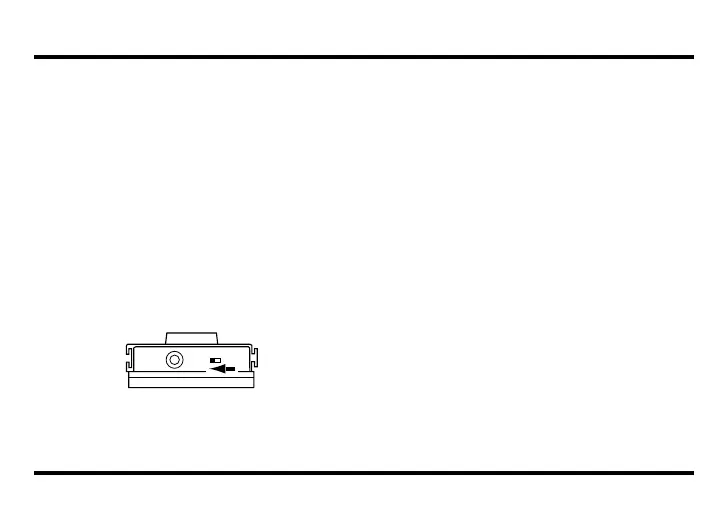
* On the FS-5U, move the polarity switch toward
the jack.
* The FS-5L cannot be used.
2.
Select the mode
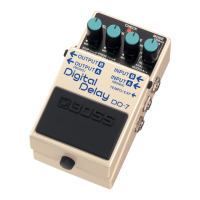
Use the MODE knob to select the mode to
be used.
* Inputting the tempo is not possible in HOLD
mode.
3.
Start inputting the tempo
Press the pedal switch in time with the
song’s tempo
(Effect off: CHECK indicator flashes red; effect
on: CHECK indicator flashes red and green).
* The timing with which you press the pedal is
converted to quarter-note beats.
* Tempo input using the built-in pedal is not
possible.
* Turning the D.TIME knob resets the delay time
to that indicated by the knob’s position.
DD-7_e.book 13 ページ 2008年3月7日 金曜日 午前11時18分


 To Next Page